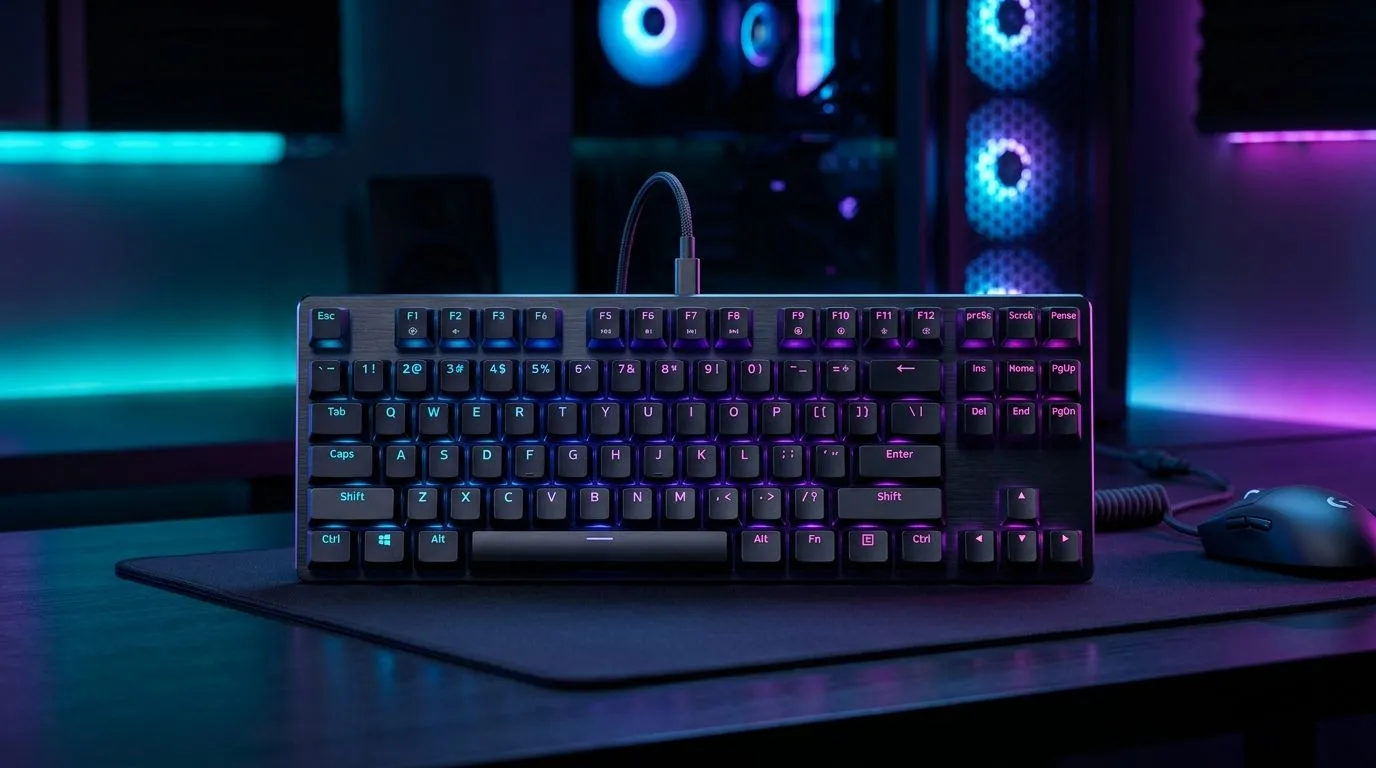
TKL Gaming Keyboard Desk Space Tips for More Mouse Freedom: stop fighting your own setup 😤
If your mouse feels “too small” on your desk, you’re not imagining it. Most gamers lose control from poor spacing, not poor aim. A full-size keyboard crowds your movement. Then your wrist shifts, your mouse skims awkward angles, and aim consistency suffers. The good news? With TKL gaming keyboard desk space tips for more mouse freedom, you can reclaim real estate fast… and it costs nothing but a few smart adjustments.
TKL Gaming Keyboard Desk Space Tips for More Mouse Freedom: measure like a competitive player 🔧
Before you buy anything, do a quick reality check. TKL layouts (tenkeyless) remove the number pad. That usually creates more lateral room for your mouse hand. But the real win is how you place it.
Start with two distances
- Mouse-to-keyboard gap: Aim for 8–12 cm between your mouse front and keyboard edge.
- Keyboard-to-you distance: Keep the keyboard far enough that your elbow doesn’t float awkwardly, usually 5–10 cm from the desk edge.
If your desk is short, try sliding the keyboard slightly farther back. Then pull your mouse closer to your body. Your arm path gets smoother… and fewer micro-corrections.
Use a desk edge “anchor”
Place a strip of tape on the desk edge where your mouse usually sits. Keep it consistent while you test keyboard position. Tiny changes matter more than you think.
Productivity Pro Tip ⚡
On Windows, use PowerToys FancyZones to create snap zones for your browser, Discord, and game launchers. When your desk space is tight, organising windows reduces reach and keeps your gaming posture stable while you switch between streams, guides, and lobbies. This pairs perfectly with a TKL setup because your hands stay in one comfortable zone. "
TKL Gaming Keyboard Desk Space Tips for More Mouse Freedom: placement tricks that actually work ✨
Try these moves in order. They’re simple, but they’re the difference between “I can play” and “I can be consistent.”
1) Angle the keyboard to align your wrist
Rotate the keyboard slightly toward your mouse hand, typically 5–15 degrees. If your wrist bends inward, it’s usually too much rotation. If your forearm feels cramped, try less.
2) Switch your mouse grip space first
Some players move the keyboard, others move the mouse. For most, the best sequence is: set mouse position first, then place the TKL keyboard to support it. That reduces reach and keeps your sensor movement predictable.
3) Consider a compact keyboard + desk accessory combo
If you’re still tight on space, choose a TKL keyboard that doesn’t add extra bulk. Start with deals and combos so you can compare sizes, connectivity, and ergonomics without wasting time:
4) If you game on multiple devices, think connectivity
Connectivity changes how you cable and where you place your keyboard. Wired setups can clear desk clutter if you route the cable behind the desk. Wireless can reduce cable drag, but you still need enough slack.
TKL Gaming Keyboard Desk Space Tips for More Mouse Freedom: build a setup that lasts 🚀
A desk layout should survive sweaty sessions and last-minute queue swaps. One strong approach is to buy a keyboard and mouse together. When they’re meant for gaming, you’re less likely to end up with uneven surface heights or mismatched cursor travel feel.
Quick self-test: do a 10-second tracking drill. If you’re lifting your wrist or “reaching” for the mouse, your keyboard is stealing motion. Fix the spacing, not your aim.
Ready to Find Your Perfect Match?
The Mac vs Windows debate is complex, but for maximum power, choice, and value in South Africa, Windows is hard to beat. Explore our massive range of laptop specials and find the perfect machine to conquer your world.