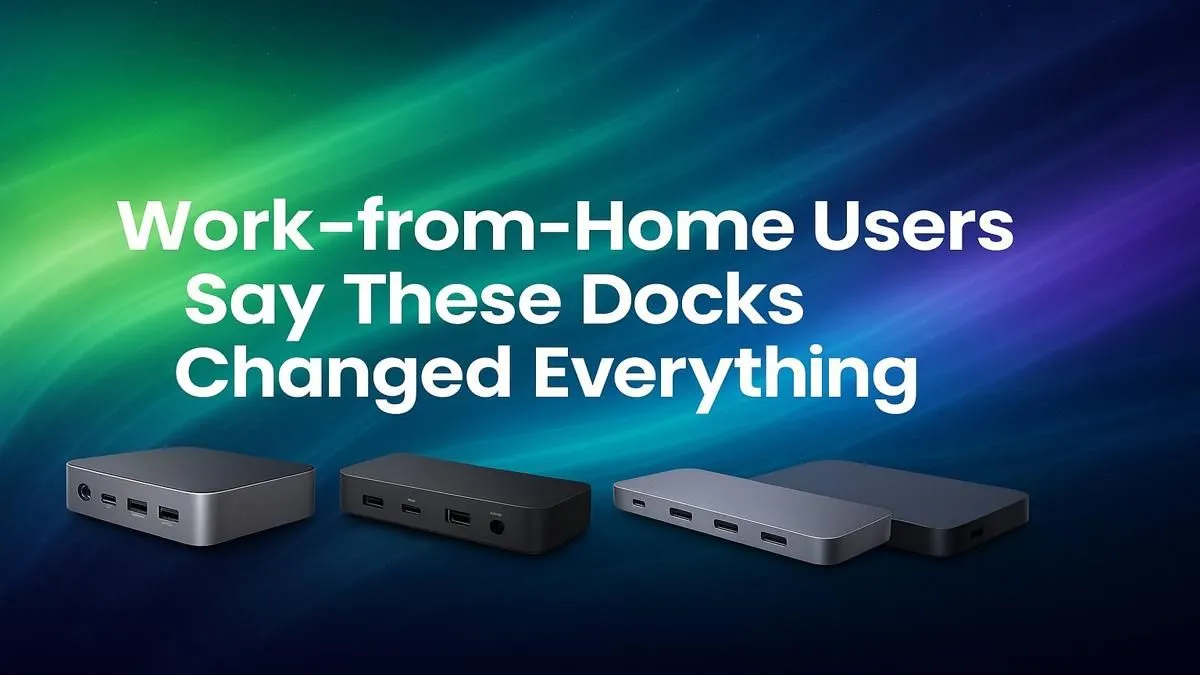
Tired of your work-from-home desk looking like a pot of cable spaghetti? Juggling chargers, dongles, and adapters just to connect your monitor and mouse is a productivity killer. What if one single cable could connect everything to your laptop instantly? That’s the magic of a docking station. It’s the single best upgrade for any South African WFH professional looking to create a clean, powerful, and efficient workspace. ⚡
Why Your WFH Setup Needs a Docking Station
Let's be honest, most modern laptops favour sleekness over ports. While that’s great for portability, it’s a pain when you’re trying to build a proper desk setup. The best work-from-home docks solve this by acting as a central hub for all your peripherals.
Instead of plugging in your monitor, keyboard, mouse, webcam, and charger one by one, you connect them all to the dock. Then, a single USB-C or Thunderbolt cable runs from the dock to your laptop. That’s it. It declutters your desk, powers your laptop, and gives you access to everything in one go. It’s a simple solution that makes starting your workday feel seamless.
Finding the Top Dock for Your Home Office
Not all docks are created equal. The right one for you depends on your specific needs and budget. Are you running a single 1080p screen or dual 4K displays? Do you need a stable, wired internet connection? Answering these questions will help you find the perfect match from our wide range of docking stations.
The Budget-Friendly Boost
If you’re looking to simply expand your ports and connect a single external monitor without breaking the bank, there are fantastic options available. These docks are perfect for students or professionals with a straightforward setup. They provide essential ports like HDMI, USB-A, and SD card readers, turning your laptop into a far more capable machine. You can find some seriously effective WFH docks for under R1000 that will instantly improve your workflow.
Check Your Ports! 🔧
Before you buy, check if your laptop has a Thunderbolt™ or a DisplayPort-enabled USB-C port. This determines what kind of dock you can use, especially if you plan on running multiple high-resolution monitors. The port usually has a small lightning bolt (Thunderbolt) or 'DP' (DisplayPort) symbol next to it.
The Power User's Hub
For creatives, developers, or anyone needing a high-performance setup, a more powerful dock is a must. These models support multiple 4K monitors, offer faster data transfer speeds, and include an Ethernet port for rock-solid internet during those crucial Teams calls. Investing a bit more unlocks a truly professional-grade workstation. Explore our powerhouse docks under R2000 to handle any task you throw at them. ✨
Trusted Brands for a Tidy Desk
When choosing from the top docks for work-from-home users, sticking with a reputable brand ensures reliability and compatibility. You want a device that just works, every time you plug it in. Brands like Promate, for example, offer a fantastic selection of hubs and docks known for their solid build quality and diverse port options, catering to nearly every WFH scenario.