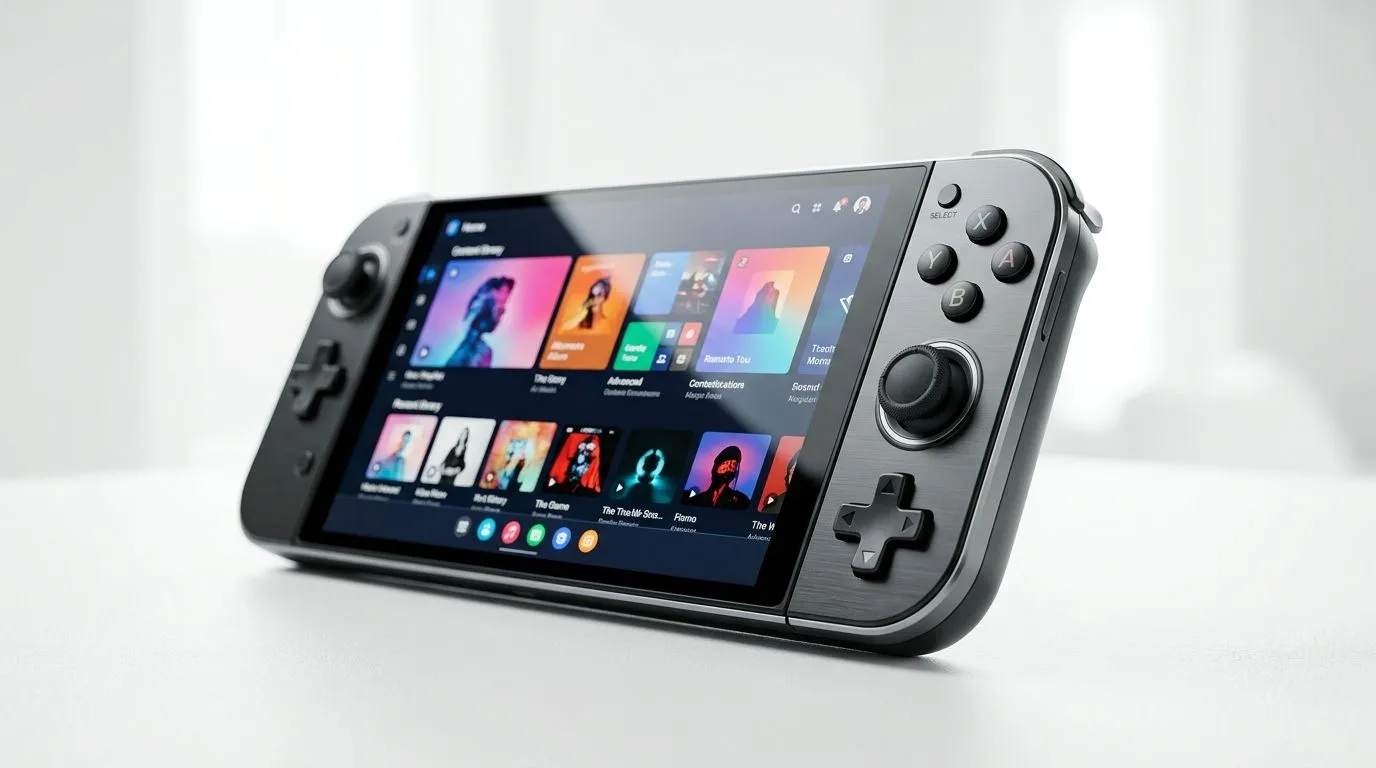
Touch Panel Inputs vs Analog Stick Navigation: Why your aim feels “off” sometimes
Walk into any PC game store in South Africa and you’ll hear the same complaint… “My aim feels floaty.” One minute you’re landing headshots, the next you’re drifting past targets. That’s often not your sensitivity alone. It’s the way your controller gathers input. Touch panel inputs and analog stick navigation both “translate” your intent into movement… but they do it in very different ways. Let’s break down what that means for real play. ✨
Touch Panel Inputs vs Analog Stick Navigation: The core difference (and how it affects aiming)
Analog sticks: smooth, familiar, and predictable… if tuned right
Analog sticks measure tilt from a physical axis. That usually makes movement feel continuous and intuitive. In shooters, the stick’s range affects fine aiming, especially when you’re trying to correct micro-errors while strafing.
Touch panels: instant gestures, but less forgiving for aiming precision
Touch panels react to finger position and movement. That can be great for quick actions, menus, or camera control depending on the game’s support. However, touch movement can introduce “gesture bias” (your hand prefers swiping) which is tougher to calibrate for steady thumbstick-style corrections. If a game expects thumbstick input patterns, touch controls can feel like you’re constantly re-learning.
The practical takeaway for South African players
If you play competitive titles, analog sticks tend to remain the most consistent choice because most games are designed around them. Touch panels can still be useful, especially for hybrid control layouts, but don’t assume they’ll automatically match thumbstick precision.
Touch Panel Inputs vs Analog Stick Navigation: Real-world setup tips before you blame your sensitivity
Match control type to game demands
- Competitive shooters, fighters, platformers: prioritise analog stick navigation for camera and movement consistency.
- Racing, tactics, UI-heavy games: touch panels can help with quick gestures and menu navigation.
Tune deadzones and response curves (seriously… it matters)
Controller drift or “mushy” aim usually comes from deadzones and response curves. Lower deadzones can improve micro-movement, but too low can cause drift. Aim for stability first, then refine.
Productivity Pro Tip 🔧
On Windows, use the PowerToys FancyZones utility to create custom snap layouts for your windows. It's a lifesaver for managing multiple apps on an ultrawide monitor, letting you organise your timeline, preview window, and asset folders perfectly for video editing.
Try a 10-minute calibration habit
- Pick one aim-heavy map.
- Test movement and camera control for 5 minutes.
- Change only one setting at a time (deadzone OR sensitivity OR response curve).
- Stop after you hit “consistent,” not after you chase “perfect.”
Touch Panel Inputs vs Analog Stick Navigation: Choosing the right controller in SA (with good value in mind) 💡
Not all controllers handle touch or stick input the same way. If you want a controller that supports tournament-style performance, start with a model that’s built for accuracy and repeatable inputs. For example, the Razer Wolverine V3 Tournament Edition (8K) is designed around high-performance responsiveness, which matters when you’re comparing control methods in twitch scenarios. You can check current options here: Razer Wolverine V3 Tournament Edition 8K best deal.
If you’re still deciding between controller styles altogether, start broader: Evetech’s guide helps you pick from different controller options based on your play style and budget. Browse it here: buy gaming controllers.
And if you already know you want Razer, filter the range so you’re comparing like-for-like: buy gaming controllers (Raze).
Touch Panel Inputs vs Analog Stick Navigation: How to test in your own library (without wasting hours) 🚀
You don’t need a lab. You need a repeatable test:
- One movement-heavy game (for stick feel).
- One UI-heavy or gesture-friendly game (for touch feel).
- One “aim correction” moment (tracking a moving target while strafing).
If your touch controls feel great in menus but worse in aim scenarios, you’re not “bad.” You’re experiencing a control mismatch. Use touch for what it does well… and let the sticks handle what games expect.
Touch Panel Inputs vs Analog Stick Navigation: Ready to upgrade your input experience?
If you’re shopping, don’t just look at features. Consider input consistency, your main game genre, and whether your controller supports the control style your games are tuned for. When the hardware and input method line up, your settings suddenly “make sense” again.
Ready to Find Your Perfect Match?
The Mac vs Windows debate is complex, but for maximum power, choice, and value in South Africa, Windows is hard to beat. Explore our massive range of laptop specials and find the perfect machine to conquer your world.