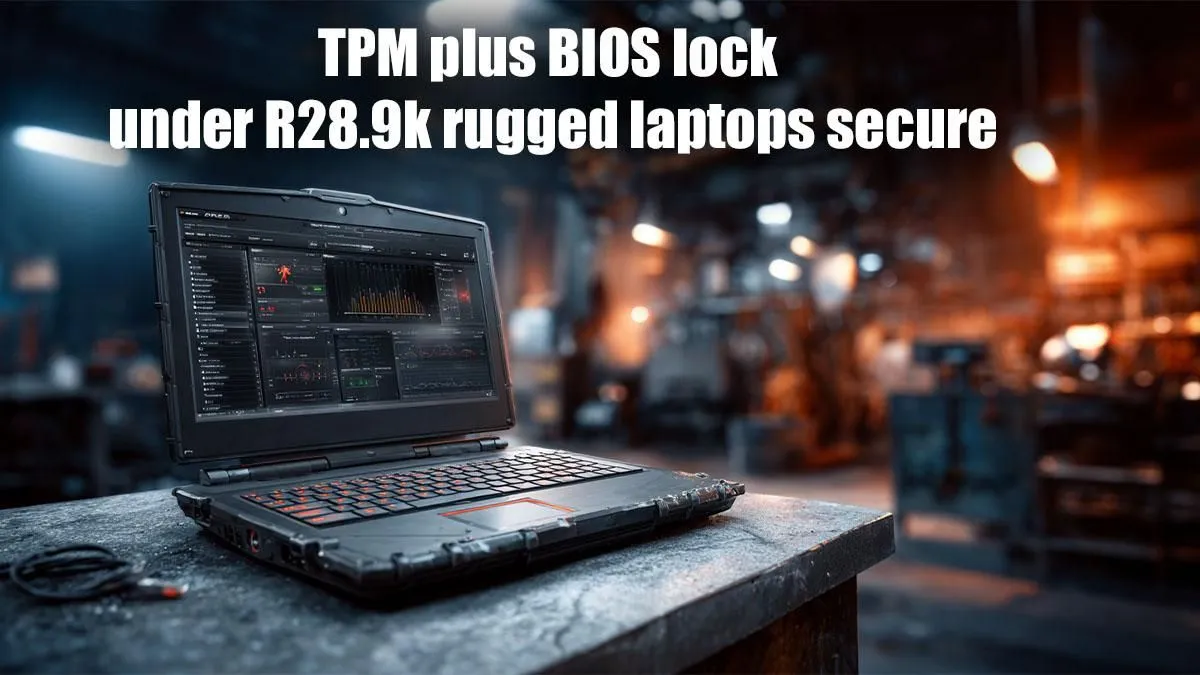
So, you're working on-site in Jozi or travelling between client meetings in Cape Town? When you invest in a serious piece of kit like a R28.9k rugged laptop, you're buying more than just performance... you're buying peace of mind. But while its tough exterior handles bumps and spills, the real protection lies deeper. Advanced security like TPM and BIOS lock enhancements are the unsung heroes that safeguard your data from prying eyes. Let's break down why.
Understanding Your Digital Fortress 🛡️
Before we dive into why these features are essential for a rugged machine, what are they? Think of them as two layers of a high-tech security system for your laptop's data.
What is a TPM Chip?
TPM stands for Trusted Platform Module. It's a tiny, dedicated security chip physically attached to your laptop's motherboard. Its main job is to handle cryptographic keys. In simple terms, it creates and stores the digital keys that lock (encrypt) and unlock (decrypt) your data, making it nearly impossible for someone to access your files just by pulling out the hard drive. Many of the powerful Intel laptops on special today rely on this hardware for robust security.
What is a BIOS Lock?
The BIOS (or its modern version, UEFI) is the first thing that loads when you power on your machine. A BIOS lock is a password that prevents unauthorised users from changing fundamental hardware settings. Enhanced BIOS locks on rugged laptops go further, allowing you to disable specific ports or prevent the device from booting from a USB stick, effectively stopping common data-theft techniques in their tracks.
Why These Security Enhancements are Critical on Rugged Laptops
A standard office laptop rarely leaves the building. A rugged laptop, however, lives a tougher life. It's in the bakkie, on a construction site, or in a field agent's backpack. The risk of physical theft or loss is significantly higher.
This is where TPM and BIOS lock enhancements for R28.9k rugged laptops become non-negotiable. If your device is stolen:
- The BIOS lock stops the thief from booting up a different operating system from a USB drive to bypass your Windows password.
- The TPM chip ensures that even if the thief removes the solid-state drive and puts it in another computer, the data remains a garbled, encrypted mess.
This multi-layered defence is a core feature, and you'll find similar security foundations in our range of AMD laptops on special, protecting your valuable information no matter the brand.
Is the R28.9k Price Tag Justified by Security? ✨
When you see a price like R28.9k, it's easy to focus on the processor or the reinforced chassis. But a huge part of that value is the enterprise-grade security that protects your intellectual property and sensitive client data. Losing your data could cost your business far more than the price of the hardware.
This focus on internal security isn't just for business machines. The principles of protecting high-value components and data are just as relevant when you're looking for the best gaming laptop deals, where your investment in top-tier graphics cards and processors also deserves top-tier protection. Ultimately, these advanced security features are what elevate a tough laptop into a truly rugged, reliable business tool. 🔧
BIOS Password Pro-Tip
Your BIOS UEFI password is your first line of defence. Make it strong and unique—different from your Windows login. Combine upper lowercase letters, numbers, and symbols. Never write it down on the device itself!