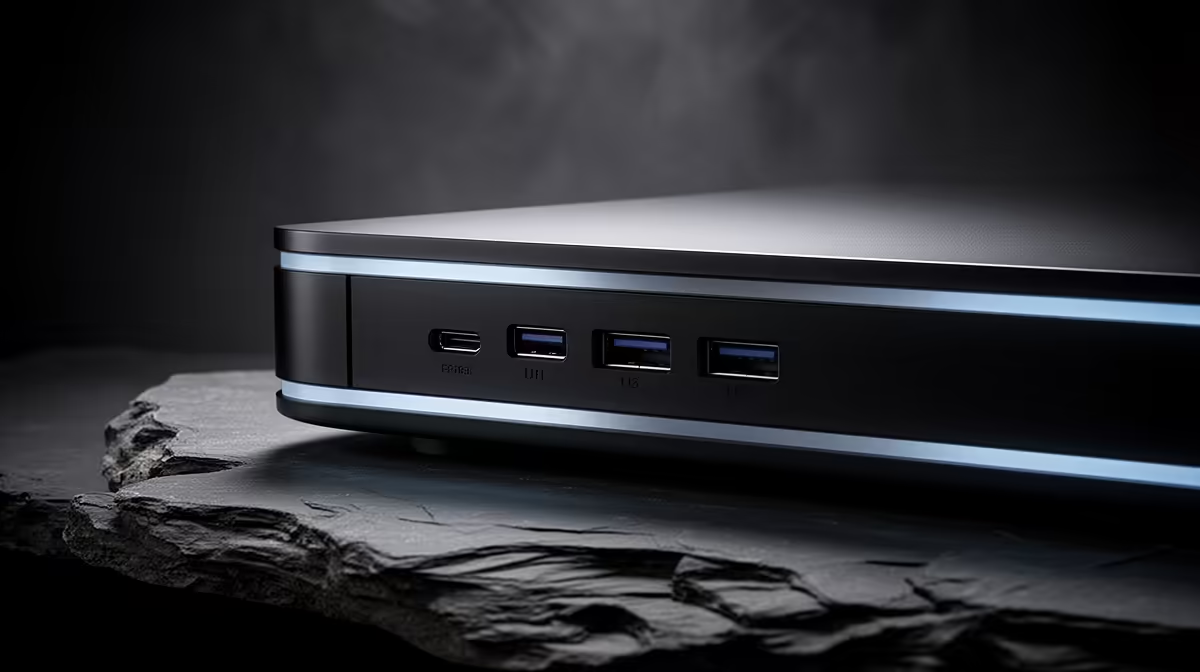
The story of UGREEN's NAS range in 2026 is the story of how quickly a newcomer caught up. A couple of years ago the cable brand's network storage felt like a gamble; now the DXP line runs a mature operating system, takes whatever drives you already own, and undercuts the establishment on price while matching it on speed. For anyone building home or small-office storage in South Africa, it deserves a serious look.
Quick Answer
UGREEN's 2026 DXP NAS units run UGOS Pro, accept any CMR hard drive and any standard M.2 NVMe with no brand lock-in, and the DXP4800 Plus ships with native 10GbE. That combination gives you faster networking and freer drive choice than comparable locked-down rivals, often at a lower total cost. The newer GT series introduced at Computex 2026 raises the bar further with AMD Ryzen Embedded processors and dual 10GbE on the four-bay model.
How UGOS Pro grew up
When UGREEN first shipped NAS hardware, the software was the weak point. By 2026, UGOS Pro has filled out into a capable platform: a clean web interface, snapshots, container support via Docker, virtual machine hosting, multimedia handling, and remote access without fighting your router. The built-in Ugreenlink service lets you reach files from anywhere without configuring a public IP, which removes one of the more frustrating setup steps for home users.
UGOS Pro also handles photo management with AI-powered organisation and semantic image search, cloud storage mounting, Time Machine backup for Mac users, RAID management, two-factor authentication, an encrypted remote access tunnel, firewall controls, and fine-grained permission management. It is not trying to out-feature every veteran platform on day one, but it now covers what most home and small-office users actually do with a NAS, and it keeps improving through regular updates.
The DXP models, explained
The DXP family scales by bay count and horsepower. Two-bay units like the DXP2800 suit a single household backing up photos and documents and support up to 80TB of total storage across SATA and M.2 slots. Four-bay models such as the DXP4800 Plus give you room for a proper storage pool with redundancy, and step up to faster networking. Larger DXP units add bays and compute for heavier multimedia and virtualisation work. Across the line, you fit your own CMR drives and NVMe cache, which is where UGREEN's openness pays off. The diskless NAS and storage enclosures at Evetech let you pair the chassis with exactly the drives you want.
Why the DXP4800 Plus stands out
Native 10GbE on the DXP4800 Plus is the headline for the existing line. Most competing four-bay units at this level still ship with gigabit and ask you to buy an add-in card for faster networking. Built-in 10GbE, paired with a fast client and a compatible switch, allows large file transfers and video editing over the network to move at a pace gigabit simply cannot reach. The DXP4800 Plus also runs an Intel Pentium Gold 8505 five-core processor with a 10GbE plus 2.5GbE port combination, giving the unit solid compute for transcoding and container workloads alongside the storage work.
The 2026 GT series: more power, AMD silicon
Unveiled at Computex 2026, the DXP4800GT and DXP2800GT replace Intel silicon with an AMD Ryzen Embedded R2514 processor running four cores, eight threads, and a boost frequency up to 3.7GHz. That is a meaningful step up in compute headroom for anyone running containers or light virtualisation alongside storage duties. The DXP4800GT adds dual 10GbE ports and supports up to 144TB of total capacity across its four SATA bays and M.2 slots, while the DXP2800GT covers the two-bay user with one 10GbE port and up to 80TB. Both retain UGOS Pro and the same open drive compatibility.
No drive lock-in, and why it matters
Some rivals restrict their newer models to a validated list of their own branded drives for full functionality. UGREEN does not. Any CMR mechanical drive and any standard M.2 NVMe works, so you are free to shop on price and capacity rather than a compatibility whitelist. Fill the bays with high-endurance SSDs from the SSD best sellers for caching, or load CMR hard drives for bulk capacity, and the NAS treats them all as first-class citizens.
How it compares for value
Against the long-established names, UGREEN's pitch is straightforward: similar features, faster default networking on the Plus and GT models, no drive lock, and a keener price. The trade is platform maturity, where the veterans still have more years and a deeper third-party app ecosystem behind them. For a home lab or a small office that wants speed and freedom of drive choice without overpaying, the DXP line makes a strong case in 2026, and the GT series arriving mid-year raises the ceiling on what the brand can deliver.
Setting up a UGREEN NAS well
The hardware is only part of the picture. For best results, pair the NAS with a switch that matches its networking tier: a 2.5GbE switch for the DXP2800 GT is a cost-effective step up from standard gigabit, and a 10GbE switch for the DXP4800GT or DXP4800 Plus is where the network speed advantage becomes tangible on the desktop. Place the NAS on a UPS if your home or office sees any power instability, since a sudden shutdown mid-write is the main cause of data loss on any NAS platform. And set up automated snapshots from day one: UGOS Pro supports them, and a snapshot schedule costs nothing but saves everything if a ransomware event or accidental deletion hits.
Frequently Asked Questions
Does UGREEN lock me into its own hard drives?
No. The DXP models accept any CMR mechanical drive and any standard M.2 NVMe. There is no validated-drive whitelist limiting functionality, which sets UGREEN apart from some rivals.
Which DXP model has 10GbE built in?
The DXP4800 Plus includes one 10GbE and one 2.5GbE port without an add-in card. The newer DXP4800GT steps up to dual 10GbE. You need a matching switch and a capable client to see the full network benefit.
Is UGOS Pro mature enough to trust with backups?
By 2026 UGOS Pro supports snapshots, redundant storage pools, Docker containers, virtual machines, encrypted remote access, and Time Machine backup. It is well suited to home and small-office backup duties, though the longest-running platforms still have a larger app catalogue.
Can I run Docker containers on a DXP NAS?
Yes. UGOS Pro includes container support, so you can self-host services and apps directly on the NAS rather than running a separate always-on PC.
What changed in the 2026 GT series?
The DXP4800GT and DXP2800GT introduced at Computex 2026 move from Intel to AMD Ryzen Embedded R2514 silicon, add more cores and higher boost clocks, and bring dual 10GbE to the four-bay model. Drive compatibility and UGOS Pro remain unchanged.
How many bays do I need?
Two bays cover basic household backup. Four bays let you build redundancy so a single drive failure does not cost you data, which is the sweet spot for most home and small-office setups.