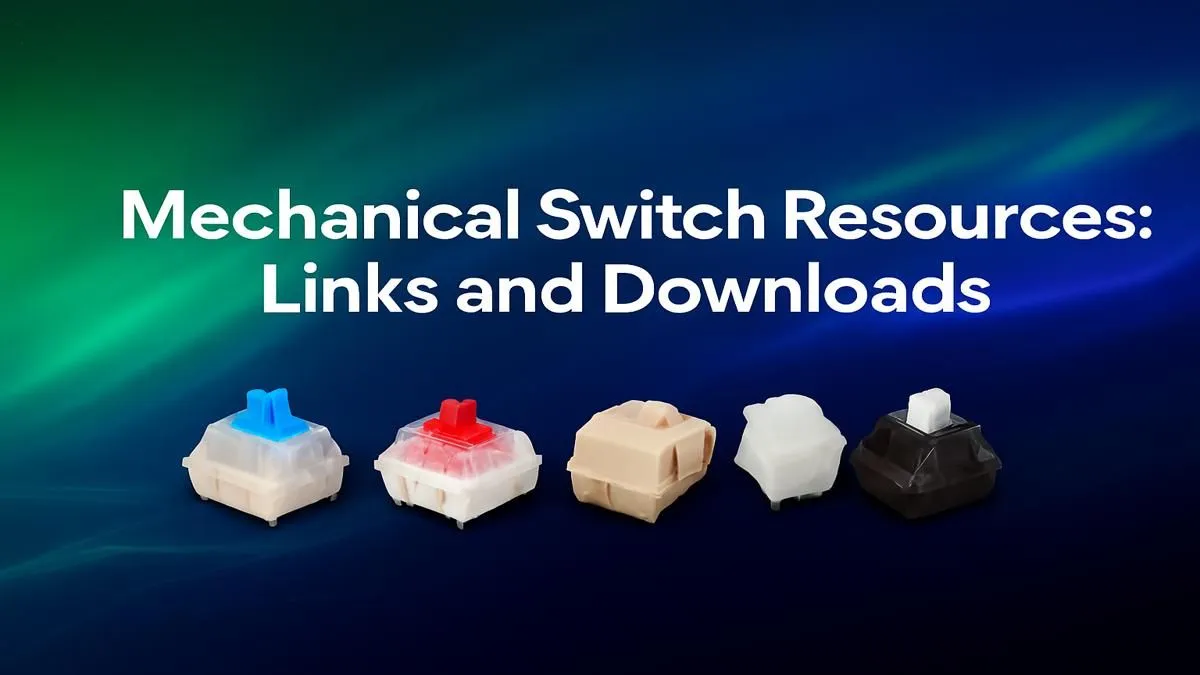
Tired of mushy, generic keyboards? Diving into the world of mechanical switches can feel like a rabbit hole of colours and specs. Red, Blue, Brown… what’s the difference, and which one is right for you? Don't stress. This ultimate guide provides all the mechanical switch resources a South African gamer needs to find their perfect match, transforming every keystroke from a tap into a statement. Let's get clicking. ⌨️
Demystifying Mechanical Switches: What's the Big Deal?
So, what's all the fuss about mechanical keyboards? Unlike the rubber-dome keyboards that often come with pre-built PCs, mechanical keyboards use an individual physical switch under every single key. This design offers superior precision, durability, and a typing feel that's simply… better.
Each switch consists of a housing, a spring, and a stem. When you press a key, the stem travels down, and the mechanism registers the keystroke, often long before you "bottom out" (press the key all the way down). This leads to faster, more accurate typing and gaming. The result is a responsive and satisfying experience that, once you've tried it, makes going back to a membrane board feel like typing on a wet sponge. The difference is night and day, especially on premium gaming keyboards designed for performance.
Linear, Tactile, or Clicky? Finding Your Perfect Feel
The magic of mechanical keyboards lies in the variety of switch types available. Understanding the three main categories is the most important part of this mechanical switch guide. Each offers a distinct feel and sound, catering to different preferences.
Linear Switches (e.g., Cherry MX Red)
Smooth and consistent, linear switches have no tactile "bump" or audible click during the keystroke. They move straight down and back up. This makes them a favourite for fast-paced gaming where rapid, repeated key presses are essential for victory. They are also the quietest of the three, making them a great choice for office environments or late-night gaming sessions.
Tactile Switches (e.g., Cherry MX Brown)
The perfect middle ground. Tactile switches provide a small, noticeable bump at the point of actuation, giving you physical feedback that your keypress has been registered. They aren't as loud as clicky switches but still offer that satisfying confirmation. This makes them incredibly versatile and a popular choice for people who use their PC for both gaming and a lot of typing. If you need one board to do it all, a tactile switch is a brilliant starting point.
Clicky Switches (e.g., Cherry MX Blue)
Loud and proud! Clicky switches deliver the iconic "click-clack" sound that many associate with mechanical keyboards. They have a distinct tactile bump and an audible click sound at the point of actuation. Typists often love them for the incredible feedback they provide, but be warned: your teammates on Discord or anyone else in the room might not appreciate the noise.
Still undecided? Sometimes the best way to get started is with a great all-around package. You can often find excellent value when you complete your setup with a keyboard and mouse combo that features one of these popular switch types.
Switch Quick Guide ✨
Linear (Reds): Smooth, fast, and quiet. Best for competitive gamers. Tactile (Browns): A noticeable bump with moderate noise. The ultimate all-rounder for gaming and typing. Clicky (Blues): A sharp bump with a loud "click." The most satisfying for pure typists.
Your Go-To Mechanical Switch Resources & Tools
Reading about switches is one thing, but experiencing them is another. This collection of mechanical switch resources will help you make a more informed decision.
- Sound Tests: Before you commit, search for "keyboard switch sound tests" on YouTube. Hearing the difference between a Gateron Brown and a Cherry MX Blue can be a real eye-opener.
- Switch Testers: For the true enthusiast, a switch tester is a small board with various individual switches mounted on it. It’s the single best way to physically feel the differences without buying multiple keyboards.
- Go Custom: Did you know you don't have to be stuck with the switches that came with your keyboard? If you have a "hot-swappable" board, you can pull switches out and pop new ones in without any soldering. It's the ultimate way to experiment and find your perfect feel. You can explore our range of individual keyboard switches to start your customisation journey.
Customising Your Experience: Keycaps and Comfort 🔧
Your keyboard journey doesn't end with the switch. The look and feel can be completely transformed with a few simple upgrades.
New keyboard keycaps can change the entire aesthetic of your setup. They come in different materials, like durable PBT plastic, and various profiles that alter the height and shape of the keys. It’s a fantastic way to add a splash of colour and personality to your desk.
And don't forget about ergonomics! Long hours of gaming or typing can take a toll on your wrists. Investing in a quality wrist rest provides crucial support, promoting a more neutral wrist posture and reducing strain. It’s a small change that makes a massive difference in comfort.
Ready to Find Your Perfect Feel?
Choosing the right mechanical switch is a personal journey, but it's the key to unlocking peak performance and satisfaction. Explore our massive range of gaming keyboards and find the perfect board to conquer your world.