Quick Answer
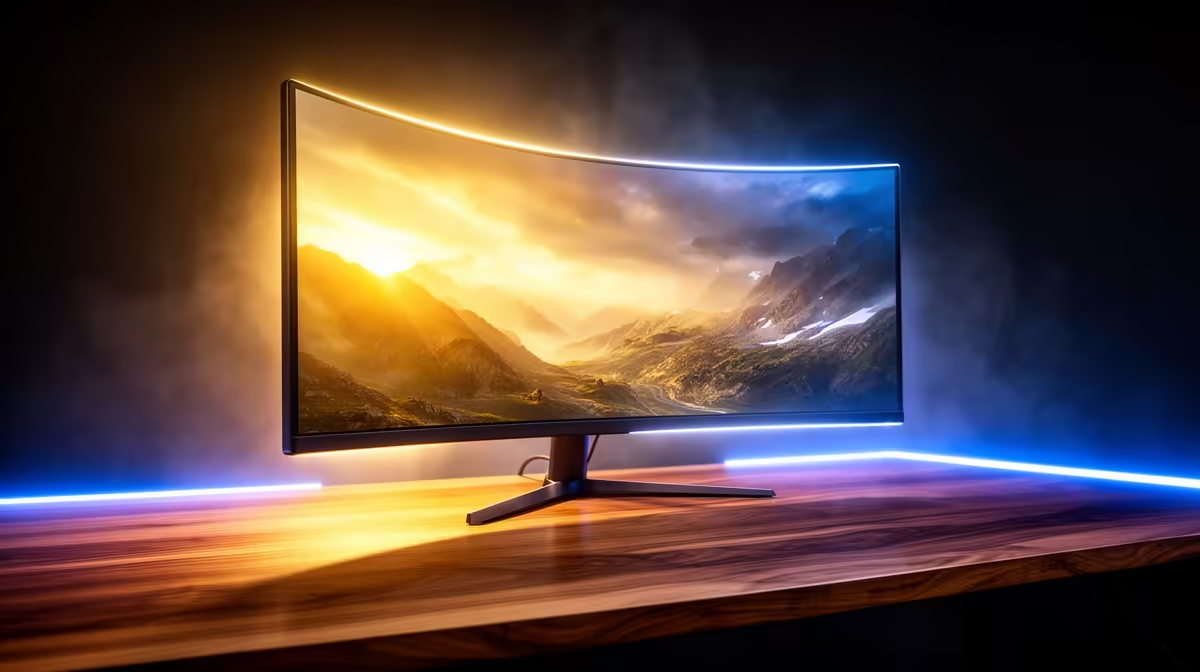
For Boksburg residents, a 34-inch 21:9 ultrawide at 144 Hz is the practical entry point — models like the LG 34WP65G-B sit around R5,500–R6,500 at Evetech and deliver a meaningful upgrade over a standard 27-inch 16:9 panel. If budget stretches to R10,000+, a 34-inch QD-OLED (Samsung Odyssey OLED G8) delivers HDR, 175 Hz refresh, and sub-0.1 ms response. Both ship next-day to Boksburg.
Panel Types: VA, IPS, and OLED on Ultrawides
Most entry and mid-range ultrawides use VA panels (high contrast ~3,000:1, deep blacks, slight motion blur) or IPS panels (accurate colour, faster response, lower contrast ~1,000:1). At the pro tier, QD-OLED delivers perfect blacks, 0.03 ms response, and 1,000 nits peak brightness — but sits above R10,000 and carries burn-in risk for static elements like taskbars.
For Boksburg gamers running an RTX 4070 or RX 7700 XT, a 3440×1440 IPS at 144 Hz is a realistic target: those GPUs push 80–100 fps in most games at ultra settings at that resolution.
Refresh Rate and Resolution Guide
1080p ultrawide (2560×1080): Budget-friendly, but pixel density is noticeably lower than 1440p. Fine for casual gaming under R4,500.
1440p ultrawide (3440×1440): The sweet spot. Enough pixels to look sharp on a 34-inch panel, demanding enough to keep a mid-range GPU relevant for 2–3 years. 144 Hz is standard at this tier, 165 Hz and 175 Hz available on premium models.
4K ultrawide (5120×2160): Extremely demanding. Only the RTX 4090 and RX 9070 XT push this well. Panels start above R15,000.
Delivery and Pickup in Boksburg
Boksburg is in the East Rand, within Evetech's next-day Gauteng delivery zone. Large monitors ship in reinforced packaging — orders before 13:00 on weekdays typically arrive the next morning. Click-and-collect is available for residents who prefer to inspect the box before leaving the warehouse.
FAQ
What GPU do I need to drive a 3440×1440 ultrawide at 144 Hz?
An RTX 4070 or RX 7700 XT handles most AAA titles at 80–100 fps on 3440×1440 at high/ultra settings. For consistently above-144 fps in esports titles, an RTX 4070 Ti Super or RX 7800 XT is a better match.
Are ultrawide monitors worth it for productivity in Boksburg home offices?
Yes. A 34-inch 3440×1440 ultrawide replaces a dual-monitor setup and eliminates the bezel gap. Spreadsheet work, video editing timelines, and multi-window coding all benefit from the extra horizontal space. Most models also support picture-by-picture for connecting a laptop and desktop simultaneously.
What's the difference between a 21:9 and 32:9 ultrawide?
A 21:9 (34 or 38 inches) is one wide panel. A 32:9 (49 inches) is the equivalent of two 27-inch 16:9 monitors side by side — much wider, immersive for flight sims and racing but demanding on GPU and desk space. 32:9 panels start above R8,000 at Evetech.
Tip
Enable G-Sync Compatible or FreeSync Premium on your ultrawide and GPU control panel to eliminate screen tearing at any frame rate — especially useful on demanding 3440×1440 titles where you may dip below 144 fps.