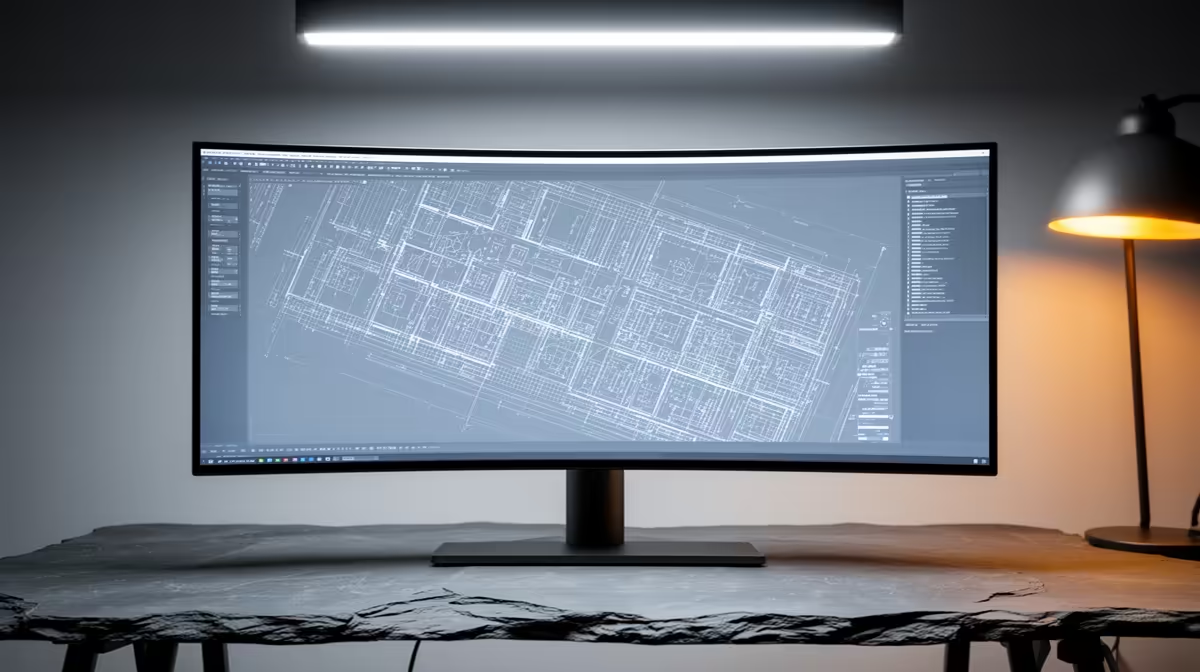
For architecture and BIM work, an ultrawide monitor is less about gaming smoothness and more about seeing complex models and toolbars at once with accurate, consistent colour.
Quick Answer
For architecture and BIM software, choose a 34-inch or 38-inch ultrawide with a high-resolution IPS panel and strong colour accuracy. The wide canvas suits floor plans and toolbars side by side. Expect R9,000 to R20,000 in SA depending on size, with factory colour calibration worth paying for.
What CAD And BIM Workflows Need
Screen real estate is the headline benefit; a wide panel lets you keep a model view, a sheet, and property palettes visible together. Resolution matters for fine line work, so a 3440x1440 or higher 38-inch 3840x1600 panel keeps detail crisp without constant zooming.
Colour accuracy and uniform brightness across the panel are important for material and lighting decisions. An IPS screen with wide gamut coverage and good factory calibration reduces the guesswork in presentation renders.
Ergonomics For Long Design Days
A height-adjustable stand and a slight curve reduce neck movement and eye strain across long modelling sessions. Refresh rate is secondary here; 60Hz to 100Hz is ample for design work, so spend the budget on resolution and colour rather than gaming-grade refresh.
FAQ
Does refresh rate matter for BIM work?
Not much. 60Hz to 100Hz is fine for modelling. Put the budget toward resolution and colour accuracy, which affect design work far more.
Is a 38-inch ultrawide better than 34-inch for CAD?
A 38-inch 3840x1600 panel offers more workspace and detail, useful for complex models, at a higher price. A 34-inch is a strong value middle ground.
How important is colour calibration for architecture?
For material choices and client-facing renders, accurate, calibrated colour reduces costly surprises. A factory-calibrated IPS panel is worth the premium.
and a calibrated wide-gamut IPS panel over refresh rate; for BIM, workspace and colour accuracy beat gaming-grade speed.