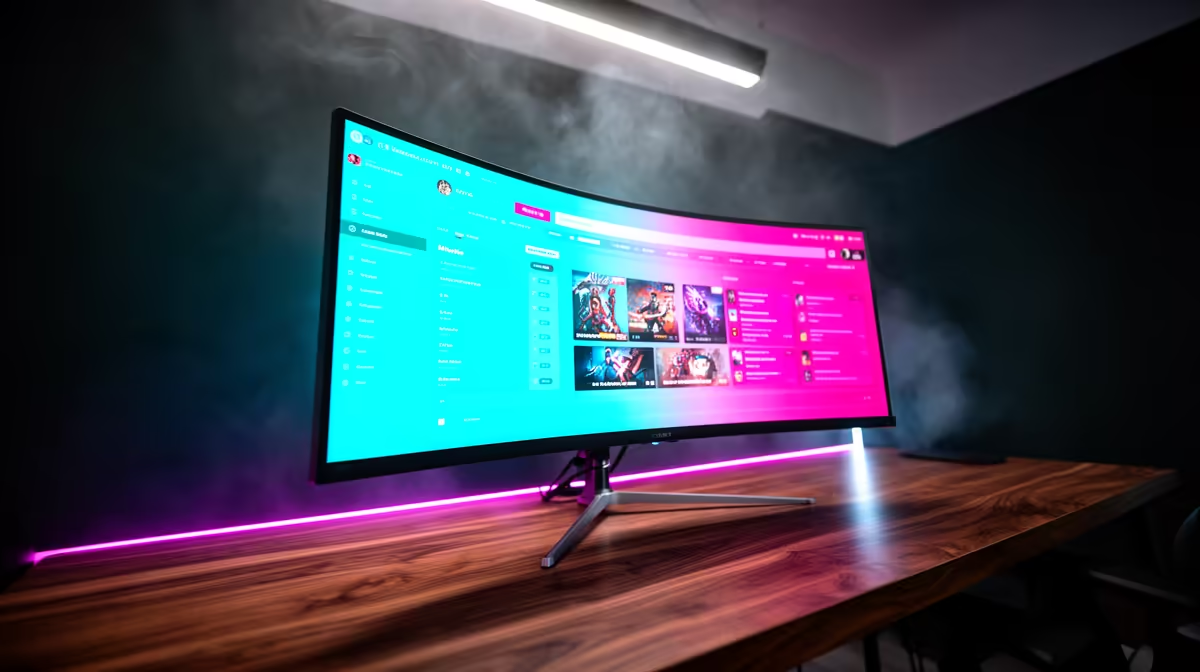
An ultrawide monitor changes streaming ergonomics, giving you room for the game, chat, and capture software across one panel without alt-tabbing mid-broadcast.
Quick Answer
For streaming on Twitch and YouTube, a 34-inch 3440x1440 ultrawide at 144Hz is the practical sweet spot. The extra horizontal space holds your scene preview, chat, and monitoring tools alongside gameplay. Expect SA pricing from roughly R8,000 for solid IPS models to R16,000 for higher-end panels.
Why Ultrawide Suits Streamers
The wide canvas lets you keep your streaming software, chat, and alerts visible while you play, cutting the constant window switching that interrupts a broadcast. A 3440x1440 resolution gives sharp text for readable chat and a crisp game image at the same time.
A 144Hz refresh keeps gameplay smooth, while good colour accuracy ensures your on-stream image looks correct to viewers. Look for a panel with low input lag so your inputs stay responsive during live play.
Hardware To Drive It
Pushing 3440x1440 at high frame rates while encoding a stream demands a capable GPU; a current mid-to-upper RTX or RX card is recommended. Plan for 32GB of RAM so your game, encoder, and browser sources coexist smoothly on the wide layout.
FAQ
What ultrawide resolution is best for streaming?
3440x1440 balances sharpness and performance. It gives readable chat and a crisp game image without the heavy GPU load of a 5120-wide super-ultrawide.
Will my GPU handle an ultrawide while streaming?
A current mid-to-upper-tier GPU manages 3440x1440 plus encoding well. Lower-end cards may struggle to hold high frame rates under the combined load.
Is 144Hz necessary for a streaming ultrawide?
It keeps your own gameplay smooth and responsive. Viewers see your stream at its bitrate, but 144Hz improves your experience while playing live.
Pair a 34-inch 3440x1440 144Hz ultrawide with a capable GPU and 32GB RAM, and arrange chat and capture tools across the extra width.