Quick Answer
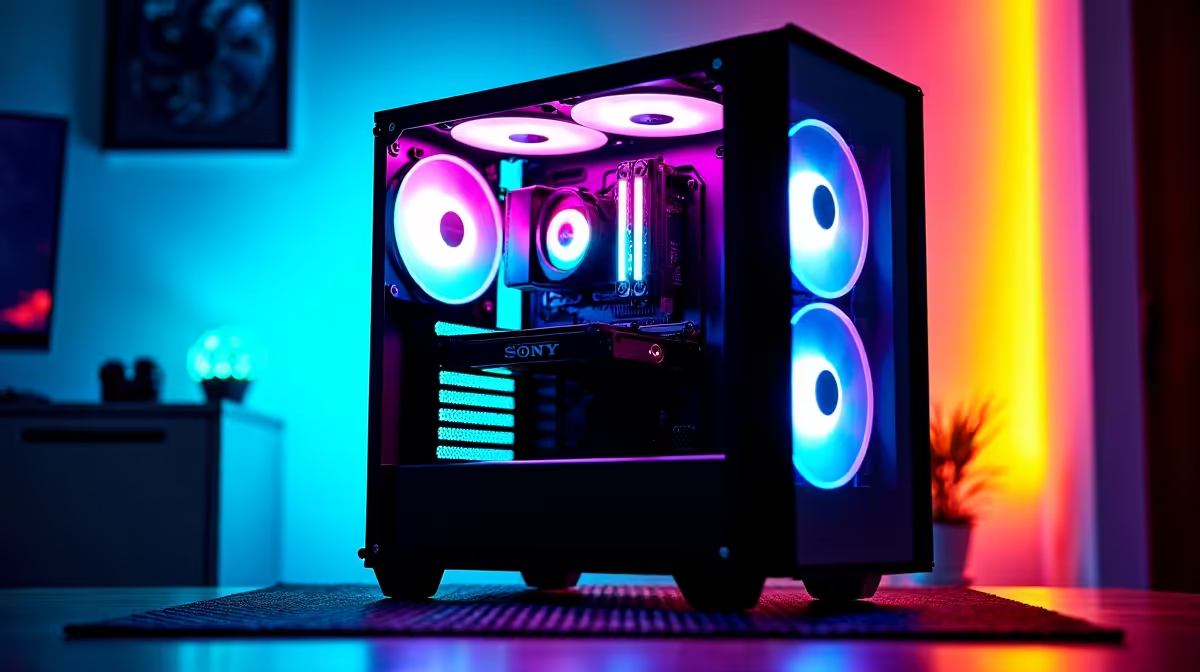
Aura Sync is ASUS's RGB ecosystem that links compatible motherboards, GPUs, RAM, coolers, and peripherals so their lighting pulses in unison. It runs through Armoury Crate on Windows 10/11, communicating over USB or onboard ARGB headers, making unified lighting achievable across any ASUS-heavy build without third-party bridges.
What Aura Sync Controls 🖥️
Armoury Crate scans USB ports and ASUS-specific headers (ARGB 5V 3-pin, RGB 4-pin 12V) and maps each device into a single lighting canvas. You pick a scene or reactive effect and every supported component mirrors it within milliseconds. Certified devices include ASUS ROG and TUF motherboards, ROG Strix and TUF-labelled GPUs, select Corsair and G.Skill RGB RAM kits bearing Aura certification, and fans connected to board ARGB headers. Third-party strips on the ARGB header also fall under Aura control if the header is enabled in BIOS. A TUF Gaming B850-Plus board starts around R3,500 locally and ships with four ARGB fan headers ready for sync.
Setting Up Armoury Crate 🔧
Install Armoury Crate from the ASUS support page for your specific motherboard model. During setup it deploys the ASUS System Control Interface driver, the bridge between software and hardware lighting. Open Aura Creator to build custom sequences, or use Sync mode to clone one effect across all devices. If a component is missing, verify its USB controller is plugged into a port enumerated by the ASUS USB hub in Device Manager. In SA builds, disabling Fast Boot in BIOS ensures Armoury Crate enumerates USB devices on every cold start. A ROG Crosshair X870E Hero paired with a Ryzen 7 9800X3D delivers full per-device sync across the board, a connected ROG Delta S headset, and ARGB fans out of the box.
Compatibility Limits ✨
Razer Chroma, Corsair iCUE, and SteelSeries GG each run separate protocols. ASUS Aura Connect folds select third-party devices in, but the list is curated. For mixed-brand builds, Signalrgb acts as a universal translator without replacing vendor apps. An ROG Strix RTX 5080 (currently stocked at Evetech, around R22,000 to R26,000) syncs natively with an ASUS board; a non-Aura GPU needs Signalrgb. Confirm the Aura badge on the product page before buying if unified lighting is a priority.
Fix Sync Dropout on Wake ⚡
If Aura lighting flickers when a monitor wakes from sleep, disable USB selective suspend in Windows Power Options. This prevents the OS from cutting power to the ASUS USB hub mid-session, the root cause of most sync dropouts on SA PCs using mixed-wattage USB devices.
FAQ
Does Aura Sync work with AMD Radeon RX 9070 XT cards?
Only if the card carries the ROG Strix or TUF Gaming label from ASUS. Reference-design RX 9070 XT boards from other brands use their own RGB software and will not appear in Armoury Crate without Signalrgb.
Can I use Aura Sync on a non-ASUS motherboard?
No. Aura Sync requires an ASUS motherboard and the ASUS System Control Interface driver. Builders on other boards should use that board's native RGB app or Signalrgb.
Does Armoury Crate slow down my PC?
Armoury Crate uses roughly 80 to 120 MB of RAM. On a 16 GB or 32 GB DDR5 system this is negligible. Users wanting minimal overhead can strip it back to just the lighting driver using the ASUS Armoury Crate Uninstall Tool.
Ready to build a fully synced RGB rig?
Browse ASUS ROG and TUF motherboards, Aura-certified RAM, and compatible coolers at Evetech, stocked locally with SA warranty support.