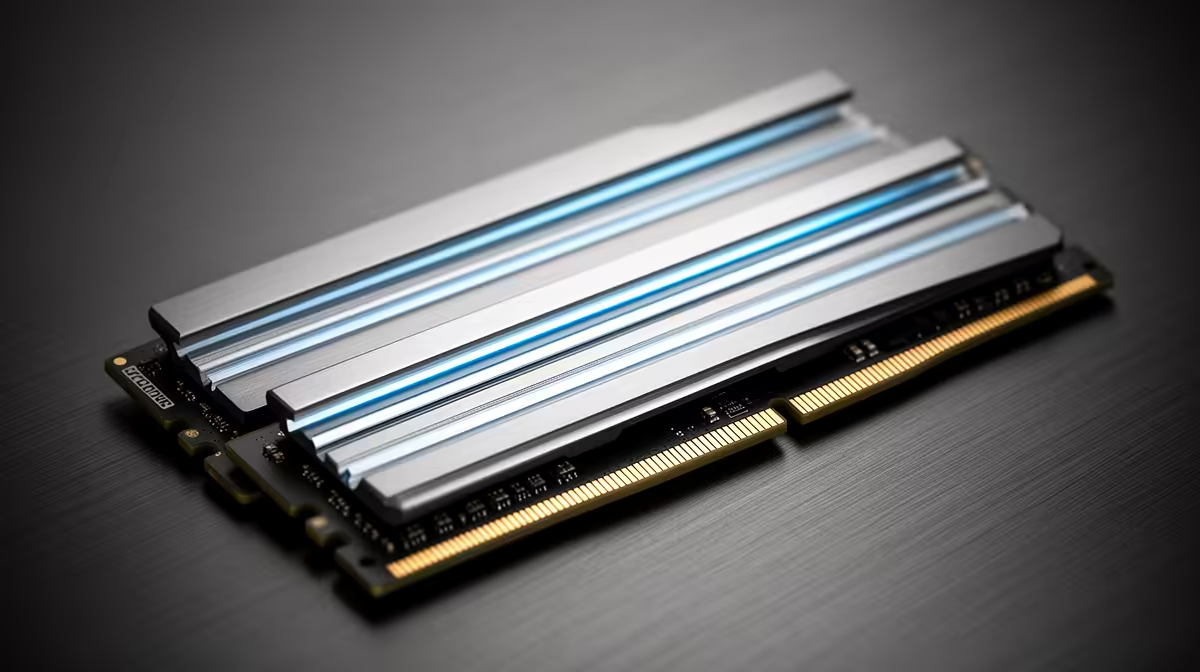
The strongest reason to move from 16GB to 32GB is not a benchmark average. It is a session that has stopped fitting in memory. A 16GB to 32GB RAM upgrade earns its cost when games, mods and background tools push Windows into storage swapping, or when creative work competes with everything else you keep open.
Quick Answer
Upgrade to 32GB when measured committed memory approaches the 16GB ceiling or when your normal workload includes heavy mods, streaming, virtual machines or creation tools. Evetech's July 2026 list priced one KLEVV 16GB DDR4-3200 module at R2,699, while the wider desktop-memory category carried an R8,699 median across mixed products. Buy a matched 32GB configuration for a demonstrated need; keep 16GB when several gigabytes remain free in your busiest session.
📊 Diagnose capacity before shopping
Start with the exact behaviour you want to fix. Memory pressure can appear as slow alt-tabbing, applications closing in the background, storage activity during play, hitching after entering a new area or a browser that reloads discarded tabs. None of those symptoms proves the cause by itself, but they create a testable hypothesis.
Open Task Manager after the PC has reached its normal working state. Launch the game, voice chat, browser, capture tool and mod manager you use together. Watch committed memory across a representative scene rather than immediately after the game starts. Long sessions can reveal demand that a menu or short benchmark misses.
If the total repeatedly sits close to the limit and the page file is active, 32GB has a clear job. If usage remains around 10GB or 11GB, additional memory will mostly sit idle. Frame-rate problems in that situation should be investigated through the GPU, CPU, temperatures, drivers and storage.
Memory leaks complicate the reading. A game that consumes more RAM every hour may need a patch or restart rather than permanent capacity. Compare a fresh session with a long one before deciding.
🎮 Know which workloads use the headroom
Large simulation saves, open-world games, high-resolution texture packs and extensive mods can push total use beyond a clean 16GB setup. Streaming software, browser sources and recording add another layer. Thirty-two gigabytes gives these tasks room to coexist without forcing Windows to move inactive data to storage as aggressively.
Productivity can make the upgrade easier to justify than gaming. Photo work, video editing, software development, local databases and virtual machines can consume memory in predictable chunks. A student or creator who plays games after work may therefore use 32GB throughout the day even when the game alone does not.
Competitive titles and older games often remain comfortable on 16GB. Their players may gain more from a faster graphics card, lower-latency monitor or larger SSD. Capacity is a threshold purchase: below the requirement it causes pain, while capacity above the requirement does not calculate extra frames.
Use Evetech's DDR5 memory range to compare exact kits for a compatible modern platform. Do not assume the generation from the processor name; check the motherboard.
🧩 Choose a clean module layout
Replacing a matched 2x8GB kit with 2x16GB is often cleaner than adding two more modules. Four sticks can place more electrical load on the memory controller, and mixed kits sold under the same product name may use different memory chips or subtimings.
Adding another identical-looking 2x8GB kit can work, but the manufacturer validated each pair separately, not all four together. You may need to reduce memory speed or adjust settings for stability. Check the motherboard's supported capacities, recommended slots and qualified-vendor list.
A single 32GB module provides capacity but can reduce memory bandwidth on platforms that need two active channels. Two matched modules are usually preferable for a gaming desktop. Laptops require a separate check because some memory may be soldered and the available slot count can be limited.
Do not buy DDR5 for a DDR4 board or the reverse. The modules are physically and electrically different. Evetech's memory best sellers are a useful local shortlist, but motherboard compatibility remains the deciding filter.
⏱️ Timing the 2026 market
The memory industry faced tight supply and strong AI data-centre demand in 2026. That explains the price pressure but does not provide a reliable date for relief. Waiting makes sense when the current 16GB configuration works; it costs you nothing and preserves choice.
Waiting is less attractive when insufficient memory interrupts paid work, study or regular play. The current problem has a weekly cost, while a future price decline remains uncertain. Set a maximum price for a compatible kit and buy when it meets the threshold rather than trying to predict the bottom of the cycle.
Staged buying can create false economy. Purchasing one 16GB module now and hoping to match it later may save cash today, but it can leave the system in single-channel mode and expose you to product revisions. If 32GB is the intended destination and the workload already needs it, a matched kit is the safer technical route.
After installation, retest the same scene that justified the purchase. The useful result is not simply a larger number in Task Manager. Look for reduced paging, cleaner task switching and fewer frame-time interruptions. If the original symptom remains unchanged, preserve the evidence and investigate the next likely bottleneck instead of assuming the memory upgrade failed to be fast enough.
Keep the before-and-after readings with the PC's parts record. They turn the next upgrade into a comparison instead of another guess.
Frequently Asked Questions
Is 32GB worth it over 16GB for gaming?
It is worth it when the complete gaming session exceeds 16GB or when mods and background software create pressure. It rarely provides a large gain when 16GB still has comfortable headroom.
Why are RAM prices high in 2026?
AI infrastructure increased server-memory demand while industry supply remained tight, raising prices across consumer and data-centre products.
Should I wait for prices to drop?
Wait if the PC works well. Buy when memory pressure affects regular tasks and a compatible kit meets a price you can justify.
Can I mix old and new sticks?
The system may run, but mixed modules can require lower speeds and more testing. A matched kit gives the memory controller a cleaner configuration.
Does 32GB help with mods?
Yes, large texture, world and script packs can increase system-memory demand well beyond the base game's requirement.
Ready to upgrade because the reading says so?
Capture your busiest session, identify the cleanest matched layout, and compare compatible 32GB memory options at Evetech against the exact pressure you measured.