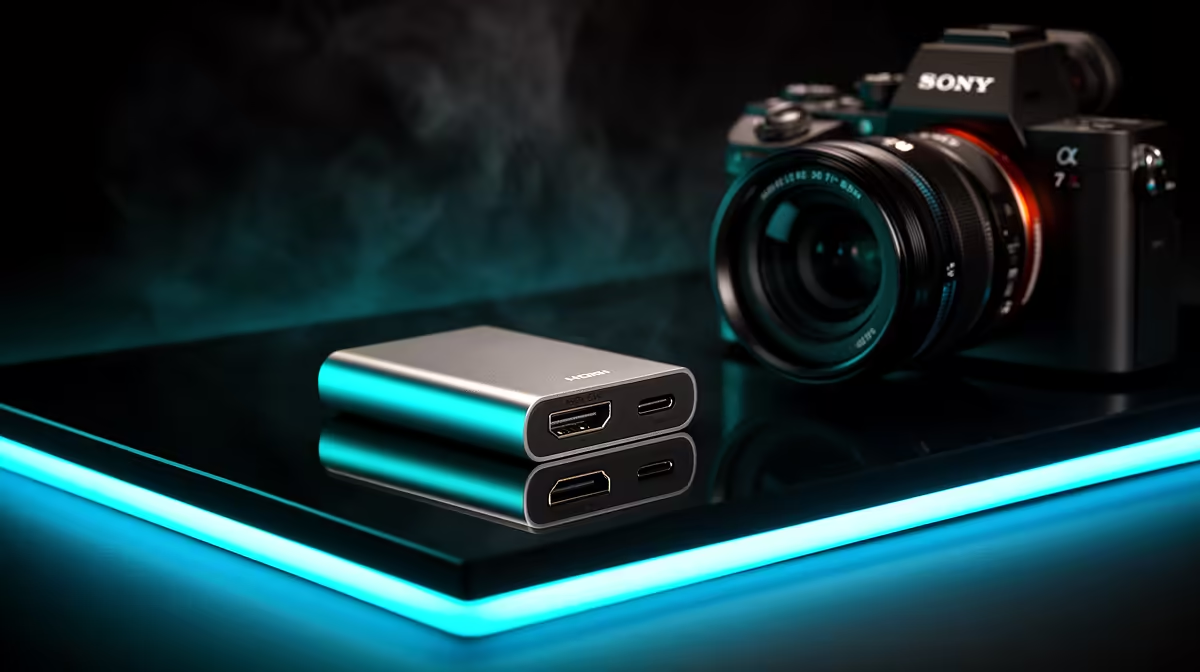
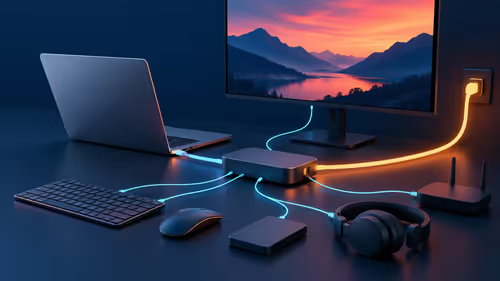
A USB-C to HDMI adapter can handle a Microsoft 365 display when the exact USB-C port carries video and the adapter supports the monitor resolution and refresh mode. It does not run Microsoft 365 itself or add performance to the computer.
Verify the host port and complete office display path
Use the exact laptop documentation to verify whether the selected USB-C connector can transmit video. Record monitor input, resolution, refresh, audio route and whether charging must pass through the same accessory. Test a large workbook, presentation and Teams call on the external screen.
A dedicated USB-C-to-HDMI adapter with a verified price is not present in the factpacks. The Promate TransHub-Lite at R305 and VersaHub-MST at R1,500 are verified hub references, not proof of the exact display mode. Confirm current video standard, port layout, bandwidth, host support, power arrangement and warranty.
Use the correct cable, keep the adapter ventilated and test sleep, wake and reconnect before an important presentation. Protect business documents with approved backups, because display connectivity does not preserve data. A direct HDMI output is simpler when the laptop already provides one.
Buy after matching every link in the chain. Do not assume every USB-C-shaped port carries video.
Carry a tested spare display cable when presentations or external-screen exams matter.
Connecting an office display? > Compare Evetech hubs by verified host and monitor support.