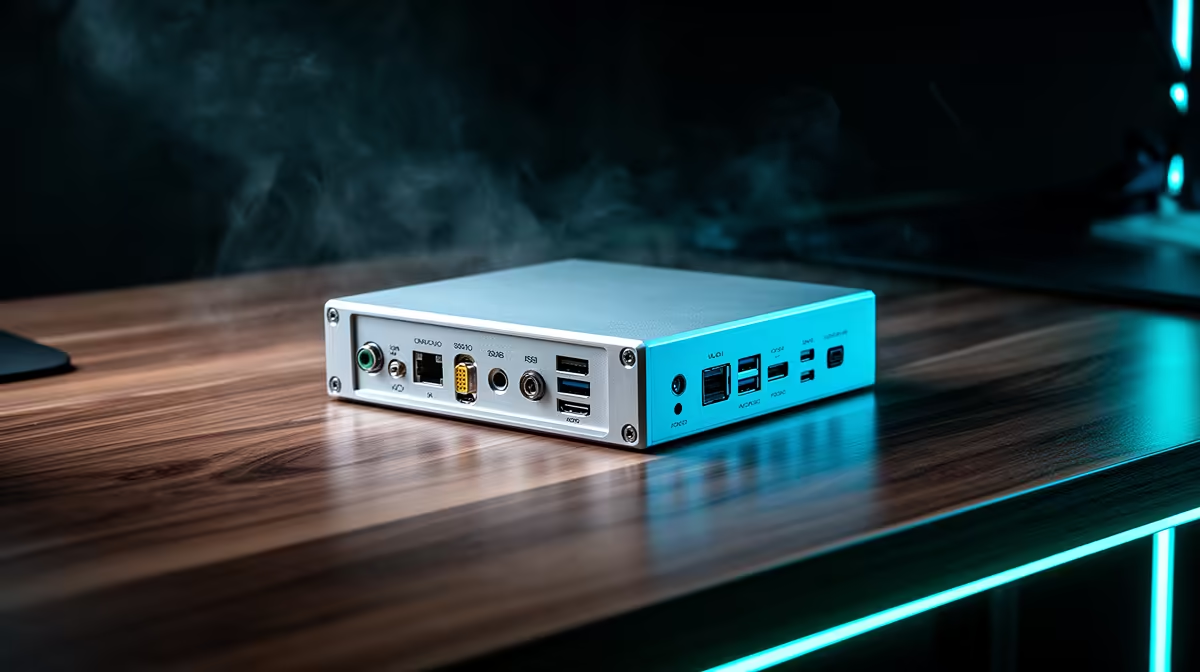
A USB-C to HDMI adapter for programming should drive the intended monitor resolution and refresh rate without unreliable reconnects. The large project allowance belongs with the computer, display and backup. Buy the adapter from port capability, because a USB-C socket may support charging and data without video output.
Verify the host port
Check the laptop manual for DisplayPort Alt Mode or Thunderbolt support. Record the monitor resolution, HDMI version and required refresh rate. A Full HD code display asks less from the link than a high-refresh 4K screen. Confirm audio support when the monitor speakers form part of the desk.
No standalone USB-C to HDMI adapter appears in the verified facts. The Promate TransHub-Lite costs R305 as a USB-C hub option, while the Promate VersaHub-MST costs R1,500 for broader connectivity. Check each live listing for video outputs, maximum display mode, charging pass-through and operating-system support. A hub cannot add video to a source port that lacks it.
Connect the intended monitor and run the development environment through sleep, wake and a full workday. Watch for blank screens, lost audio and charger limits. Keep a direct laptop screen available before an important presentation. Choose the smallest verified adapter or hub that supports the measured connection during a full week of programming.
Connecting a programming laptop? > Ask Evetech to compare current USB-C hubs against the exact computer and monitor.