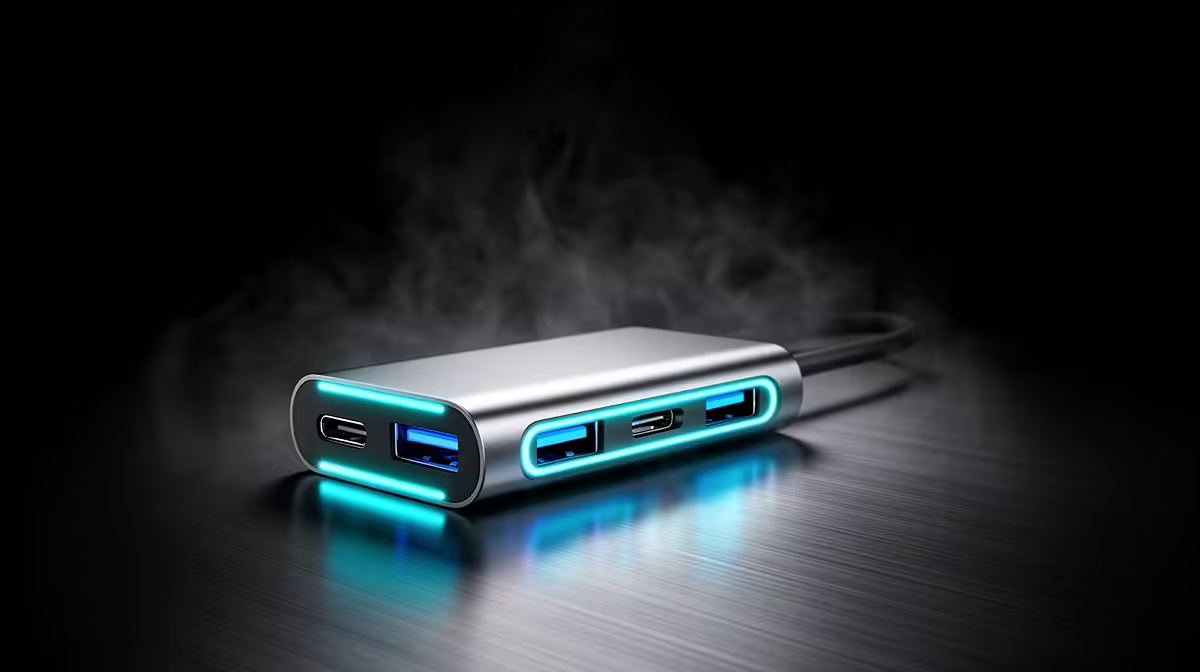
A USB-C hub for Twitch streaming can connect cameras, storage or audio devices, but only when its bandwidth, power and port support match the full capture chain. The GAMDIAS Mercury P1-1500 at R165 is a verified hub option for supported USB peripherals. Its presence does not improve upload bandwidth or encoding performance.
Audit every stream connection
The TB4-01 dock at R2,600 provides confirmed Thunderbolt 4 docking for a compatible system with more demanding desk connections. It should not be treated as a KVM or universal capture solution.
The NearStream V08AF at R678 offers verified 4K webcam capture, while the HyperX SoloCast 2 at R690 provides a confirmed USB microphone. Both need dependable ports.
The GAMDIAS Mercury M1-800 at R91 gives another verified basic hub route for low-demand devices.
Test the complete broadcast before going live
Connect every intended device, record locally and watch for camera dropouts, audio glitches or storage disconnects. Put high-bandwidth devices on direct ports where possible. Then run a private stream to separate USB trouble from encoder or internet trouble.
Connecting a Twitch desk? > Send Evetech the computer model, camera, microphone and storage list.