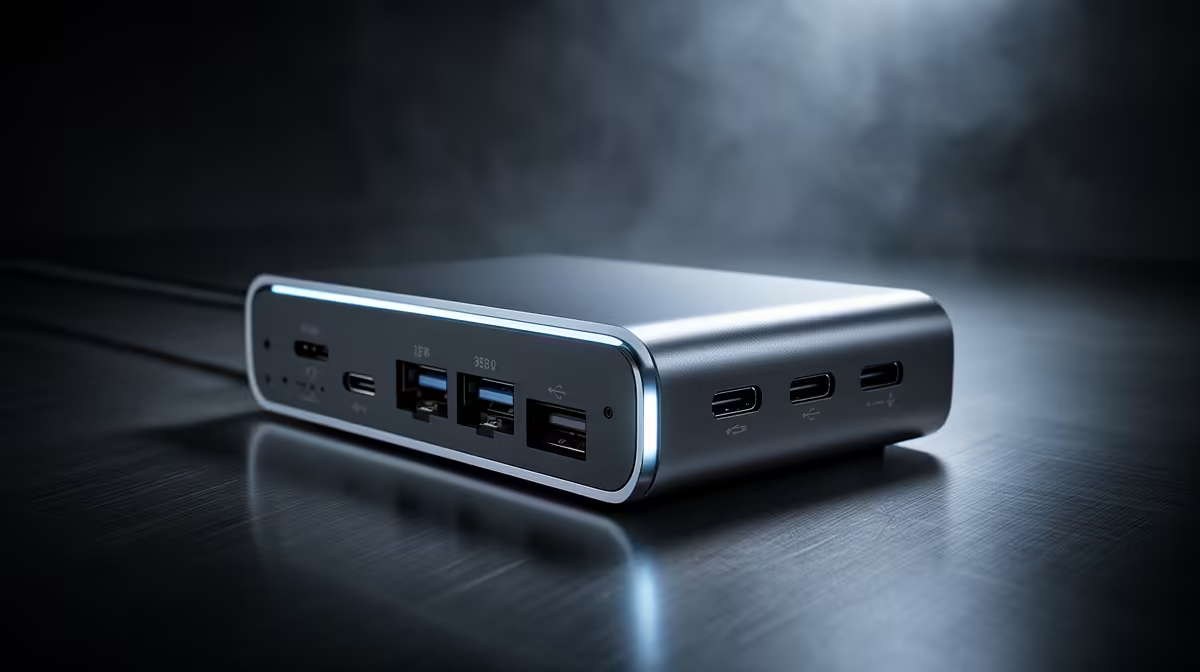
A USB-C hub should be chosen for the ports required by a virtual-machine workstation, not as a way to increase compute performance. The Promate VersaHub-MST is verified at R1,500, while the Promate TB4-01 dock is R2,600. Confirm the host computer supports each advertised video, data and charging feature before buying either.
List host and guest peripherals
Write down displays, Ethernet, external storage, keyboard, mouse, security keys and any USB device that must pass into a guest. A USB-C connector does not guarantee Thunderbolt, DisplayPort Alt Mode or high-wattage charging. Check the laptop manual for lane bandwidth and supported display combinations. Several high-speed devices on one hub may compete for the same uplink.
Keep active VM disks on fast internal storage where possible. External drives can disconnect during sleep or cable movement, risking corruption. If removable storage must be used, choose a direct high-speed port, maintain backups and test suspend, resume and large transfers. Confirm whether USB pass-through behaves correctly in the selected hypervisor before relying on a scanner, licence key or development board.
The workstation budget should prioritise processor cores, memory and storage capacity according to measured VM load. A dock adds convenience and repeatable desk connections. Choose the verified model whose exact ports match the host, then test Ethernet, monitors and power recovery before the return period ends. Do not pay for display outputs or charging levels the computer cannot use.
Connecting a virtual-machine workstation? > Compare verified docks with Evetech after confirming the computer’s USB-C and Thunderbolt capabilities.