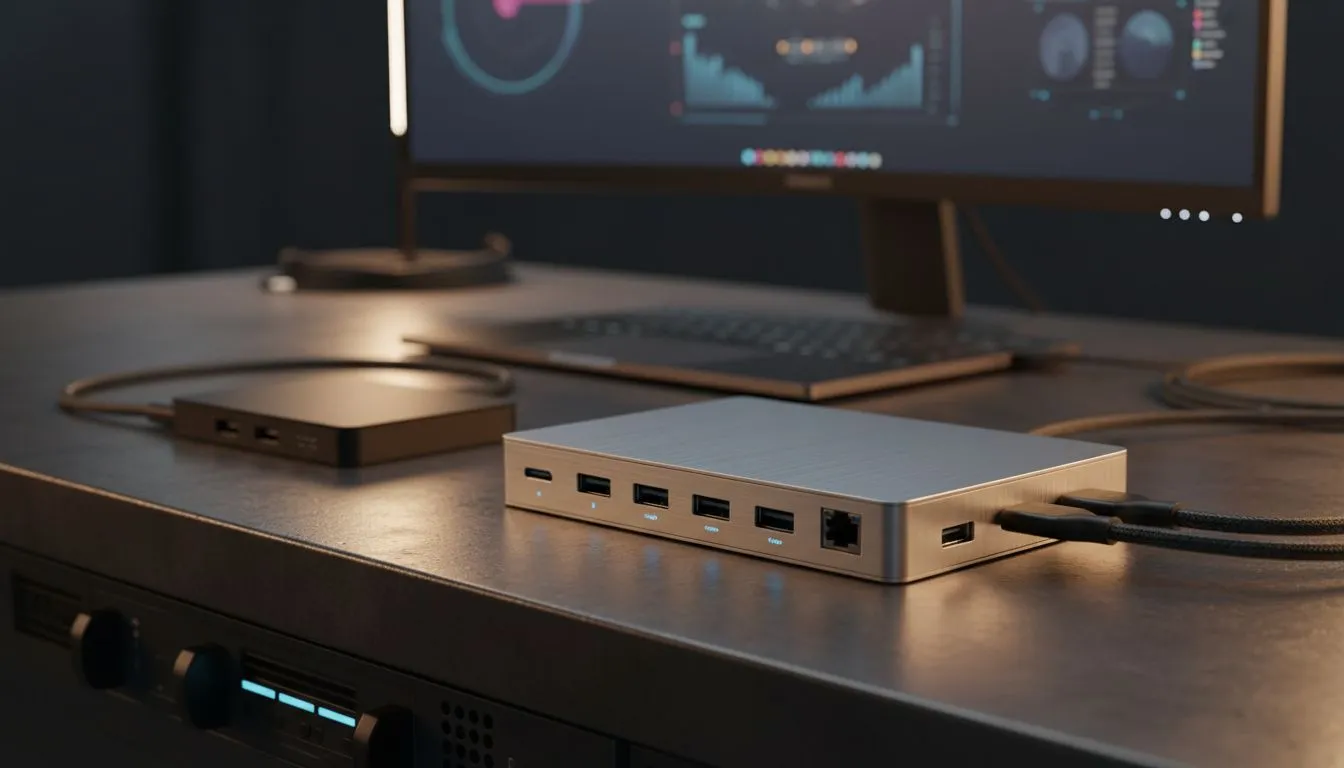
Ever felt the port pinch on your sleek new laptop? You're not alone. As our digital lives expand, especially here in South Africa, juggling multiple peripherals, external displays, and charging cables can turn your desktop into a spaghetti monster. The burning question for 2026 isn't just how to connect everything, but what device offers the best solution for your setup: a simple USB-C hub or a full-blown docking station? Let's dive in.
USB-C Hubs: Your Portable Connectivity Companion
A USB-C hub is essentially a multi-port adapter, designed for simplicity and portability. Think of it as a pocket-sized expansion pack for your laptop. These handy devices typically connect via a single USB-C cable and provide a handful of common ports: a few USB-A ports for legacy devices, an HDMI or DisplayPort for an external monitor, and often an SD card reader or an Ethernet port.
They're perfect for the South African on-the-go professional, the student hopping between lectures, or anyone needing quick, temporary expansion. A USB-C hub is fantastic for extending your display to a projector in a boardroom or connecting a mouse and keyboard to your ultrabook at a coffee shop. They're generally more affordable, with decent options starting from around R500.
Docking Stations: The Command Centre for Your Desktop ⚡
Stepping up in capability, a docking station is designed to transform your laptop into a powerful desktop workstation. Unlike their smaller counterparts, docking stations are usually larger, require external power, and offer a far more comprehensive array of ports. We're talking multiple display outputs (often supporting dual 4K or even single 8K monitors), numerous USB-A and USB-C ports, Gigabit Ethernet, audio jacks, and sometimes even Thunderbolt passthrough for daisy-chaining.
For those who regularly work from home, game at a dedicated desk, or need to connect high-bandwidth peripherals like external GPUs or multiple high-resolution monitors, a docking station is a game-changer. It provides a single-cable solution, meaning you just plug in one USB-C or Thunderbolt cable to your laptop, and suddenly everything—power, monitors, keyboard, mouse, external drives—is connected. It's the ultimate way to optimise your workspace.
USB-C Hub vs Docking Station: Making Sense of 2026's Tech 🚀
The real distinction between a USB-C hub vs docking station in 2026 boils down to power, performance, and permanence.
Power Delivery (PD): Docking stations typically offer significantly more power delivery, often 60W to 100W+, allowing them to charge even demanding gaming laptops while simultaneously powering all connected peripherals. Most USB-C hubs offer limited PD, if any, mostly sufficient for smaller notebooks or basic charging.
Display Capabilities: If you're a content creator or a gamer wanting dual 4K monitors at high refresh rates, a robust docking station with Thunderbolt 4 or USB4 capabilities is essential. A standard USB-C hub might struggle with anything beyond a single 4K display or dual 1080p.
Port Variety & Bandwidth: Docking stations boast a wider range of high-speed ports, crucial for external SSDs, professional audio interfaces, and other bandwidth-hungry devices. They also often include legacy ports that hubs might omit.
Productivity Pro Tip ⚡
For gamers and content creators, ensure your chosen docking station supports DisplayPort Alternate Mode (Alt Mode) or Thunderbolt for optimal display performance. It's the secret sauce for buttery-smooth visuals on multiple monitors without sacrificing frame rates.
Considering a professional setup? You might want to explore premium docking station options up to R2000 that offer advanced features like KVM switches or enterprise-grade security.
Choosing Your Champion: What South Africans Need to Consider ✨
When deciding between a USB-C hub vs docking station, consider your specific needs and budget.
- Portability vs. Permanent Setup: If you're always on the move, a compact USB-C hub is your friend. For a fixed desk setup at home or the office, a docking station is superior.
- Your Laptop's USB-C Port: Does your laptop's USB-C port support Thunderbolt 3/4 or USB4? This massively impacts what a docking station can achieve in terms of bandwidth and display output. Check your laptop's specifications.
- Budget: Affordable docking stations under R1000 are available for basic expansion, but feature-rich models can cost significantly more.
- Brand Reliability: Look for reputable brands known for quality and compatibility. For example, check out Promate docking stations for robust and reliable connectivity solutions.
Ultimately, for most South African tech users in 2026 with a dedicated workspace, the comprehensive features and single-cable convenience of a docking station will make more sense. However, for sheer portability and basic connectivity on the go, a USB-C hub remains an invaluable tool.