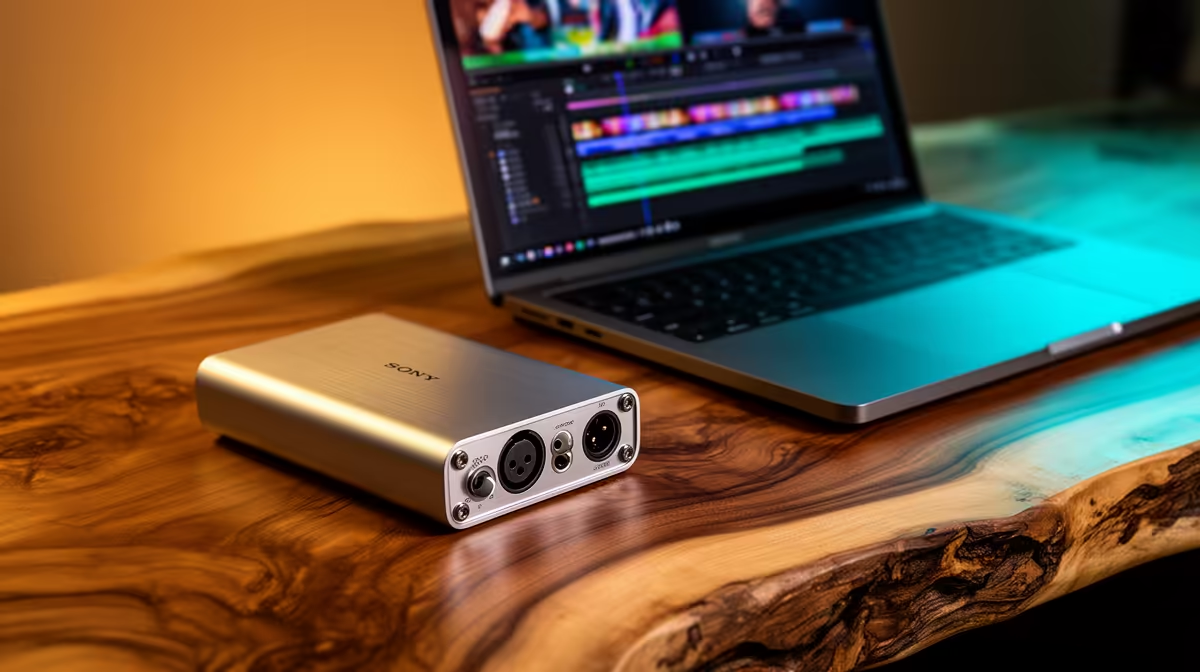
A USB DAC is worthwhile for YouTube editing only when the current audio output has audible noise, lacks the required headphone drive or cannot connect the chosen monitors. It does not speed up exports or improve a soundtrack automatically. The supplied factpacks do not verify a DAC or price.
Diagnose the audio path first
Listen to dialogue, music and silence through the existing computer with known headphones. Compare the same files on a phone and ordinary speakers. Poor voice quality may come from room echo, microphone placement, clipping or excessive processing rather than the playback converter.
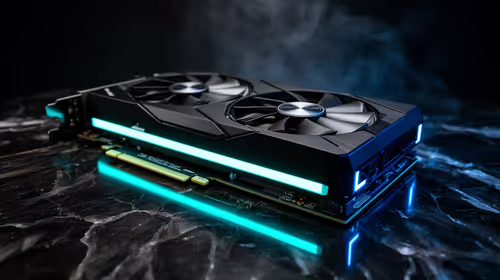
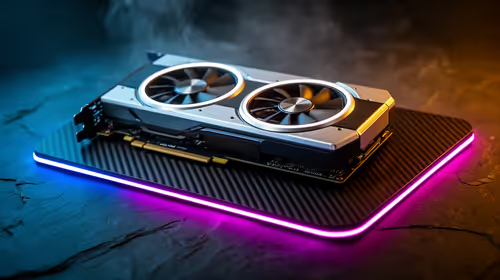
The NearStream USB/XLR microphone is a verified capture reference at R676. It may address voice input when used with suitable placement and software, but it does not prove that a separate DAC is needed. For video performance, the Palit RTX 5060 8GB graphics card is verified at R4,800 for a compatible creator desktop.
If playback remains the problem, check supported sample rates, driver stability, output connections, physical volume control and operating-system compatibility. Keep audio cables away from noisy power adapters and test lip-sync after changing devices. Review the final upload on common consumer speakers before publishing. Buy the DAC when a controlled comparison reveals a repeatable monitoring fault; otherwise, direct the money toward the PC, microphone, room treatment or backups.
Improving a YouTube edit suite? > Compare verified creator PCs and microphones with Evetech while assessing DACs separately.