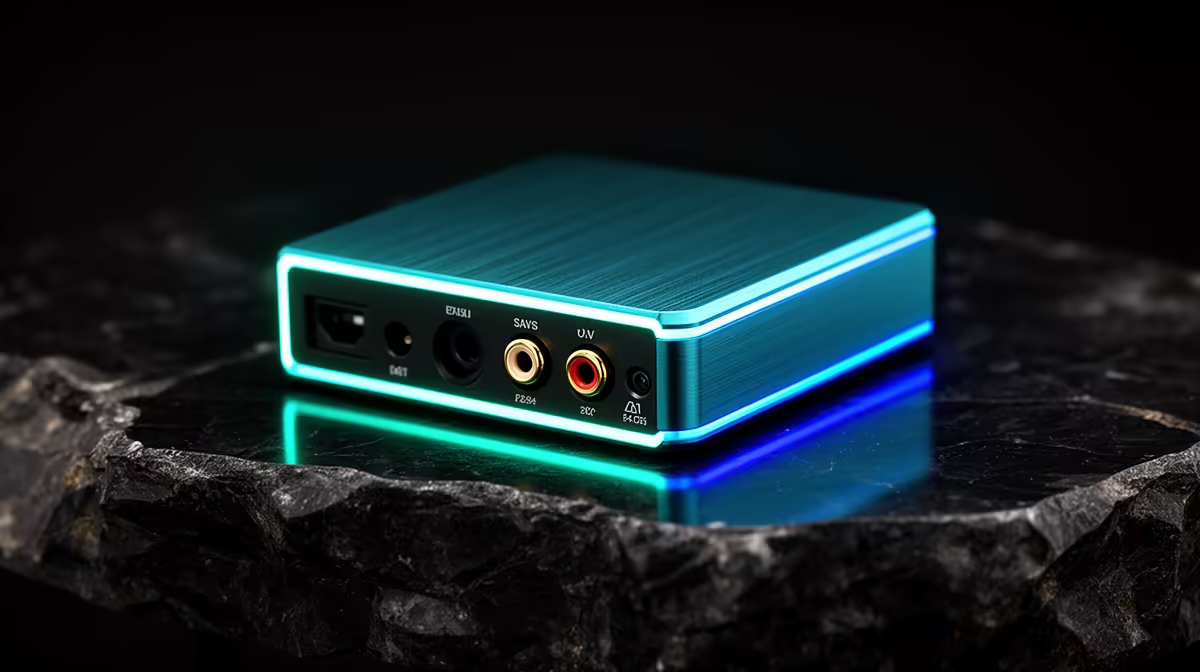
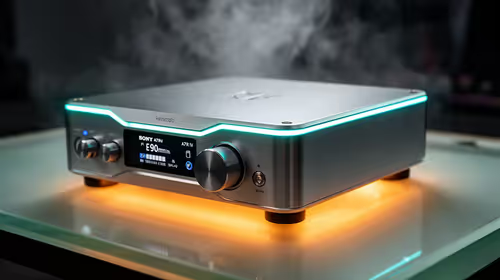
A USB DAC is overkill for most casual gamers when the computer or headset already produces clean sound at comfortable volume. It becomes useful when a diagnosed output has hiss, weak level or the required headphones cannot be driven properly. The supplied factpacks do not verify a USB DAC or price.
Test the existing audio output
Use a known-good headset and cable, then listen in a quiet game scene and voice chat. Check for noise, distortion, channel imbalance and microphone routing. Try another supported output before blaming the internal audio. Software enhancements can also create harsh or delayed sound, so disable them temporarily during diagnosis.
For a current DAC, match headphone impedance and sensitivity, required inputs, microphone support, operating-system drivers, volume control and warranty. High sample-rate numbers do not make compressed game audio more detailed. A separate DAC may complicate voice-chat input if it handles headphones but not a microphone.
Keep volume at safe levels and take listening breaks. Use a direct USB port if a crowded hub causes disconnects, and retain the normal output as a fallback. Save working game and communication settings in approved backups. Buy only when a repeatable audio problem disappears with the appropriate external device or when named headphones need it. For casual gaming, a comfortable headset, stable voice chat and correctly selected audio device usually matter more. Spend on the DAC from evidence, not because another box on the desk looks like an enthusiast upgrade.
Improving casual gaming audio? > Compare current headset options with Evetech before adding an external DAC.