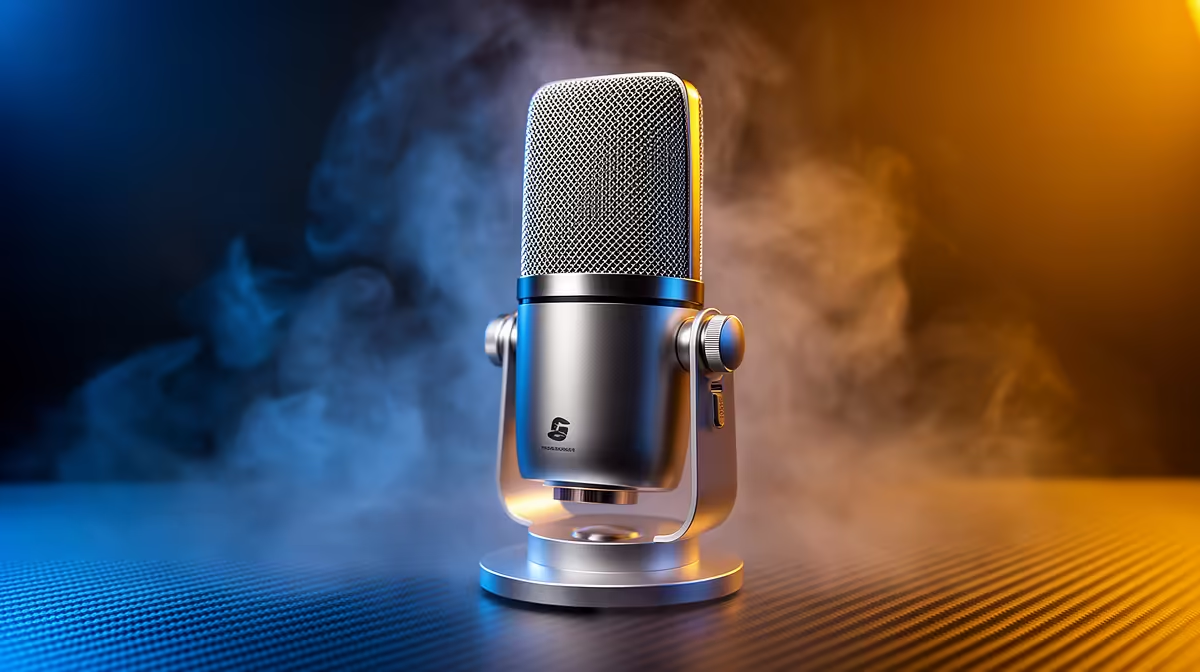
HyperX SoloCast 2 at R690 suits a home-office user who spends the day in Microsoft 365 calls and wants a clear microphone upgrade without building a full creator desk. A USB mic is worth buying when your laptop audio sounds thin, your room has keyboard noise, or your headset mic makes every Teams meeting feel less polished.
Best microphone picks for Microsoft 365 calls
The HyperX SoloCast 2 at R690 is the sensible first pick for a work desk because it is a USB microphone and keeps the setup simple. For Word reviews, Excel screen shares, and regular meetings, that matters more than buying something complicated that you will not adjust properly.
NearStream AM10X-P USB/XLR at R730 is the better buy if the same desk also handles recordings, webinars, or a small creator workflow after hours. The useful spec is right in the connection choice: USB/XLR gives you a simple plug-in route now, with room to connect differently later.
MARVO MIC-07 at R351 makes sense for a student desk or shared family PC where the goal is simply to stop sounding distant on calls. At that price, it is the budget-friendly way to separate voice capture from a laptop body sitting too far back on the table.
SA home-office desk reality
In a South African home office, the biggest win is consistency. The HyperX SoloCast 2 at R690 can stay on the desk for daily meetings, while the NearStream AM10X-P USB/XLR at R730 is better for someone who may also record training clips or product walkthroughs.
Ready to choose the right microphone?
Use HyperX SoloCast 2 at R690 as the microphone shortlist benchmark, then check whether its listed spec matches the space, workload, and upgrade path.