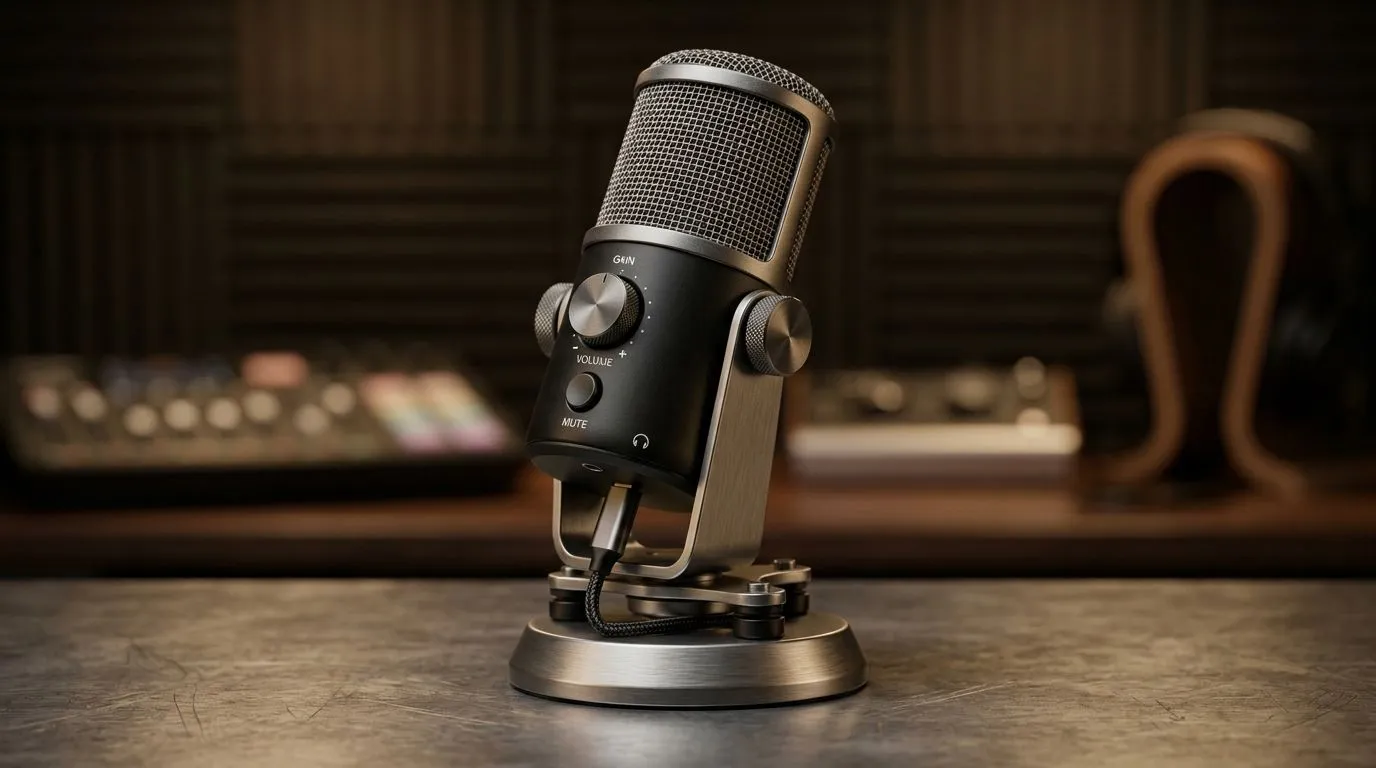
Mastering USB Microphone Gain Monitoring Controls for Studio Quality 🔧
South African gamers and content creators know that crisp, clear audio makes or breaks streams and recordings. Struggling with fuzzy sound or uneven volume? USB microphone gain monitoring controls are your secret weapon for studio-quality audio without complex setups. From fine-tuning input levels to real-time feedback, understanding gain monitoring transforms your sound from average to ace.
What Is USB Microphone Gain Monitoring and Why It Matters
Simply put, gain controls the sensitivity of your microphone. Crank it too high and you’ll hear distortion; set it too low and your voice sounds distant. USB microphone gain monitoring means you can listen to your own input live, adjusting on the fly to catch issues before viewers do.
This feature is vital in South Africa, where bandwidth costs sometimes encourage minimal retakes and smooth streams. Being able to tweak your mic gain while monitoring audio ensures your voice cuts through clearly—even during intense gameplay moments.
Pro Tip: Keep Your Levels Balanced
Aim for your gain to peak around -6dB to -3dB in your recording software or streaming app. This leaves headroom to avoid clipping. Your ears are the best judge—if it sounds natural, you’re on the right track.
}}
How to Set Up Gain Monitoring for Superior Audio
Most modern USB mics and streaming software support gain monitoring. Plug in your microphone and:
- Open your audio settings or streaming software’s audio tab.
- Locate the gain or input volume slider.
- Activate “monitoring” or “listen to this device” to hear yourself live.
- Adjust gain while speaking or gaming until your voice is clear but free of distortion.
For more precise control, consider streaming essentials that pair well with USB mics, like audio interfaces or mixers. Evetech offers great streaming essentials that optimise your setup with minimal fuss.
Picking the Right Gear and Software for Gain Monitoring ⚡
Not all USB mics have equally responsive gain controls. Models from trusted brands like Corsair excel here. Check out Evetech’s selection of Corsair streaming essentials that include microphones with straightforward gain adjustments and low latency monitoring.
Pair your mic with good webcam and streaming software that support real-time audio monitoring. A clear video feed alongside clean audio keeps viewers glued in. Browse the latest webcams at Evetech that complement audio setups perfectly.
A clean, easy-to-use monitoring chain reduces fatigue during long sessions. Your audience will notice the improved quality—and so will your subscriber count.
Balancing Gain and Ambient Noise: South African Studios’ Challenge 🚀
South African homes often have fluctuating noise levels thanks to neighbours, street sounds, and unpredictable power supply hums. Gain monitoring lets you react fast, tweaking input levels while streaming or recording to minimise unwanted noise interference.
Consider also investing in noise gate or compressor software plug-ins. These work alongside your USB mic gain controls to tame background buzz, ensuring your voice stays front and centre.
For lighting and overall studio atmosphere, add some flair with Cololight accessories that enhance your space’s vibe while you game or record.
Wrapping Up: Your Studio-Quality Audio Journey Starts Here
Sound quality defined by precise USB microphone gain monitoring elevates South African streamers and creators above the noise. A few clicks to set your gain just right will avoid distortion and fatigue, keeping your audience coming back for more.
Don’t settle for muffled audio or complicated gear setups. With the right tools and techniques, studio-level sound quality is within reach.
Upgrade Your Streaming Setup Today
Ready for pro-grade audio that stands out on every stream? Shop now at Evetech and get streaming essentials designed for South African gamers.