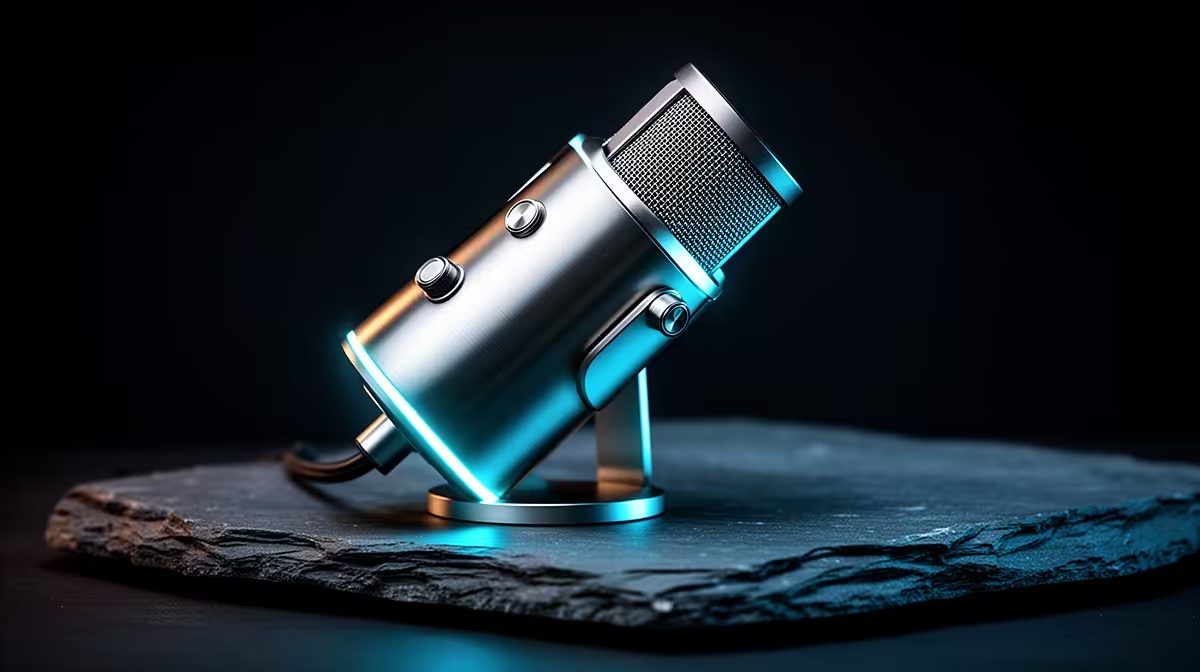
A USB microphone is the better first buy for most streamers because one unit handles the capsule, preamp, converter and computer connection. XLR separates those jobs between microphone, cable and audio interface. That flexibility is valuable when the setup grows. It also creates a larger first basket, more gain decisions and another device to configure.
Quick Answer
Choose USB when you record one voice at one desk and want the shortest path to clean audio. Choose XLR when you need several microphones, a specific broadcast mic, hardware monitoring or a replaceable interface. Room, placement and speaking distance matter more than the connector. A close USB mic in a controlled room can outperform an expensive XLR chain used across the desk.
What a USB microphone contains
The capsule turns sound into an electrical signal. An internal preamp raises it, and an analogue-to-digital converter creates the audio the computer records. USB carries that data and often power through one cable.
Many creator models add a headphone socket, mute button and gain control. Direct monitoring can let you hear your voice without a long software delay. Check whether the headphone mix includes computer audio or microphone only.
The simple path reduces compatibility questions. The operating system sees one device, and streaming software can select it. If the built-in converter fails or you want a different preamp, however, the microphone is one integrated unit.
Browse the streaming essentials catalogue by exact microphone and included stand. The broad category contains adaptors and filters, so a low price cannot represent a complete USB mic.
What XLR separates
An XLR microphone sends an analogue signal through a balanced cable to an interface or mixer. The interface provides gain, conversion, monitoring and the computer connection. You can replace one part without replacing the others.
That separation helps when you add a second local host, need several line sources or want an interface with routing controls. One interface gives several channels a shared audio clock, avoiding the drift problems that two independent USB mics can create.
The complete XLR basket includes microphone, interface, XLR cable, stand and any pop or shock control that the room needs. Some condenser microphones require phantom power. Some low-output dynamics need plenty of clean gain. Match them through specifications and measured tests.
Sound quality does not come from the plug
USB and XLR describe connection paths. Capsule design, polar pattern, self-noise, frequency response, room and placement shape the recording. A USB version and XLR version of a similar mic can sound close when levels are matched.
Put the mic near the mouth, speak slightly across it and aim the rejection area toward noise where the pattern supports that. Lower gain as distance closes. Record the keyboard, PC fans and a loud sentence.
Clipped speech cannot be repaired by moving to XLR. Echo remains echo through a premium preamp. Fix the physical signal first.
USB wins these first setups
A solo gaming stream, voiceover desk and video call channel usually need one microphone. USB saves space and leaves the budget for a stable arm, one light or a better room position.
It also suits a laptop creator who moves between desks. Check cable length and port type. A USB-C-shaped port does not tell you what audio and power behaviour the device supports, so follow the microphone and laptop instructions.
Use a direct port for baseline testing. A powered hub may work, but it introduces another power and bandwidth point. Keep the known-good cable with the mic.
XLR wins these growing setups
A two-person podcast benefits from one interface and two separate inputs. A musician may need microphone and instrument together. A producer who routes remote guests and monitor mixes may need more outputs and hardware control.
XLR cable runs can be longer and balanced against interference when the equipment is designed and connected correctly. The interface can stay while microphones change for voices or instruments.
Count inputs around real sessions. An eight-input interface is wasted on one host. A one-input device becomes a limit the first time a co-host joins. Two or four channels cover many small creator rooms.
Monitoring and latency
Direct monitoring sends the input to headphones before the computer round trip. It helps you hear position and clipping. Both USB mics and interfaces can provide it.
Software monitoring passes through the application and can add delay. Lower buffer sizes reduce latency but increase CPU sensitivity. For live speech, direct monitoring is the simpler baseline.
Keep headphone volume comfortable. Closed-back headphones reduce spill into the mic. Check whether an interface can drive the headphone load you own without distortion or insufficient level.
Camera spending comes after the audio path
The webcam range belongs in the comparison only after the microphone basket closes. USB may leave enough room for camera and lighting. XLR can consume that room through interface and mounting.
That does not make USB cheap or XLR professional. It shows which complete kit fits the current production. A strong existing camera can free money for XLR; a dark webcam may need light more than the voice needs another preamp.
Software control and future support
Some USB microphones rely on a maker application for routing, effects or firmware. Check operating-system support and whether core controls remain usable without the utility. Save a plain profile before experimenting with processing.
Interfaces also use drivers and mixer software. Confirm current support for the computer and recording application. Record for an hour to expose USB resets, clock issues or buffer clicks.
Avoid depending on a complex real-time effect chain. Keep a clean dry track where the workflow permits it. You can process it after recording.
Build both baskets before deciding
USB basket: named microphone, arm or stand, cable and headphones where needed. XLR basket: named microphone, interface, cable, mount and monitoring. Use current product pages and date any quoted price as of July 2026.
Score the baskets on two things: number of simultaneous inputs and time to record. The USB path wins when one input and speed matter. XLR wins when routing and replaceable components justify the extra pieces.
Frequently Asked Questions
Does XLR always sound better than USB?
No. The complete microphone design, interface, room and placement decide the result.
Can I upgrade a USB mic later?
Yes. Keep it as a travel, backup or second-PC device when the main desk moves to XLR.
Do I need a mixer for an XLR microphone?
No. A suitable audio interface can provide preamp, conversion and monitoring for one or more XLR inputs.
Compare the complete USB and XLR signal paths for your host count and room, choosing the one you can place, monitor and run reliably.