


Humidity Damage to PC Components: Recovery Guide
Humidity Damage to PC Components: Recovery Guide. Everything you need to know with SA pricing, step-by-step instructions & expert recommendations.
Read moreVariable overdrive promises ghost-free gaming, but not all algorithms are equal. We dive deep into modern monitor tech, testing the latest displays to reveal which ones conquer motion blur and pixel overshoot. Find your perfect gaming monitor today! 🖥️💨
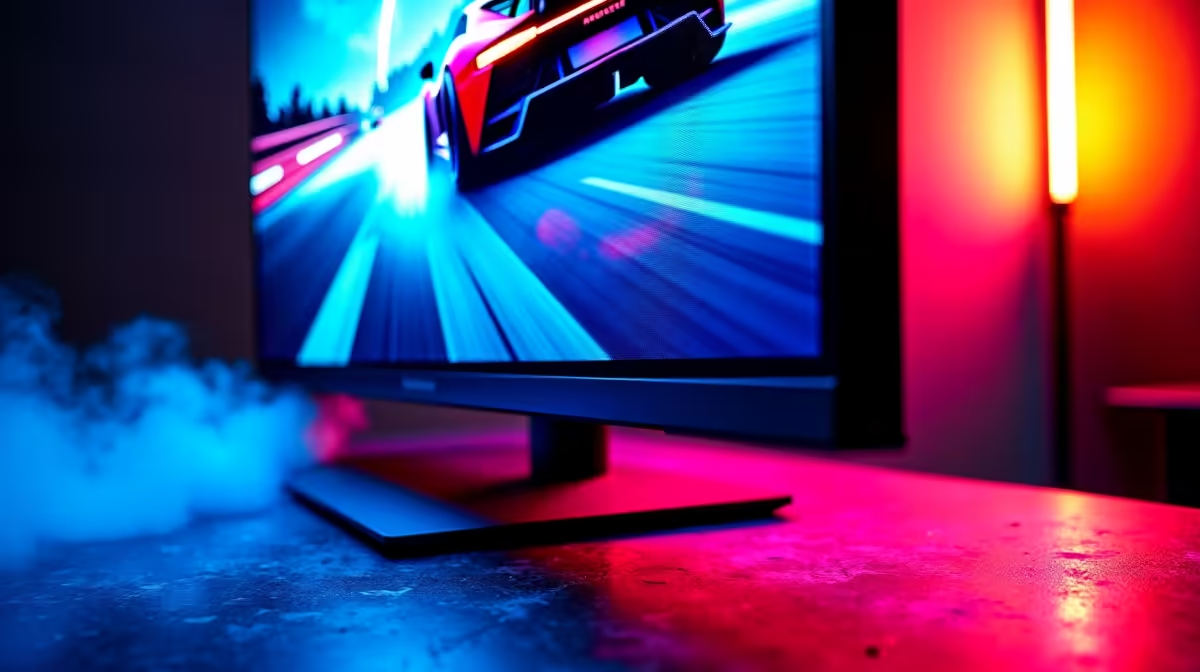
Ever missed a crucial headshot in Valorant because of a blurry mess on screen? You’ve got a 144Hz+ monitor, so what gives? The culprit is often your monitor’s pixel response time, and the secret to fixing it lies in a setting called Variable Overdrive. Understanding how the best monitor algorithm works is key to unlocking buttery-smooth gameplay. Let’s dive in and get your display dialled in perfectly for that competitive edge. 🚀
At its core, pixel overdrive is a clever trick manufacturers use to make LCD pixels change colour faster. Think of it like giving each pixel a tiny jolt of extra voltage to speed up its transition from one colour to the next. This reduces motion blur and that annoying "ghosting" effect where you see a faint trail behind moving objects.
However, it's a delicate balancing act. Too little overdrive, and you still get ghosting. Too much, and you get "inverse ghosting" or overshoot—a distracting, bright halo that's often worse than the original problem. Most modern PC monitors offer several overdrive levels (e.g., Normal, Fast, Fastest), but a fixed setting isn't always the answer.
Here’s where it gets interesting. Your PC doesn't always run games at a locked frame rate. Technologies like NVIDIA G-SYNC and AMD FreeSync constantly adjust your monitor's refresh rate to match your GPU's output, preventing screen tearing. This is called a Variable Refresh Rate (VRR).
The problem? An overdrive setting that's perfect at 165Hz might cause horrible overshoot at 80Hz. This is why Variable Overdrive is so important. It’s a smart algorithm that dynamically adjusts the overdrive level in real-time based on the current refresh rate. A well-implemented Variable Overdrive ensures you get the sharpest, cleanest image possible, whether you're hitting 240 FPS or dipping to 60 FPS in a demanding scene. This feature is especially crucial for all gaming monitors designed for competitive play.
So, how do you find the best monitor algorithm setting for your screen? You have to test it. Manufacturers use different names for their settings, but the principle is the same.
testufo.com. Use the ghosting test pattern.For most panels, the highest setting is usually too aggressive. The sweet spot is often the one right below the maximum. This tuning is vital, as ghosting can be particularly distracting on large, immersive curved monitors where motion fills your peripheral vision.
Use the 'Ghosting Pursuit Camera' test on testufo.com. Pay close attention to the trail behind the UFO. A dark, blurry trail is classic ghosting (underdrive). A bright, sharp, or colourful trail is overshoot (overdrive). The goal is the setting that produces the clearest UFO with the faintest, cleanest trail.
Absolutely. The quality of Variable Overdrive implementation can vary significantly between models. After we tested variable overdrive on various panels, it's clear that premium monitors often have far more sophisticated and effective algorithms. They provide a consistently clear image across a wider range of frame rates, which is a real advantage in unpredictable gameplay.
This is something to consider when buying a new screen. You aren't just paying for resolution and refresh rate; you're investing in the engineering that makes those specs shine. Whether you're gaming on vibrant 4K monitors or a speedy 1080p panel, a well-tuned response is critical. The same logic applies to specialised screens like portable monitors, where clarity on the move is paramount. Once you have the perfect screen, pairing it with the right monitor accessories like a good quality cable and a solid stand completes your setup. ✨
Ready for Ghost-Free Gaming? ⚡ Understanding your monitor's tech is the first step. The next is finding the right screen with a superb overdrive algorithm built-in. From competitive esports panels to breathtaking story-driven displays, the perfect monitor makes all the difference. Explore our best PC monitor deals and find the perfect panel to conquer your world.
Variable overdrive is a monitor technology that dynamically adjusts pixel response time based on the refresh rate, aiming to reduce ghosting and motion blur without causing overshoot.
The best overdrive setting for gaming balances speed and clarity. It's often a medium setting (e.g., 'Normal' or 'Fast'), but our tests show this varies significantly by model.
No, variable overdrive does not inherently add input lag. Its function is to improve pixel response, which is separate from the signal processing that causes input lag.
Pixel overshoot, or inverse ghosting, occurs when the overdrive voltage is too aggressive, causing pixels to surpass their target color and create a bright or colored trail.
Monitor ghosting is tested using specialized tools like the UFO Test from Blur Busters. This displays moving objects at various speeds to reveal motion artifacts and response issues.
Yes, adaptive sync overdrive is another term for variable overdrive. It specifically refers to overdrive algorithms that work with technologies like FreeSync or G-Sync.
Humidity Damage to PC Components: Recovery Guide. Everything you need to know with SA pricing, step-by-step instructions & expert recommendations.
Read more
Gamer Spending Trends April : Complete Setups. Clear setup instructions with SA-specific considerations, troubleshooting tips & recommended components.
Read more
Setting Up DDR5 32GB Kit. Tested & verified settings for best FPS and visual quality on SA hardware budgets.
Read more
Tech Setup Guide for SPU Res Students. Clear setup instructions with SA-specific considerations, troubleshooting tips & recommended components.
Read more
Monster Hunter Wilds Ultrawide Support: 21:9 and. Clear setup instructions with SA-specific considerations, troubleshooting tips & recommended components.
Read more
Apple iPad Durability Guide: Cases, Screen. Practical breakdown of costs, regulations & whether it makes financial sense for SA buyers.
Read more
AMD RX 9050 XT: Rumoured Specs, Price & Release. SA-focused analysis with local pricing data, real-world insights & actionable buying advice.

Can RTX 4080 Super Run AI Workloads for SA Developers Detailed answer with SA data, expert analysis & practical recommendations for local buyers.

Can RTX 4090 Run AI Workloads for SA Developers Detailed answer with SA data, expert analysis & practical recommendations for local buyers.

Top Settings for Intel Arc B580 at Ultrawide 1440p picks evaluated on performance, value & SA availability with current Rand pricing from Evetech.

RTX 4060 CS2 Low Settings at 1080p: FPS Results. Real-world benchmark data, FPS numbers & performance analysis. What SA gamers can actually expect.

Visual Artifacts: Possible GPU Issue Issue #1. Diagnosis steps, proven fixes & when to seek professional help. SA-specific support info included.

Can the RTX 4090 Handle 1440p 144Hz Gaming. Performance testing verdict with real data & practical recommendations for SA buyers.

Top ASUS GPU Under R15000 picks evaluated on performance, value & SA availability with current Rand pricing from Evetech.

GTA 6 Max Settings on RTX 5070. Tested & verified settings for best FPS and visual quality on SA hardware budgets.

Cyberpunk 2077 Max Settings on RTX 5080. Tested & verified settings for best FPS and visual quality on SA hardware budgets.

Starfield Max Settings on RTX 5070 Ti. Tested & verified settings for best FPS and visual quality on SA hardware budgets.

Top RTX 5090 Under R5000 picks evaluated on performance, value & SA availability with current Rand pricing from Evetech.