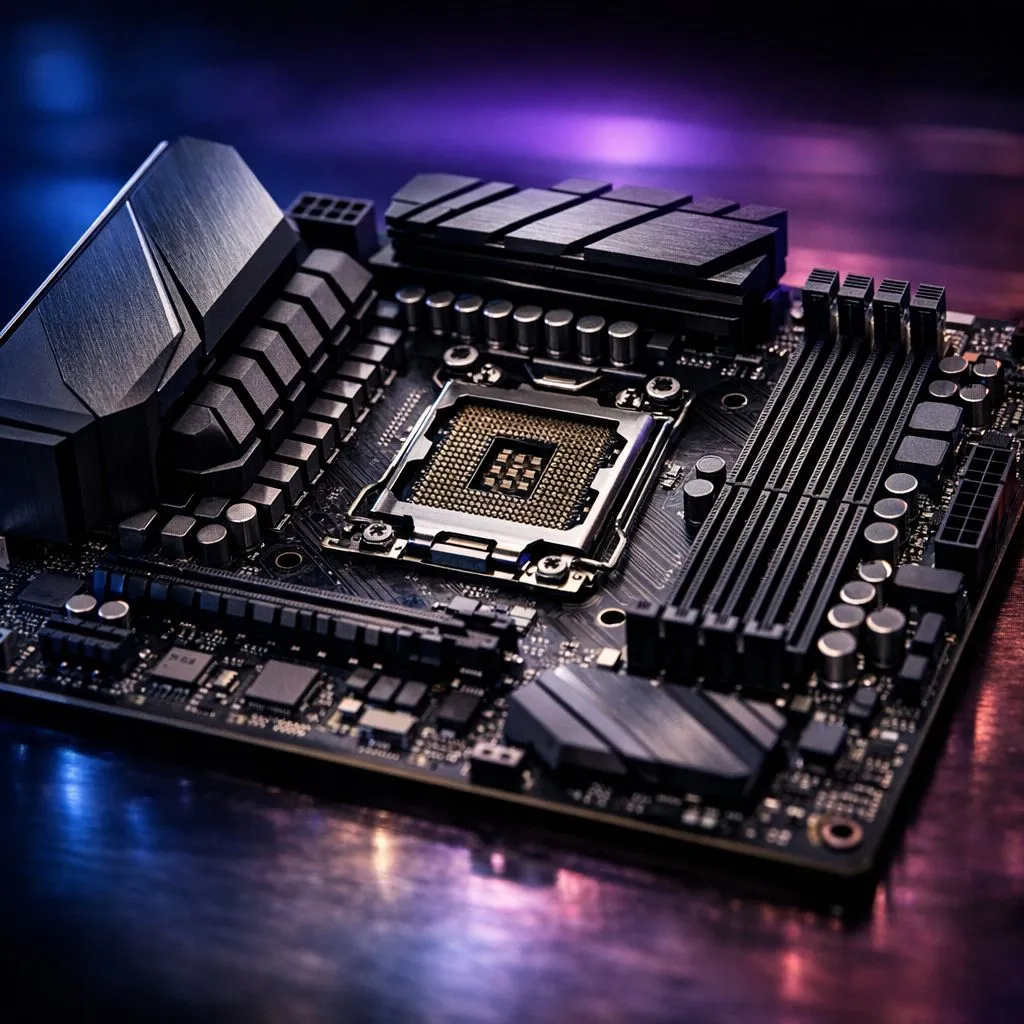
Understanding the role of VRMs in your build
You’ve just dropped a significant chunk of ZAR on a top-tier processor. But if you pair a flagship chip with a budget motherboard, you’re asking for trouble. Understanding VRM quality for high-TDP CPUs is the difference between a system that screams and one that stutters. Let’s dive into why those little squares around your socket actually dictate your PC’s true performance limits... and your long-term stability. 🚀
The Voltage Regulator Module (VRM) is the unsung hero of your motherboard. Its primary job is to take the 12V power from your power supply and step it down to the much lower voltage your processor actually uses. When you browse the latest Intel CPUs or look to buy AMD CPUs, you are looking at components that require incredibly precise, clean power to function at their peak.
Why VRM quality for high-TDP CPUs is non-negotiable
High Thermal Design Power (TDP) processors... like the flagship i9 or Ryzen 9 models... can pull massive amounts of current under load. If the VRM is poor quality, it will struggle to provide this power efficiently. This leads to excessive heat generation within the motherboard components themselves. When these components get too hot, they trigger a safety mechanism that forces your CPU to slow down. This is known as thermal throttling... and it happens even if your CPU cooler is world-class.
For those running heavy multi-threaded workloads on 14-core Intel CPUs, the VRM must be able to sustain high power delivery for hours at a time. A weak VRM will not only limit your performance but could eventually fail... potentially taking your expensive processor with it. ⚡
Spotting the difference between budget and premium boards
You don't always need the most expensive board on the shelf, but you do need one that matches your chip. When looking at the AMD Ryzen 7 series, a mid-range B650 or X670 motherboard with a decent 12+2 phase power design is usually sufficient.
VRM Cooling Tip ⚡
Even the best VRMs can struggle in a case with poor airflow. If you are using an All-In-One (AIO) liquid cooler, remember that there is no fan blowing directly onto the motherboard. Ensure you have top or rear exhaust fans to help pull heat away from the VRM heatsinks to maintain peak efficiency during South African summer heatwaves.
Look for motherboards with large, chunky heatsinks around the CPU socket. These heatsinks dissipate the heat generated by the MOSFETs. If the heatsinks look like thin strips of metal or are missing entirely, that board is likely not designed for high-TDP tasks. High-quality boards often use "DrMOS" or "SPS" (Smart Power Stage) components which are much more efficient than traditional separate MOSFET designs.
Balancing your budget for maximum stability
In the South African market, it is tempting to save R2,000 on a motherboard to afford a slightly faster GPU. However, a stable system is built on a solid foundation. If your VRM is constantly running at 100 degrees Celsius, your system's lifespan will be significantly shortened. Always check independent VRM thermal reviews before committing to a purchase. ✨