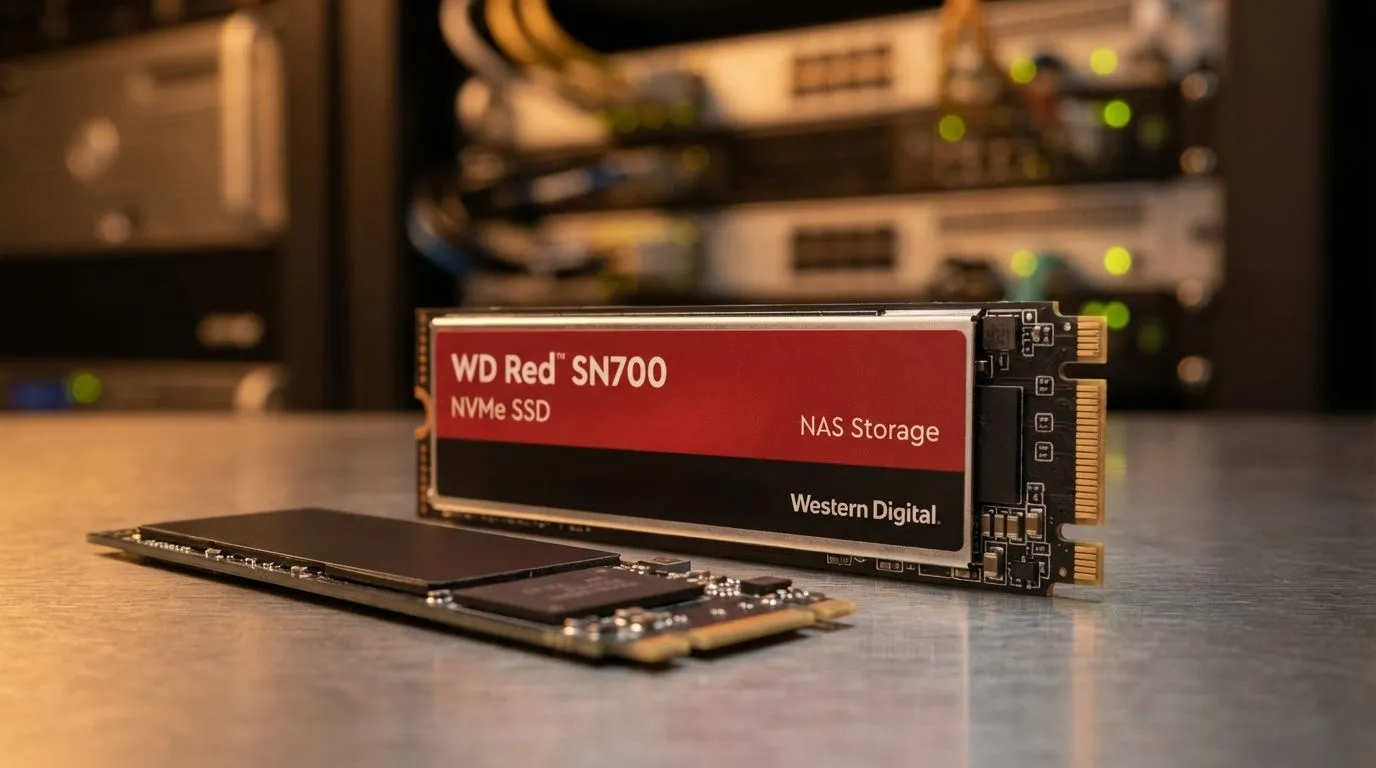
WD Red SN700 vs NVMe SSDs: What Makes a NAS SSD Different?
If you are building a home server or a media hub in South Africa, you have likely seen the WD Red SN700. It looks like a normal NVMe drive, but the price tag and branding suggest something else. Why pay more for a "NAS" drive when standard SSDs are so fast? Understanding the difference between these drives is crucial for your data's safety and your system's long-term performance. 🚀
Why Endurance Matters in a NAS Environment
Standard solid state drives are designed for typical consumer workloads. This includes gaming... web browsing... and occasional file saves. A Network Attached Storage (NAS) system is different. It often runs 24/7. It handles constant background tasks and multiple user requests simultaneously.
This is where Western Digital storage solutions like the Red series shine. They are built for high endurance, measured in Terabytes Written (TBW). A NAS drive can handle being written to and read from constantly without wearing out its NAND flash memory prematurely. In a RAID array, where data is striped across drives, this reliability is non-negotiable.
Comparing the WD Red SN700 vs NVMe SSDs for Speed
The PCI Express (NVMe) interface allows for incredible speeds. While a standard Kingston solid state drive might offer great burst performance for loading a game... the WD Red SN700 focuses on consistent throughput. ⚡
NAS Caching Tip ⚡
When setting up a NAS, use the WD Red SN700 as a read write cache. This allows your slower, high-capacity mechanical hard drives to behave like high-speed SSDs. It significantly improves performance for multiple users accessing the same files, like a shared Plex library or a small office database.
The SN700 is specifically optimised for caching. This means it helps your mechanical hard drives feel much faster. It reduces latency for the most frequently accessed data on your network.
Reliability and Thermal Management
Heat is the enemy of performance. In a cramped NAS enclosure... drives can get very hot. High-quality ADATA SSDs offer fantastic value for desktop PCs. However... the SN700 is tested for the thermal rigors of a server environment. 🔧
If you need absolute peak performance for a professional video editing workstation... you might look at cutting-edge Gen 5 (NVMe) drives. But for a NAS... reliability is king. The SN700 includes firmware specifically tuned for NAS systems, ensuring it doesn't "drop out" of a RAID array during heavy workloads.
Portability and External Options
Sometimes you do not need internal storage. If you want to move large 4K video files between offices in Jo'burg or Cape Town... you might choose to buy an external SSD instead. These External form factor portable drives are great for quick backups or mobile editing. ✨
However... for an "always-on" server that stores your family photos or work backups... the internal WD Red SN700 remains the superior choice. It provides the peace of mind that your data is sitting on hardware designed for the long haul.
Ready to Find Your Perfect Match?
The WD Red SN700 vs NVMe SSDs debate is about matching the right tool to the job. For maximum endurance and server stability in South Africa, NAS-specific storage is the clear winner. Explore our massive range of SSD specials and find the perfect drive to protect your digital life.