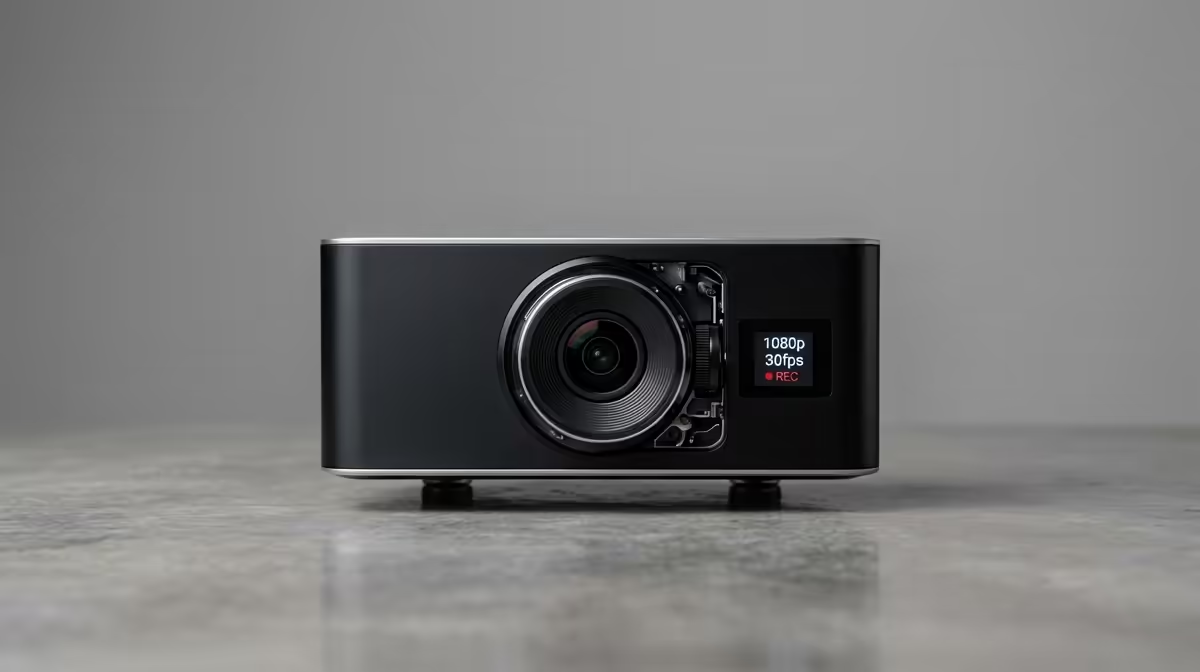
A webcam decision tree starts with how the camera is used, since a streamer, a remote worker, and a content creator each weight resolution, frame rate, and low-light performance differently.
Quick Answer
Choose a webcam by use case and lighting. For smooth streaming, prioritise 1080p at 60fps; for meetings, sharp 1080p at 30fps with good auto-exposure suffices. Quality webcams in SA run from about R1,000 for solid 1080p units to R3,500 for 4K or low-light-focused models.
Following The Branches
Branch one is purpose. Streamers benefit from 60fps for smooth motion and a wider field of view; remote workers mostly need clean 1080p and reliable autofocus. Branch two is your lighting; if you film in dim rooms, a larger sensor and good low-light handling matter more than headline resolution.
Branch three is framing features. Auto-framing, adjustable field of view, and a decent built-in mic add convenience, though a separate mic almost always sounds better than any webcam's onboard option.
Resolution Versus Real Image Quality
A 4K webcam in poor light can look worse than a 1080p model with a better sensor. Good lighting improves any camera more than extra megapixels do. For most streamers, 1080p60 with solid low-light performance is the practical sweet spot.
FAQ
Is 4K worth it for a webcam?
Only if you crop heavily or want maximum detail in good light. For streaming and meetings, a strong 1080p60 webcam usually serves better for the money.
Does 60fps matter for video calls?
Less than for streaming. Meetings look fine at 30fps; 60fps mainly benefits the smoother motion streamers want.
Should I rely on the webcam's built-in mic?
For calls it is acceptable, but a separate microphone sounds noticeably better. Streamers should plan for a dedicated mic.
Decide streaming versus meetings, then prioritise 1080p60 with good low-light handling and improve your lighting before chasing 4K.