Quick Answer
GPU clearance problems in ATX cases stem from three main causes: the GPU's physical length exceeding the case's rated maximum, HDD cages blocking card insertion, and front-mounted radiators consuming the space the GPU needs. GPU widths of 2.5 to 3.5 slots compound the issue further.
How GPU Size Has Outpaced Older Case Designs 📐
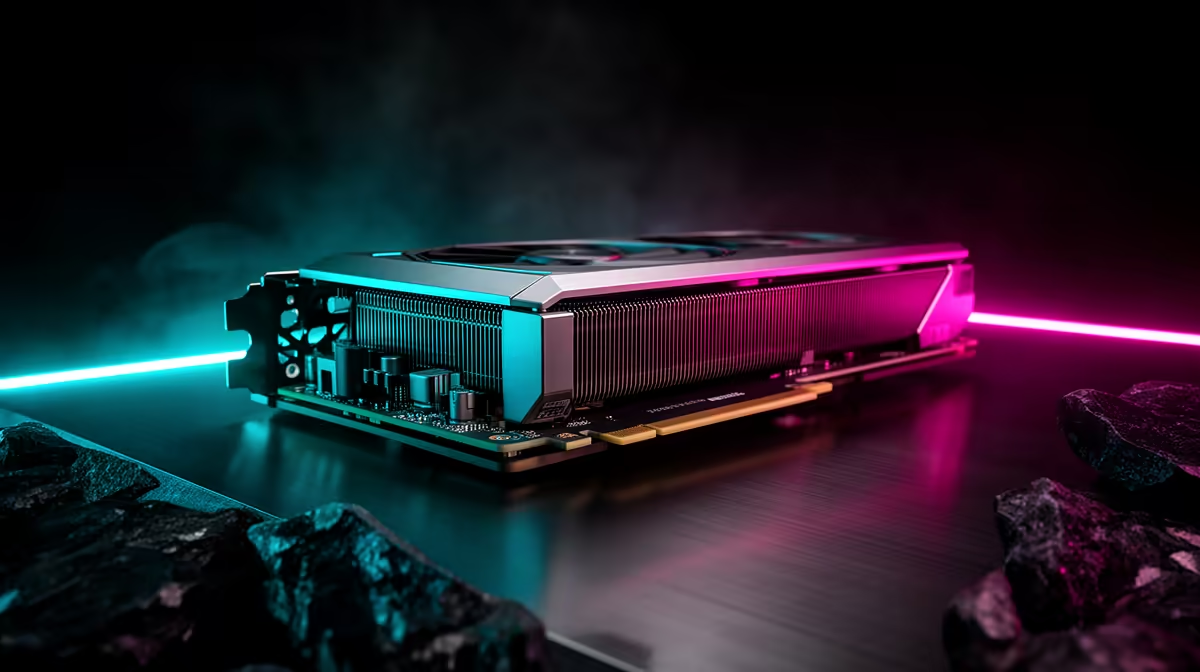
Graphics cards have grown substantially over the past two hardware generations. The RTX 5090 Founders Edition is approximately 336mm, but many AIB partner triple-fan coolers stretch to 360mm to 400mm. Several popular ATX mid-tower cases were designed around a 320mm GPU standard, meaning a longer card physically cannot be installed without removing drive cages. Always cross-reference the GPU's total cooler length (not just PCB length) against the case's stated clearance before ordering either component.
GPU width creates an additional problem. A case listing 400mm maximum GPU length may not account for a 3.5-slot cooler pressing against the PSU shroud or cable management channel on the right side of the chassis.
Hidden Clearance Obstacles Inside the Case 🔩
The most common hidden obstacle is the front-bottom HDD bracket, a removable drive cage that sits directly in the GPU's path. Builders often miss the removal step during assembly. Removing the cage adds 30 to 50mm of effective clearance in many designs and is the first thing to check when a GPU does not fit.
Front-mounted 360mm radiators present a separate problem. A radiator plus fans occupies 95 to 120mm of front depth. If the case was not engineered to co-locate a radiator and a long GPU, the card will press against the radiator fans. Look for cases that list GPU clearance explicitly with and without a front radiator installed.
Vertical Mounting Reduces Effective Clearance Further 🖥️
Vertical GPU mounting is popular in showcase builds. However, the vertical riser cable bracket consumes 20 to 40mm of lateral space between the GPU and the side panel. Cases listing 400mm horizontal clearance may only fit 340 to 360mm cards in vertical orientation. Also use a PCIe 4.0 or 5.0 riser cable; older PCIe 3.0 risers can bottleneck an RTX 5080 by 2 to 5 percent in bandwidth-sensitive workloads.
Pre-Build GPU Clearance Check ⚡
Look up the exact triple-fan cooler dimensions from the GPU manufacturer's product page, not just the PCB length reported in reviews. AIB coolers add 20 to 40mm beyond the PCB and this is the measurement that determines real-world fit.
FAQ
What happens if I force a slightly-too-long GPU into an ATX case?
A GPU pressed against the front frame or radiator fan blocks its own intake airflow, causing thermal throttling. Physical pressure also stresses PCB solder joints over time. Do not force a fit that is not within the case's clearance spec.
Do all ATX cases support the same GPU lengths?
No. Standard ATX mid-towers range from 330mm to 420mm maximum clearance. E-ATX and full-tower cases often exceed 450mm. Always check the spec sheet's Max GPU Length field rather than inferring from the case size category.
Is 420mm GPU clearance future-proof?
For the RTX 50-series and RX 9000-series generation, 420mm clears all currently available AIB variants. Choosing a case with modular drive cage removal and 400mm or greater front clearance is the most adaptable approach for future hardware generations.
Building around an RTX 5080 or RTX 5090?
Check out ATX and E-ATX gaming cases stocked at Evetech with 420mm or greater GPU clearance and removable drive cages for clean, no-compromise builds.