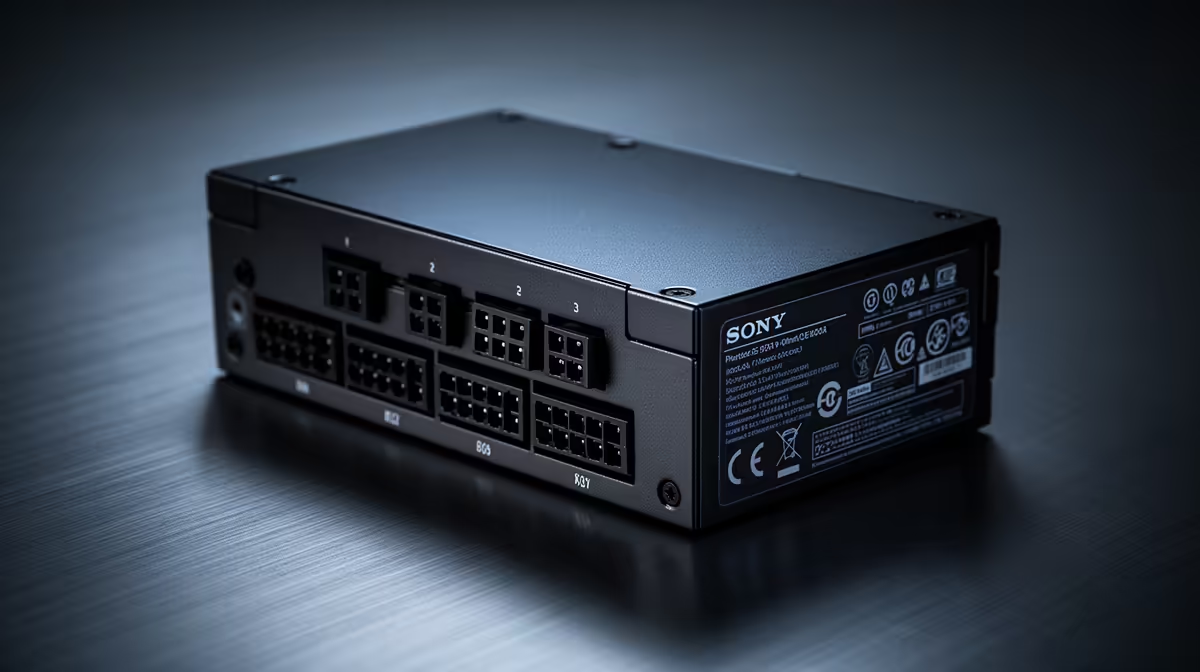
A quality 500W PSU can support an Intel Arc B580 in a balanced budget gaming build. You do not need to bury this card under an oversized supply, but you do need to check the requirement for the exact board you buy. Partner designs, CPU choice and old-PSU condition can shift the answer. Build from those facts and 500W remains a cost-conscious target.
Quick Answer
Plan around a well-tested 500W supply for an Arc B580 paired with a mainstream processor and normal storage. Confirm the graphics card's stated system wattage and connector before ordering. If your chosen model calls for more, follow that instruction. A fresh 550W or 650W unit can make sense for future upgrades, though it does not improve B580 performance on its own.
Compare named products in the current Corsair PSU category and popular power-supply list. The model-level review matters more than the number printed largest.
Build the Budget Around the Complete PC
The GPU is one part of the load. The processor, motherboard conversion stages, RAM, drives, cooling and USB devices all draw from the same supply. A 500W target works best with the sort of mainstream CPU that belongs in a value gaming system.
Think about what the PC does. A gaming machine spends much of its time with a mixed CPU and GPU load. A creator workload can hold both components busy for longer. If you are pairing the Arc card with an old high-draw processor and several hard drives, calculate that specific combination.
Do not add every component's largest marketing number and treat the total as measured demand. Use credible test data where available, then respect the graphics-card maker's system recommendation. That method leaves room without turning capacity into guesswork.
Check the Exact Arc B580 Card
Board partners can choose different coolers, power limits and sockets. Read the product page and manual for the card in your basket. Count the power plugs and check whether the card maker states a supply minimum above your initial plan.
Case fit matters at the same time. Measure card length, thickness and the room beside its connector. A suitable 500W PSU does not help if the side panel crushes the lead or the cooler cannot draw air.
Use a PCIe cable supplied for your PSU. Never move a modular cable from another unit because the plugs appear to match. The PSU-side pinout can differ, with serious consequences for the hardware.
What Makes a 500W Unit Good Enough
The useful capacity for the CPU and GPU sits on 12V. Read the output table on the supply rather than stopping at the front badge. Then find an independent review of the same model and revision.
Good testing examines voltage regulation and electrical noise through different loads. It also checks behaviour as demand changes and whether protections intervene at sensible levels. A basic efficiency certificate addresses a narrower question, so it cannot stand in for that evidence.
Warranty and support matter in a budget build because replacing one failed unit can erase a small initial saving. Confirm the term for the local product and keep the proof of purchase with the build record.
Can You Reuse an Older Supply?
Yes, if its history supports the decision. Record the age, model, 12V capacity and original cable set. Look for external signs of overheating or damaged insulation. Listen for a fan bearing that grinds, and take unexplained blackouts seriously.
Avoid opening the PSU case. Internal components can retain dangerous energy after the PC is unplugged. Clean the intake and case filters from the outside, and ask a qualified technician for help if the symptoms point inside the unit.
An old quality supply does not expire on a universal date. Heat exposure, load and component design influence its condition. Unknown history is a reason to be conservative, particularly if the unit came with a prebuilt machine and has no clear model documentation.
Does the Arc Driver Change PSU Sizing?
Drivers and firmware affect GPU behaviour, compatibility and performance, but they do not replace an adequate electrical foundation. Install the current supported graphics driver and keep motherboard firmware current for the platform. These steps help the card work as intended.
Features such as Resizable BAR can have a material effect on Arc performance in supported systems. Check motherboard and CPU support before treating the GPU as a drop-in upgrade for a very old PC. A capable power supply cannot solve a platform feature gap.
When troubleshooting, return overclocks and undervolts to defaults. Establish stable stock operation before tuning power behaviour.
When to Buy More Than 500W
A 550W or 650W unit is reasonable when it is the better-tested option, runs more quietly at your expected load or supports a named future GPU. It also gives more space to a processor with high sustained consumption.
Do not oversize because the Arc name sounds unfamiliar. The PSU needs to match electrical demand. Spending the same money on a stronger platform at 500W can beat a weak higher-capacity model.
Test the Finished Arc Build
Fit the card, seat its power plug and confirm that no cable touches a fan. Start with motherboard and GPU settings at stock. Install the supported driver, then test a game that represents what you play.
Watch GPU temperature, clock stability and system behaviour. A driver error, black screen and total power loss are different symptoms. Note the details before changing hardware. If the PC cuts power under combined load, inspect connectors and existing tuning, then assess the PSU with suitable tools or professional help.
Never keep forcing a fault that produces smell, visible heat damage or arcing noise. Switch off at the wall and stop using the machine.
The best result is uneventful: the Arc B580 reaches expected performance, temperatures stay controlled and the 500W unit carries the system without drama.
FAQ
What PSU wattage does the Arc B580 need?
A quality 500W model can serve a balanced budget build, subject to the requirement published for your exact B580 card and the consumption of the other components.
Can a 450W PSU run the Arc B580?
Some restrained combinations may fit, but 450W leaves less room and may fall below card-maker guidance. Check the specific board and supply rather than relying on a generic yes.
Does the Arc B580 need special drivers for power management?
Use Intel's current supported graphics driver for correct operation and updates. Driver installation does not reduce the need for a suitable PSU and cable.
Should I oversize the PSU for future upgrades?
Only when you can identify the likely future graphics tier. Size for its published requirement and connectors; vague headroom can waste budget that would buy a better unit today.
Match the Arc B580 to a proven 500W PSU and mainstream CPU, confirm the exact card's stated requirement, and test platform support before calling the upgrade complete.