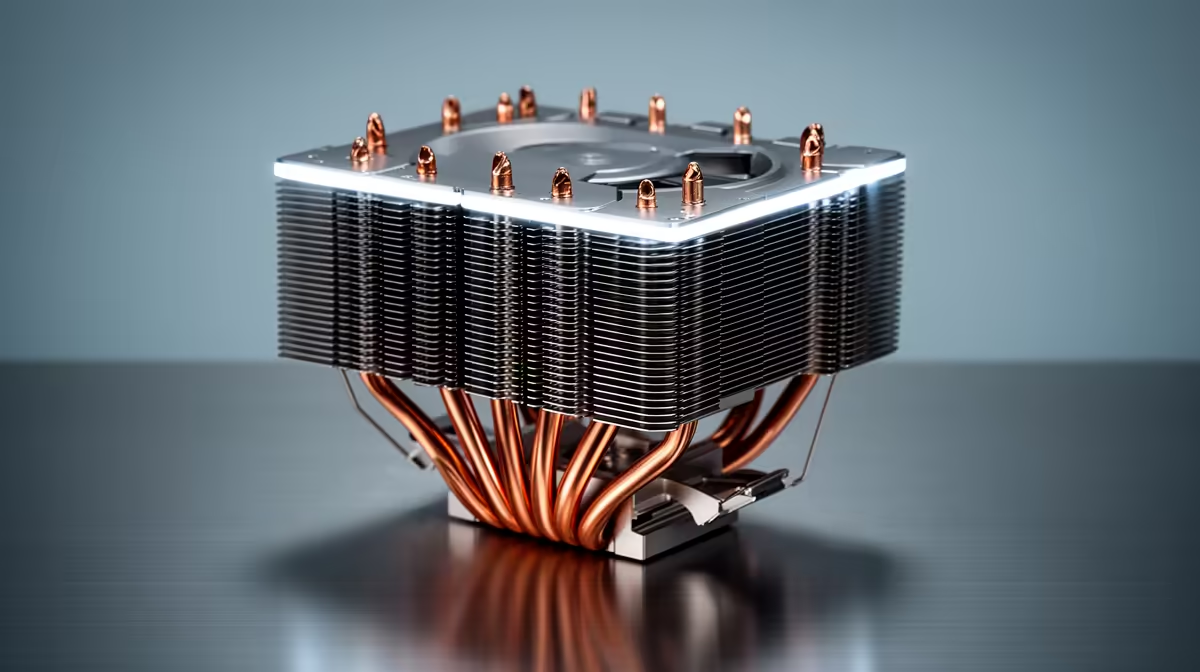
Before upgrading a CPU cooler, SA buyers should check a handful of practical things that decide whether the upgrade fits, performs and is worth the rand. Skipping these checks is how a cooler arrives that does not bolt on or does not fit the case.
Quick Answer
Before upgrading a CPU cooler, check socket compatibility (AM5 or LGA1700), case clearance for cooler height, RAM clearance, and whether your CPU actually runs hot enough to need it. A capable air cooler like a DeepCool AK620 (rated near 260W) costs R1,100-R1,400 and suits most chips. If your CPU stays under 80C on stock cooling, the upgrade may not be needed.
Compatibility Checks That Come First
Confirm the cooler supports your socket: AM5 covers Ryzen 7000, 8000 and 9000 chips, while LGA1700 covers Intel 12th to 14th gen, and most quality coolers include brackets for both. Measure case clearance, since a tall tower cooler around 160mm-plus needs a mid-tower with roughly 165mm CPU clearance, and a 120mm-class cooler fits tighter cases. Check RAM clearance too, because a large air cooler can overhang and block the first DIMM slot, which matters if you run tall RGB memory modules.
Whether You Actually Need The Upgrade
Check temperatures under a real load before spending. If your CPU peaks near 75-80C and holds its boost clock, the stock or current cooler is doing its job and an upgrade adds little. If it crosses 90C under a sustained load and throttles, a better cooler is worth it. A DeepCool AK620 or Noctua NH-D15 typically shaves 10-15C off a stock cooler on the same chip, keeping clocks steady. For a hot-running chip like a higher-end Ryzen 7 or Core i7, that headroom is genuinely useful.
Buying Sensibly In SA
A capable air cooler at R1,100-R1,400 handles almost any mainstream six- or eight-core CPU, while a 240-280mm AIO at R1,800-R3,000 suits a hot 12-16 core chip pushed hard. Confirm socket, case height and RAM clearance before ordering, and check the warranty and local support path. For most SA builds, a quality air cooler is the practical, low-maintenance choice with no pump to fail, and it keeps a workstation or gaming PC quiet and steady under load.
FAQ
How do I know if I need a cooler upgrade?
Check CPU temperatures under a real load. If it peaks near 75-80C and holds boost, you are fine. Sustained 90C-plus with throttling means a stronger cooler will keep clocks steady.
What clearances should I check before buying?
Case height for the cooler (tall towers need roughly 165mm), and RAM clearance, since large air coolers can overhang the first DIMM slot. Confirm both against your case and memory before ordering.
Is air or liquid cooling better for SA buyers?
A quality air cooler is the practical default: lower-maintenance with no pump to fail, and enough for most chips. A 240-280mm AIO suits a hot high-core CPU pushed hard, but air covers most needs.
confirm the cooler fits your socket and case height, check RAM clearance, and verify your CPU actually runs hot under load to justify the upgrade.