Quick Answer
For genuine 8K output, you need a DisplayPort 2.1 cable certified to the UHBR20 (Ultra High Bit Rate) standard, providing 80 Gbps bandwidth. Cables labelled only as DP 1.4 cannot carry uncompressed 8K/60Hz. Verify the box or product spec states DP 2.1 UHBR20 explicitly before purchasing.
Bandwidth Certification: The Most Critical Spec 📡
DisplayPort versions define bandwidth ceilings. DP 1.2 delivers 17.28 Gbps, DP 1.4 adds DSC compression to reach 8K, and DP 2.1 provides 40 Gbps (UHBR10), 54 Gbps (UHBR13.5), or 80 Gbps (UHBR20). For uncompressed 8K at 60Hz with HDR, you need UHBR20. GPUs with native DP 2.1 output include the RTX 5080, RTX 5090, and the RX 9070 series. A cable claiming 8K support without specifying the DP version is almost certainly a DP 1.4 cable relying on Display Stream Compression, which introduces a compression step. For gaming, DSC is nearly invisible. For colour-critical professional work on calibrated displays, uncompressed DP 2.1 is the correct standard.
Physical Build Quality for High-Bandwidth Cables 🔧
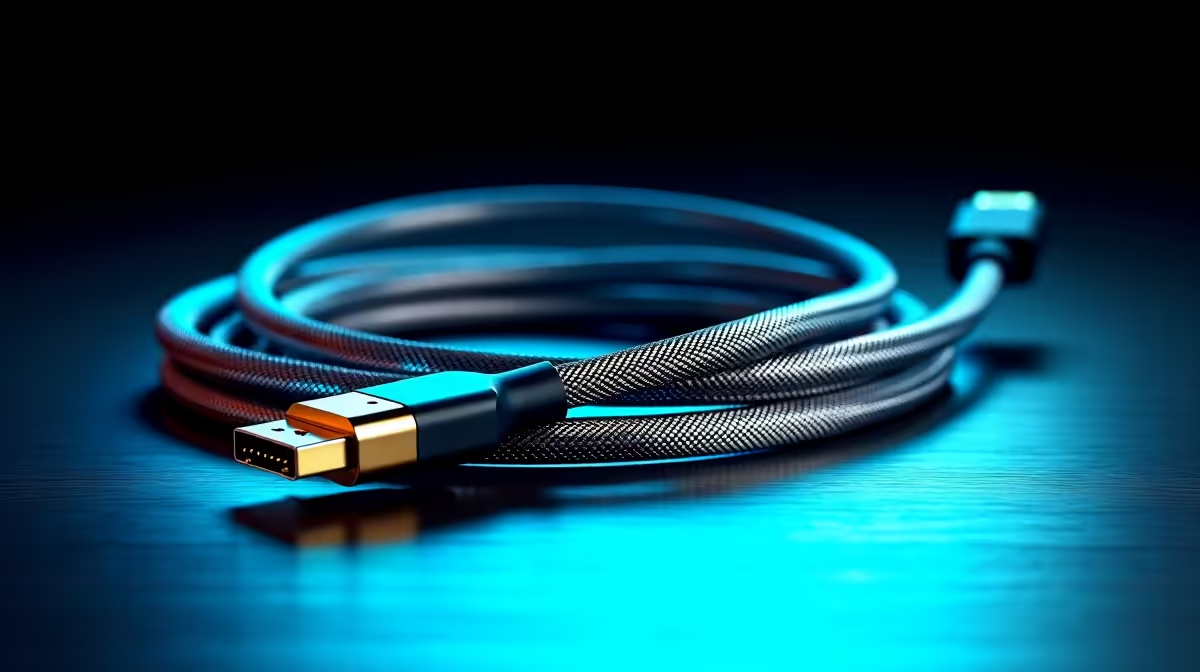
At 80 Gbps, cable construction tolerances are tight. Key build quality markers include triple-layer shielding (foil plus braid plus drain wire), solid aluminium or zinc-alloy connector housings, strain relief boots at both ends, and 28 AWG or thicker conductors. Avoid cables with only foil shielding and no braiding: they are adequate for DP 1.4 but marginal for sustained UHBR20 bandwidth. Cable jacket material matters too. Braided nylon jackets resist tangling and withstand heat better than PVC. In a South African summer with ambient study temperatures reaching 32 to 38 degrees, a quality jacket extends cable life. Cables meeting these specs locally cost from around R400 to R750 in the 1.8m to 2m range.
Length Limits and When to Go Active 📐
Passive DP 2.1 cables are reliably certified up to 2m. At 3m, most passive cables cannot sustain UHBR20 bandwidth under sustained load, though they may function at lower resolutions. If your PC tower is more than 2m from your display along the cable run, an active DP 2.1 cable adds signal amplification electronics inside one connector to maintain full bandwidth. Active cables cost more, typically from R700 to R1,200 for quality 3m options, but eliminate signal integrity concerns on longer runs. For standard desktop setups with the tower under the desk, 2m is almost always sufficient.
Match Cable to GPU Port Generation ⚡
Confirm your GPU's DisplayPort output version before ordering. An RTX 4070 has DP 1.4 outputs, not DP 2.1. A DP 2.1 cable on a DP 1.4 port negotiates down to DP 1.4 automatically and you lose the 8K benefit. Only RTX 50-series and RX 9000-series GPUs currently ship with native DP 2.1 outputs.
FAQ
Can I use my existing DP 1.4 cable on a DP 2.1 monitor?
Yes, but it will negotiate down to DP 1.4 bandwidth. You will not get uncompressed 8K/60Hz. For 4K/144Hz, DP 1.4 is sufficient. For 8K/60Hz without DSC, you need a DP 2.1 certified cable.
Do I need an 8K cable for a 4K monitor?
No. DP 1.4 handles 4K/144Hz comfortably with HDR. An 8K-rated DP 2.1 cable on a 4K monitor will simply run at DP 1.4 speeds. The upgrade is only meaningful when your monitor and GPU both support 8K output.
Where can I verify a cable is genuinely DP 2.1 certified?
Check the VESA (Video Electronics Standards Association) certified product database online, or purchase from reputable retailers like Evetech that stock brand-named cables with traceable specifications.
Building or upgrading a high-resolution display setup?
Evetech stocks DisplayPort 2.1 cables and monitors for gaming rigs and creator workstations. Find the right cable spec at Evetech.