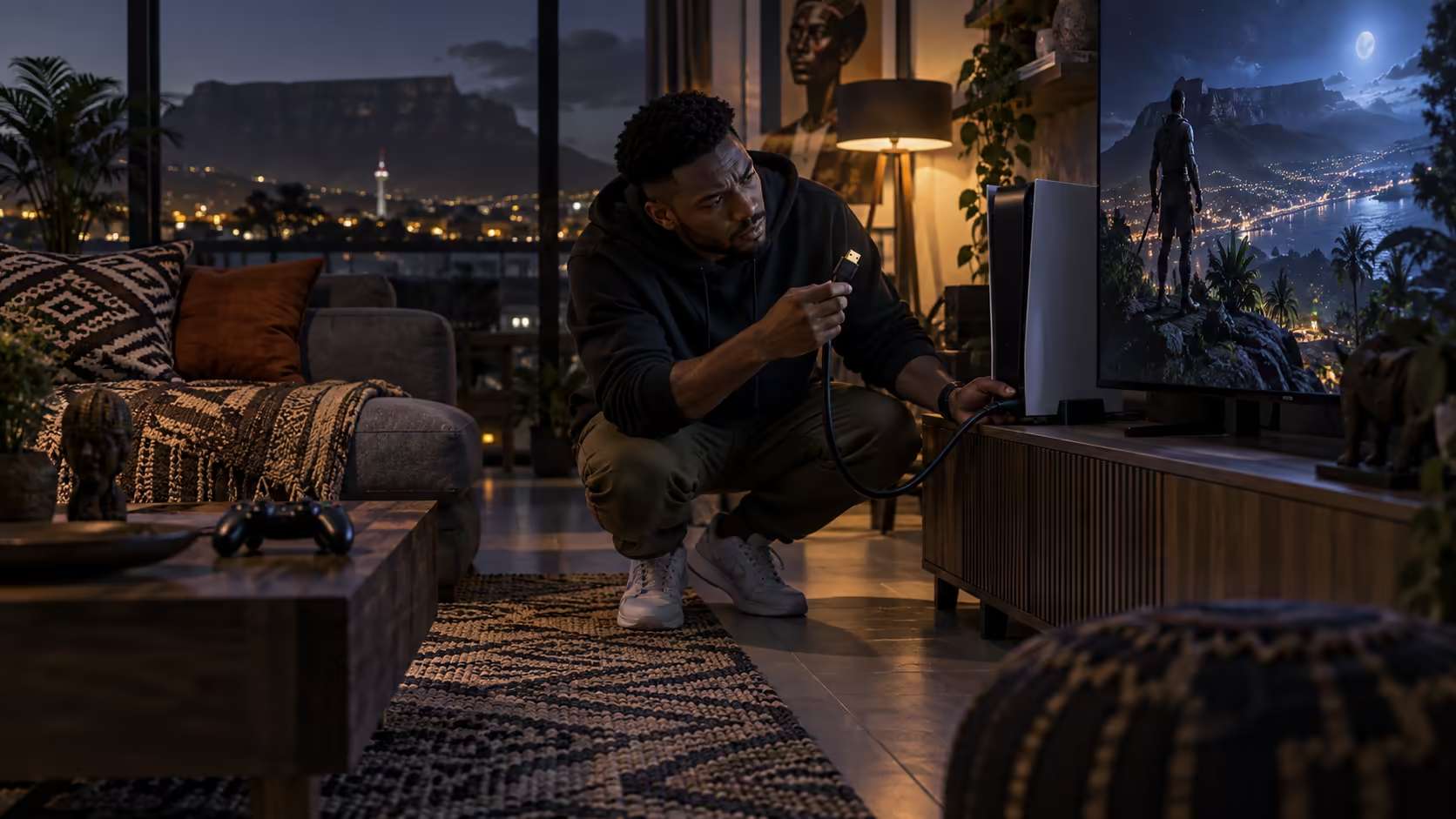
South African console gamers buying an 8K HDMI cable tend to check the wrong things first, worrying about a brand name before ruling out the one variable most likely to already be sitting in their own lounge unit: the television socket itself.
Quick Answer
Check your own sockets first, because that is where most of these purchases go wrong. Then work through the console output menu, the length you really need, an explicit 48Gbps rating, and a seller who handles the warranty here. Evetech lists a 1.8m Anker at R299.
🔌 Start with the sockets already in your lounge
Before buying anything, check which HDMI input on your television actually carries the full bandwidth an 8K signal needs, since plenty of mid-range sets sold locally reserve that capability for one or two specific ports rather than all of them. Move the console into that socket and confirm the input's own enhanced-bandwidth mode is switched on, which is often buried under a name that never mentions bandwidth directly. Doing this before buying anything new rules out the single most common reason a fresh lead does not "fix" anything, and it costs nothing but a few minutes spent with the television's own remote and picture menu.
🖥️ A PC sharing the same screen follows the same logic
If a PC also shares the same television or a nearby monitor, the same socket check applies to whichever HDMI input the graphics card is plugged into, separately from the console's own port. A 120Hz option missing from the Windows display settings usually points back to the card or the screen not managing 4K at that rate, which is worth ruling out before assuming a cable swap will fix a limit the hardware itself never had a way around.
🎮 Then work through the console's own settings
With the socket confirmed, check the console's video output menu for an 8K or 4K120 option and switch it on for that specific input. Consoles report what the display told them during the handshake, so if the higher mode does not appear as an option at all, the socket check above is worth revisiting before assuming the console itself is at fault.
🔊 Do not forget the sound path either
Many South African lounges run a soundbar or receiver off the television's own audio return connection, which is a separate HDMI cable from the one feeding the console picture, and it can be just as old and unrated as anything else sitting in the unit. If surround sound has never sounded quite as good as the soundbar's own marketing suggested, that forgotten audio cable is worth a look alongside the console's video cable rather than assuming the speaker hardware itself is at fault.
📏 Measure the length you actually need
Most South African lounge setups keep a console sitting within 1 metre of the television, on an open shelf or inside a media unit, and a 1.8m cable reaches that distance comfortably with slack left over. For a wall-mounted television, trace the real path the cable takes behind the mount rather than guessing at it, since that route is very often longer than it looks from across the room.
🧯 If the picture drops out rather than staying at 60Hz
A cable close to its 48Gbps limit sometimes produces intermittent sparkles or momentary black screens rather than cleanly falling back to a lower, stable mode, and this is worth telling apart from a settings problem. Try dropping the console's output down a notch and see whether the fault disappears entirely; if it does, the cable is the more likely culprit than anything hiding in the television's own menus.
🔢 Confirm the rating, then the seller
Look for the explicit 48Gbps figure rather than trusting "8K" or "2.1" printed alone, since either can describe a cable built to a lower actual tier. Once the rating is confirmed, buy from a seller who handles a faulty unit with a quick courier pickup rather than a parcel booked overseas, since cables developing an intermittent fault is common enough to plan for ahead of time. Evetech's comprehensive cable range lists the 1.8m Anker at R299 with all of this stated plainly, and a wired controller is worth adding if input responsiveness matters as much to you as picture quality does. If sound quality through a wired headset is part of the same setup, that connects entirely separately from the video chain.
Frequently Asked Questions
Why should I check my TV's sockets before buying a cable at all?
Because a socket that never carries full bandwidth will not show 8K or 4K120 regardless of how good the cable plugged into it is, so ruling this out first saves buying a cable that was never the actual problem.
Does every South African household need to worry about socket differences?
Only households with a mid-range or older television carrying mixed-bandwidth HDMI inputs, which describes a large share of sets sold locally, so it is worth checking rather than assuming every socket is identical.
Is a 1.8m cable long enough for most local lounge setups?
Yes, for a console positioned on a shelf directly with or near the television. A wall-mounted screen sometimes needs a longer measured run, which is worth checking before ordering.
Does buying locally really matter for something as small as a cable?
Yes, since cables are one of the more ordinary components to develop an intermittent fault, and a local purchase turns that into a quick courier collection rather than an overseas return.
Should I check the soundbar's cable even if the picture itself looks fine?
Yes, since a picture-only check tells you nothing about the audio path. Surround sound quality depends on that separate connection carrying enough bandwidth for whichever format the soundbar supports.
What is the fastest single check to run before buying a replacement cable?
Swap the console into a different HDMI input on the same television and see whether 120Hz becomes available there. If it does, the original socket was the problem all along, rather than anything actually wrong with the cable itself.
Is it worth keeping the console's original bundled cable as a spare?
It rarely hurts to keep it aside for a lower-demand device elsewhere in the house, even once it has been swapped out of the main console setup for something better rated.
Ready to buy an 8K cable that actually solves your setup?
Check your own television's sockets first, then confirm the rating before anything else.