Quick Answer
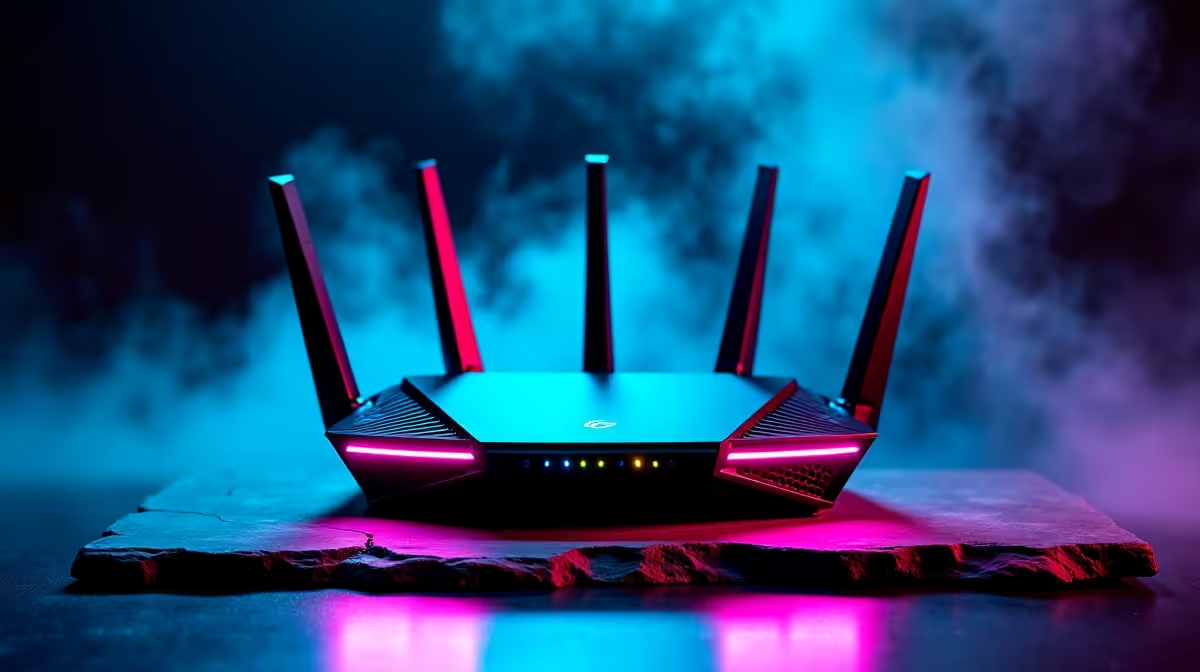
For MMO and live-service games, Wi-Fi 6E is worth it over plain Wi-Fi 6 mainly for its clean 6 GHz band, which dodges the crowded 2.4 GHz and 5 GHz traffic in SA flats and res. Both share the same Wi-Fi 6 efficiency features, so on a quiet network the real-world gap is small. If your area is congested, 6E's extra spectrum is the upgrade.
The 6 GHz Band Is the Whole Story
Wi-Fi 6 and 6E use the same underlying technology; the E simply unlocks the 6 GHz band, roughly doubling the available channels. In a packed Cape Town apartment block or a Stellenbosch koshuis where every flat runs its own router, that clean spectrum means fewer collisions and steadier latency.
For populated zones in FFXIV, Path of Exile 2, Destiny 2 and World of Warcraft where streaming and patch sizes pile up, that translates into fewer micro-stutters when the network is busy. On a quiet single-user setup, plain Wi-Fi 6 already delivers the throughput a 100-200 Mbps fibre line needs, so the upgrade only pays off where interference is the problem.
Picking the Right Option Locally
A Wi-Fi 6E motherboard module or laptop costs only a small premium over Wi-Fi 6 now, often R200-R500 on a board, and you need a 6E-capable router to use the 6 GHz band. Without that router, a 6E card behaves like a normal Wi-Fi 6 device.
For a focused MMO and live-service games setup, spend the difference on a better router or a wired link before chasing the standard. A solid mid-range Wi-Fi 6 router at Evetech sits around R1,500-R3,000, and on a 100 Mbps line it will rarely bottleneck a single gamer in SA.
FAQ
Is Wi-Fi 6E faster than Wi-Fi 6 for gaming in SA?
Not in raw speed on a typical fibre line; both saturate a 100-200 Mbps package. Wi-Fi 6E wins on consistency in congested areas because the 6 GHz band has far less competing traffic, which steadies your ping for MMO and live-service games.
Do I need a special router for Wi-Fi 6E?
Yes, the 6 GHz band only works if both your router and adapter support 6E. A 6E card on an older Wi-Fi 6 router simply runs as standard Wi-Fi 6, so check both before paying the premium.
Should I pay extra for Wi-Fi 6E or wire my PC?
If your PC sits near the router, a R150 Cat6 cable beats both wireless standards for latency and reliability. Choose 6E when wiring is impractical and your building's airwaves are crowded.
Buyer Tip
Before buying a 6E board, confirm your router supports the 6 GHz band; without it the card runs as plain Wi-Fi 6 and the premium is wasted.