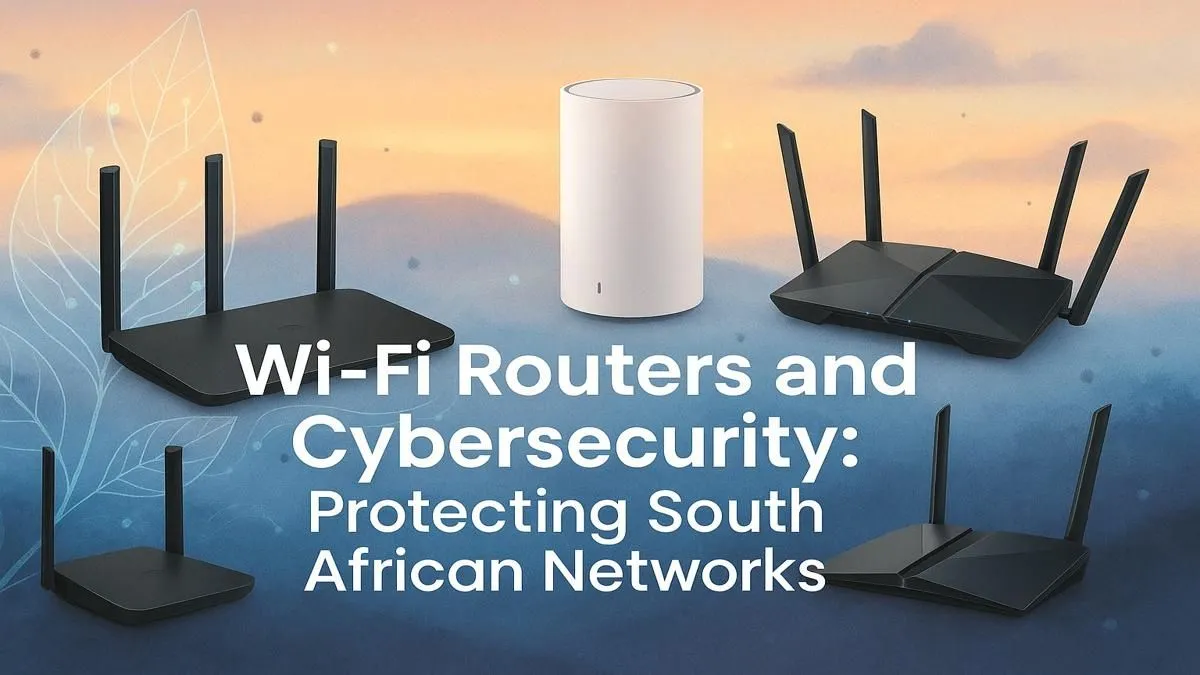
Your ping is still in the triple digits. Could a neighbour be ‘borrowing’ your Wi-Fi while you’re trying to clutch a win? For gamers and tech enthusiasts across Mzansi, robust Wi-Fi security is not just about speed; it's about protecting your digital life. This guide covers essential steps for better Wi-Fi security in South Africa, ensuring your connection is fast, stable, and yours alone. 🛡️
Why Wi-Fi Security in South Africa is Non-Negotiable
It’s easy to think of Wi-Fi security as just keeping freeloaders off your network. But in reality, an unsecured network is an open door for much bigger threats. From someone sniffing your banking details to using your connection for dodgy activities, the risks are real. A weak setup can lead to identity theft, compromised devices, and a data bill that’ll make you cry.
Properly securing your network is the digital equivalent of locking your front door. It protects your hardware, your personal information, and your peace of mind. For gamers, it also means a more stable, lag-free connection when every millisecond counts.
Your First Line of Defence: The Router Itself
The heart of your home network is your router. Keeping it secure is the most important step in protecting your digital life. If your router is old or came standard from your ISP, it might be time for an upgrade. A modern router is your first and best defence. Upgrading to the latest hardware from our range of powerful fibre routers often brings built-in security enhancements and much better performance.
Here are the basics every South African should cover:
Change the Default Login Details
Every router comes with a default username and password for its admin panel (like "admin" and "password"). These are public knowledge! Log in to your router’s settings page—usually by typing 192.168.0.1 or 192.168.1.1 into your browser—and change these immediately to something unique.
Enable WPA3 Encryption
WPA3 is the latest, most secure encryption standard for Wi-Fi. If your router supports it, enable it. It provides much stronger protection than the older WPA2 protocol. If your router doesn't have it, consider it a sign that it’s time to look at newer wireless routers that do.
Keep Your Firmware Updated
Router manufacturers release firmware updates to patch security holes and improve performance. Think of it as a system update for your network's brain. Most modern routers can be set to update automatically, but it’s worth checking manually every few months just to be safe.
Quick Password Pro Tip
Use a password manager to generate and store a ridiculously strong Wi-Fi password. A phrase like "MyBokkeWillWin2027!" is much stronger and easier to remember than "Password123". Mix upper and lower case letters, numbers, and symbols for maximum strength.
Advanced Steps for Bulletproof Wi-Fi Security ✨
Once you’ve covered the basics, a few extra tweaks can make your network as secure as Fort Knox.
Hide Your Network Name (SSID)
Your Service Set Identifier (SSID) is the name your network broadcasts publicly. While not a foolproof security measure, disabling the SSID broadcast makes your network invisible to casual snoops. You’ll have to manually type the network name to connect new devices, but it adds a simple layer of obscurity.
Create a Guest Network
Got friends coming over for a LAN party or a braai? Don’t give them your main Wi-Fi password. Almost all modern routers allow you to create a separate guest network. This gives your visitors internet access but keeps them completely isolated from your main network and all your connected devices. It's the ultimate win-win.
Improve Your Signal the Smart Way
Sometimes, a weak signal tempts people into using weaker security settings. Don't fall into that trap. If you have Wi-Fi dead spots in your home, purpose-built wireless range extenders can boost your signal securely without compromising your network. They are a far better solution than disabling your password.
Don't Forget Your Devices
Solid Wi-Fi security in South Africa isn't just about the router; it's also about the devices connecting to it. Ensure your PC, laptop, and phone are equipped with hardware that supports the latest security protocols. Good quality wireless adapters can make a noticeable difference in both connection stability and security, ensuring you get the most out of your protected network. 📡