Some people love the freedom of a cable-free desk. Others never want to see a low-battery warning on a keyboard again. The AULA range caters for both camps, and it splits cleanly down the middle: one group of boards draws power over USB-C and has no battery at all, while the other adds a 2.4GHz receiver and Bluetooth on a large internal cell. Knowing which is which is the quickest way to narrow the range, so here is a full guide to the wired vs tri-mode keyboard question across AULA's line-up.
Quick Answer
The AULA WIN68 HE, WIN68 MAX, HERO 84 HE and all three AG75 boards are wired, from R449 to R2,799 at Evetech: they draw power over USB-C and never need charging. The HERO 75 HE, L99, F99 Max and F87 Pro V2, at R799 to R1,099, are tri-mode, adding a 2.4GHz receiver and Bluetooth on batteries from 8000mAh to 10000mAh. The S102 PRO office keyboard, at R299, is tri-mode as well. Pick wired for zero upkeep; pick tri-mode if you move the board between devices or want a clear desk.
🔌 The wired boards: never charge, never pair
Six AULA keyboards are cable-only, and all of them are magnetic.
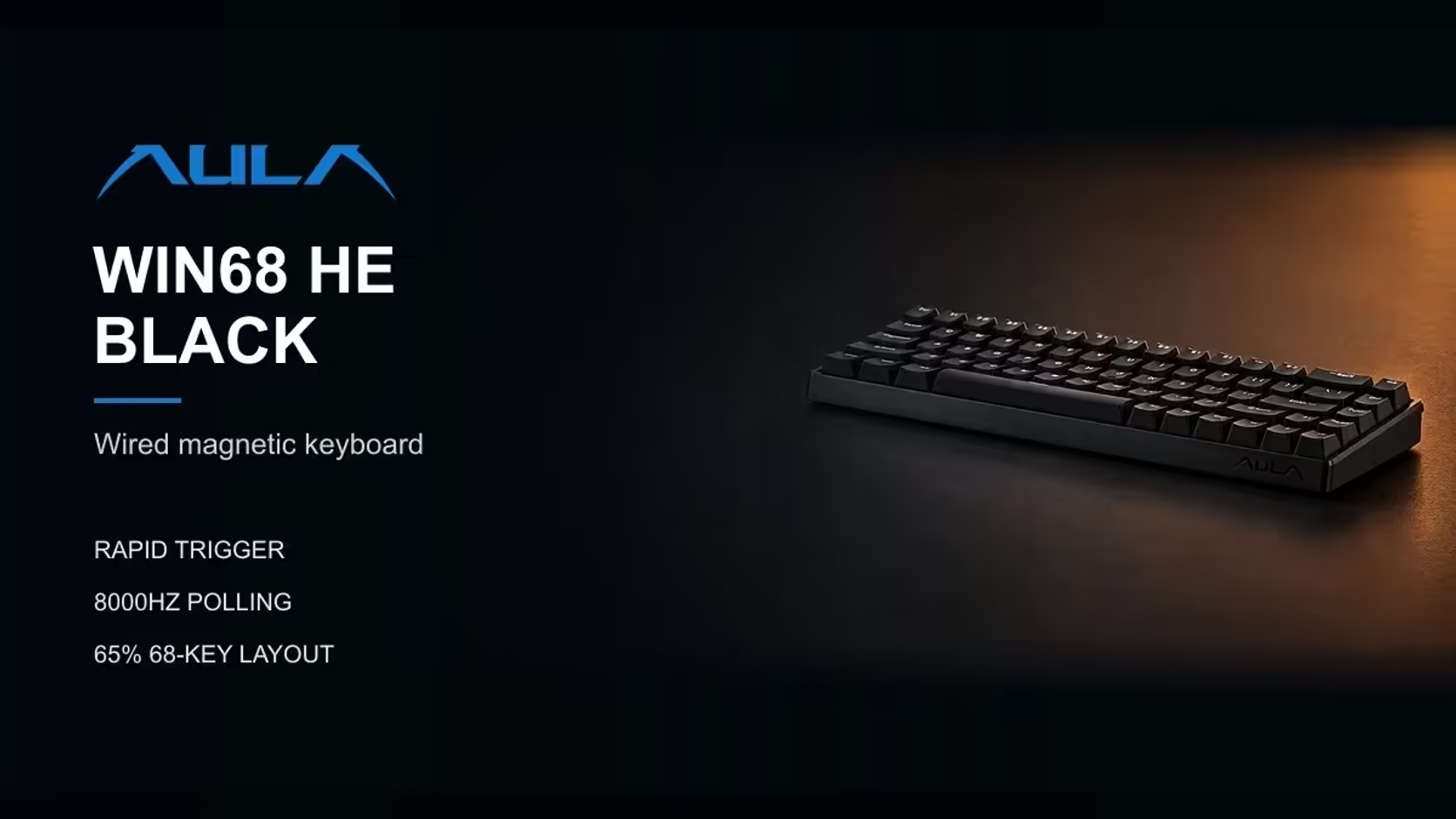
- WIN68 HE and WIN68 MAX: compact 65% boards that connect by detachable USB-C. AULA states that the cable is how they hold 8000Hz polling.
- HERO 84 HE: a 75% board in white and purple, supplied with an L-shaped USB-A to USB-C cable.
- AG75 Pro (Shadow Grey and Armor Silver) and AG75 Ultra: 75% boards in full CNC aluminium, also USB-C only, at 8000Hz.
There is no battery inside any of them. That means no charge cycles, no capacity fading over the years, and no moment mid-match when a battery icon starts flashing. The board is ready the second the PC is on.
Who these suit
- Players who sit at one desktop PC and never move the keyboard.
- Anyone who finds pairing and receivers a nuisance.
- People who want the simplest possible setup for years at a stretch.
📡 The tri-mode boards: cable, receiver and Bluetooth
Five AULA keyboards give you all three connection types.
HERO 75 HE
The only magnetic board in the range that goes wireless. It holds 8000Hz over the cable and over its 2.4GHz receiver, while Bluetooth runs at 125Hz for up to three devices. Power comes from an 8000mAh battery. AULA does not publish a runtime figure for it, so real-world battery life depends on your lighting and connection choices.
L99
A 75% board with a 3.98-inch touchscreen. It polls at 1000Hz on both cable and 2.4GHz, pairs up to three devices over Bluetooth, and carries an 8000mAh battery. Its screen shows the battery level, so charging never comes as a surprise.
F99 Max
A 96% board with a number pad, a small screen and a knob. Its memory holds up to five devices, reached over 2.4GHz, Bluetooth or the cable, and it runs on an 8000mAh battery. AULA suggests switching the screen off (Fn + Backspace) or lowering the backlight to stretch each charge further.
F87 Pro V2
A tenkeyless board with the biggest cell in the range: 10000mAh, which AULA labels as true capacity. It connects to up to three devices, and AULA rates it at dual 8000Hz polling.
S102 PRO
The office keyboard in the group. It is a full-size silicone membrane board that connects by 2.4GHz, by Bluetooth to two devices, or by its USB-A to USB-C cable. A small screen shows connection status and battery percentage.
⚡ Is there a speed penalty for going cordless?
It depends on the board and the link.
The HERO 75 HE makes the clearest case: AULA quotes 8000Hz on its 2.4GHz receiver, the same as its cable, so a gamer loses nothing in polling by using the dongle. Bluetooth is different. At 125Hz on the HERO, it is built for typing, laptops and tablets rather than fast games.
On the L99, the cable and the receiver both run at 1000Hz, so again there is no polling gap between them. AULA does not publish a polling figure for the F99 Max or the S102 PRO, so it would be wrong to rank them on speed at all.
In general terms, a dedicated 2.4GHz receiver is the wireless link to use for games, and Bluetooth is the convenience link for everything else.
Charging the S102 PRO
One practical note that catches people out: AULA states the S102 PRO charges from a computer's USB port and does not support USB wall adapters. Plug it into your PC or laptop to charge rather than a phone charger at the wall.
🧭 Choosing between the two groups
Hate charging? Go wired.
The WIN68 pair, the HERO 84 HE and the AG75s ask nothing of you beyond a USB port. For a fixed gaming desk, that is the lowest-maintenance route in the range.
Hate pairing hassle? Also wired.
A cable board has no receiver to lose and no Bluetooth list to manage. Plug it in and it works on any PC it meets.
One PC only? Tri-mode still has a use.
Even if you never switch devices, a tri-mode board clears the cable from the desk and lets you sit back with the keyboard on your lap. If neither of those matters to you, the extra battery is simply something to look after.
Several devices? Tri-mode wins.
Anyone moving between a desktop, a work laptop and a tablet will get daily value from Bluetooth pairing, and the F99 Max's five-device memory is the most generous in the range.
Warranty follows switch type rather than connection. The six wired boards and the HERO 75 HE, all magnetic, come with a 2 Years Local Warranty at Evetech, while the L99, F99 Max, F87 Pro V2 and S102 PRO each carry a 1 Year Local Warranty. You can compare every one of them in the gaming keyboard category, and the hot-swap boards can be refitted later from the keyboard switches range.
Frequently Asked Questions
I never want to charge a keyboard. Which AULA boards suit me?
The WIN68 HE, WIN68 MAX, HERO 84 HE and the AG75 Pro and Ultra. All run on a USB-C cable with no battery.
How do the tri-mode battery sizes compare?
The HERO 75 HE, L99 and F99 Max each carry 8000mAh; the F87 Pro V2 carries 10000mAh.
Do I lose speed by going cordless?
Not on the HERO 75 HE's receiver, which stays at 8000Hz. Bluetooth is slower and suits typing rather than games.
Can the S102 PRO charge from a wall plug?
No. AULA says to charge it from a computer's USB port, as wall adapters are not supported.
Why would a gamer pick a cable board?
No battery, no receiver, no pairing, and nothing to go flat mid-match.
Does tri-mode help if I only use one PC?
Mainly by clearing the cable from your desk. If that does not matter to you, a wired board is simpler.
Cable or cordless for your next board?
Compare wired and tri-mode keyboards at Evetech and pick the connection style that suits your desk and devices.