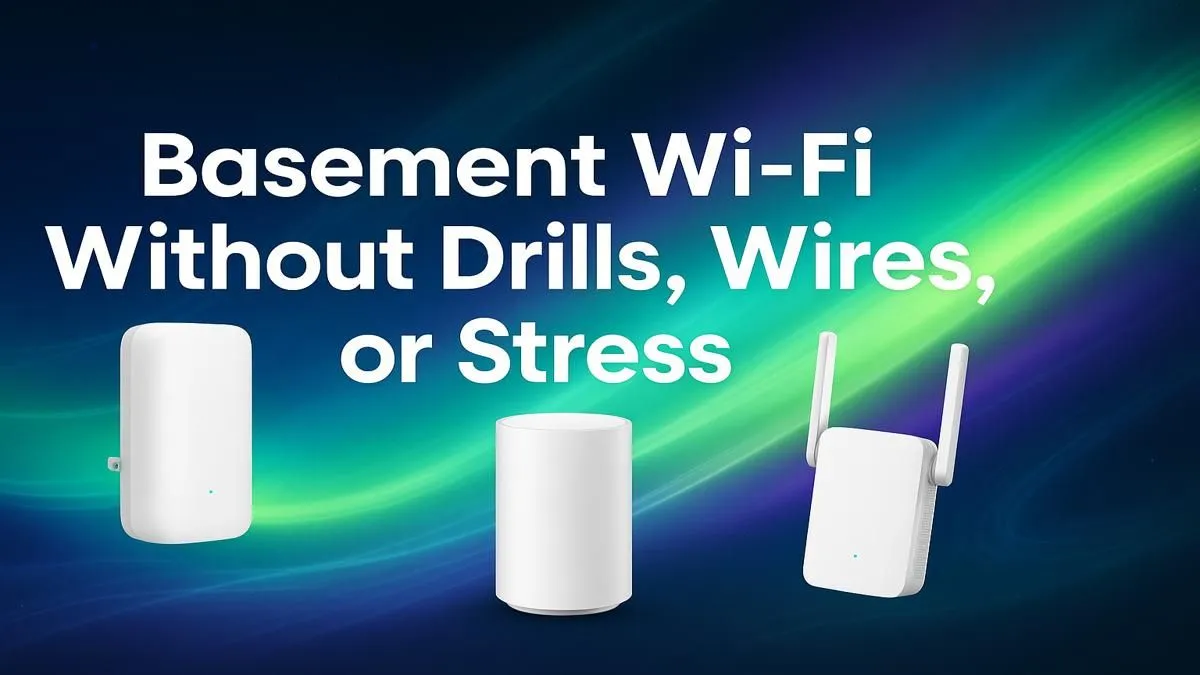
Tired of your basement feeling like a digital dead zone? Whether it’s your new home office, a dedicated gaming den, or a chill movie room, a weak Wi-Fi signal can bring any activity to a grinding halt. Before you even think about calling a contractor to drill holes through solid concrete and steel, take a breath. Achieving fast, stable wireless basement Wi-Fi is easier than you think, and you won’t need a single power tool. 🚀
Why Your Basement Wi-Fi Signal is So Weak
It’s not your fault… it’s physics. The very things that make your house strong are what kill your Wi-Fi signal. Concrete floors, steel support beams, plumbing, and electrical wiring all act like a shield, blocking the radio waves from your router upstairs.
Your standard router is designed for open-plan living, not for penetrating dense materials. So, by the time the signal reaches the basement, it’s often too weak and unstable for anything more than checking an email… maybe. To get a reliable wireless signal in the basement, you need a smarter approach.
Your Drill-Free Toolkit for Flawless Wireless Basement Wi-Fi 🔧
Forget messy installations. The solution to your connectivity woes lies in using the right gear. Here are three effective, drill-free methods to flood your basement with a powerful wireless signal.
Method 1: Wi-Fi Range Extenders
This is often the quickest and most affordable fix. A Wi-Fi range extender captures the existing signal from your router and rebroadcasts it, pushing the coverage area further. It’s a simple plug-and-play solution that can dramatically improve your wireless basement Wi-Fi with minimal fuss. For most homes, a well-placed wireless range extender is the perfect first step.
Pro Placement Tip ✨
Don't place your extender in the basement where the signal is already dead. Position it on the ground floor, roughly halfway between your router and the basement stairs. It needs to receive a strong signal to be able to broadcast a strong signal.
Method 2: Mesh Wi-Fi Systems
If your house is large or has multiple dead spots, a Mesh Wi-Fi system is the ultimate solution. It uses a main router and several satellite "nodes" placed around your home to create one large, seamless network. You can walk from the attic to the basement without ever dropping the connection. To build a truly robust network, start with one of the powerful wireless routers that can serve as the core of your Mesh system.
Method 3: Powerline Adapters
This is the secret weapon for conquering concrete. Powerline adapters use your home's existing electrical wiring to transmit the internet signal.
Here’s how it works:
- Plug Adapter A into a wall socket near your router and connect it via an Ethernet cable.
- Plug Adapter B into any wall socket in your basement.
Voilà! You’ve just created a high-speed network connection through your walls. Many kits feature a second adapter with a built-in Wi-Fi hotspot, giving you a brand new, full-strength signal right where you need it most. These kits are a brilliant type of specialised wireless adapter designed to solve this exact problem.
Stop Buffering, Start Playing
Don't let a weak connection hold you back. Explore Evetech's full range of wireless networking solutions and finally get the stable, high-speed basement Wi-Fi you deserve.