The Ultimate Guide to Wireless Earbuds for Dual Device Connection
Juggling audio in South Africa can be a mission. You’re locked into a tense Apex Legends match on your PC, your team relying on your callouts. Suddenly, your phone buzzes… it’s that important call you were expecting. The frantic scramble begins: pause the game, yank out your earbuds, and grab your phone. What if you could seamlessly switch between your game and that call without missing a beat? That’s the magic of wireless earbuds for dual device connection.
What is Dual Device Connection, Really?
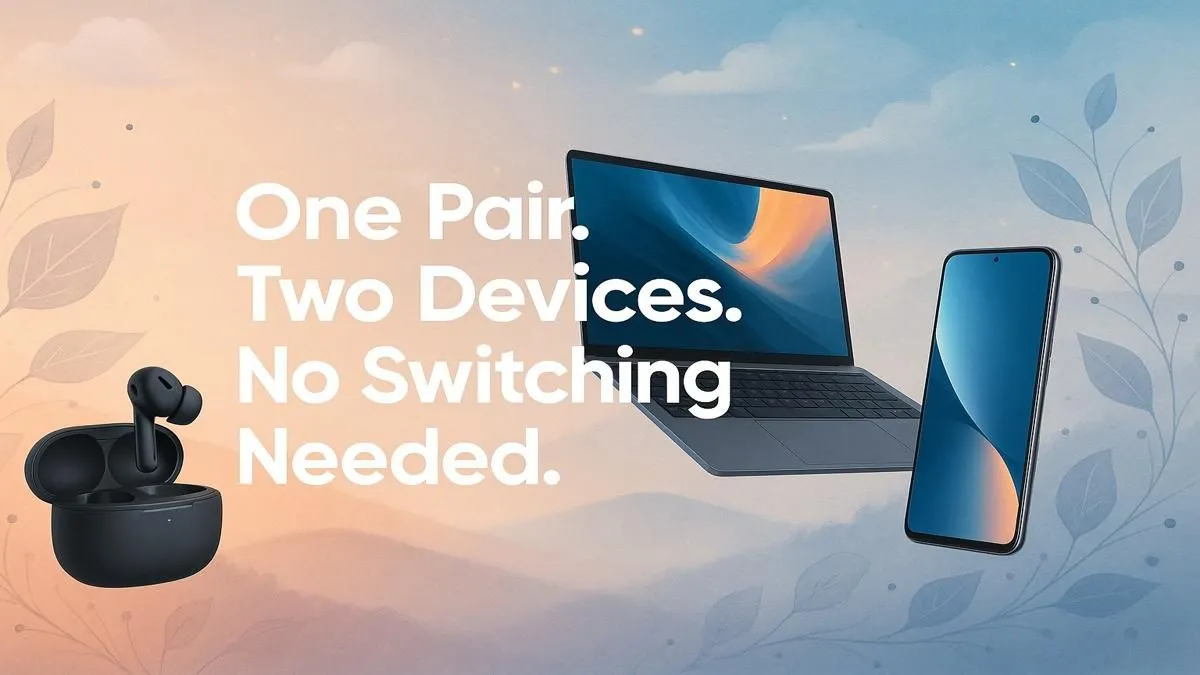
You've probably paired your earbuds with your laptop, phone, and maybe even your TV. But that's just pairing. True dual device connection, often called Bluetooth Multipoint, is different. It allows your earbuds to maintain an active connection to two source devices simultaneously. ⚡
Imagine your earbuds are listening to both your PC and your phone at the same time. When audio plays from your PC (like your game), it comes through. The moment your phone rings and you answer, the earbuds intelligently switch the audio source. This seamless handover is what makes multipoint connectivity so powerful, and it's a feature becoming more common in modern TWS earbuds.
Why You Absolutely Need Earbuds with Multipoint
The convenience of this technology fits perfectly into the modern South African lifestyle. It’s not just a gimmick; it’s a genuine quality-of-life upgrade.
- For the Gamer: Keep your PC gaming audio and Discord chat running, but instantly switch to an incoming phone call without taking off your headset. No more fumbling or making your mates wait.
- For the Hybrid Hustler: You're on a Zoom call on your laptop, but you need to listen to a quick voice note on your phone. Earbuds with dual connection handle this flawlessly, making you the master of multitasking.
- For the Daily Commuter: Watching a series on your tablet during your Gautrain ride? Your earbuds will automatically pause the show and switch to your phone when a call comes in.
This isn't just about personal audio; it's about making your entire tech experience smoother. Many options in the broader wireless headset category now offer this functionality, moving beyond just single-device listening.
Choosing the Right Wireless Earbuds for Your Setup
When you’re ready to buy, look beyond the marketing. The key is to find a pair that excels at the fundamentals, making the dual connection feature even more valuable.
First, check the product specifications explicitly for "Bluetooth Multipoint" or "Dual Device Connection." Don't just assume it's included. Then, consider battery life—you need enough juice to power two connections. Finally, microphone quality is crucial. A good mic ensures that when you switch to that important call, you sound crystal clear. 🎤
Pro Tip: Check the Specs
Not all "multi-device" features are true multipoint. Some earbuds require you to manually switch connections in your Bluetooth settings. Look for "simultaneous connection" or "Bluetooth Multipoint" on the spec sheet to ensure you get the seamless, automatic switching you're after.
A great set of Bluetooth headphones can centralise your audio life, but only if they have the right features to back it up.
Beyond Earbuds: Creating a Unified Audio Hub
Why stop at just your ears? The principle of seamless audio can extend to your entire workspace or gaming den. Imagine your earbuds handling your audio on the move, but when you get to your desk, you switch over to a powerful speaker setup with the press of a button. Building an ecosystem of compatible devices creates the ultimate audio convenience. For your desk, you could explore quality Promate audio gear to complement your personal wireless setup. 🚀
Ready to Unplug and Uncomplicate?
Stop juggling devices and start experiencing truly seamless audio. Explore our massive range of TWS earbuds and find the perfect pair with dual device connection at Evetech today.