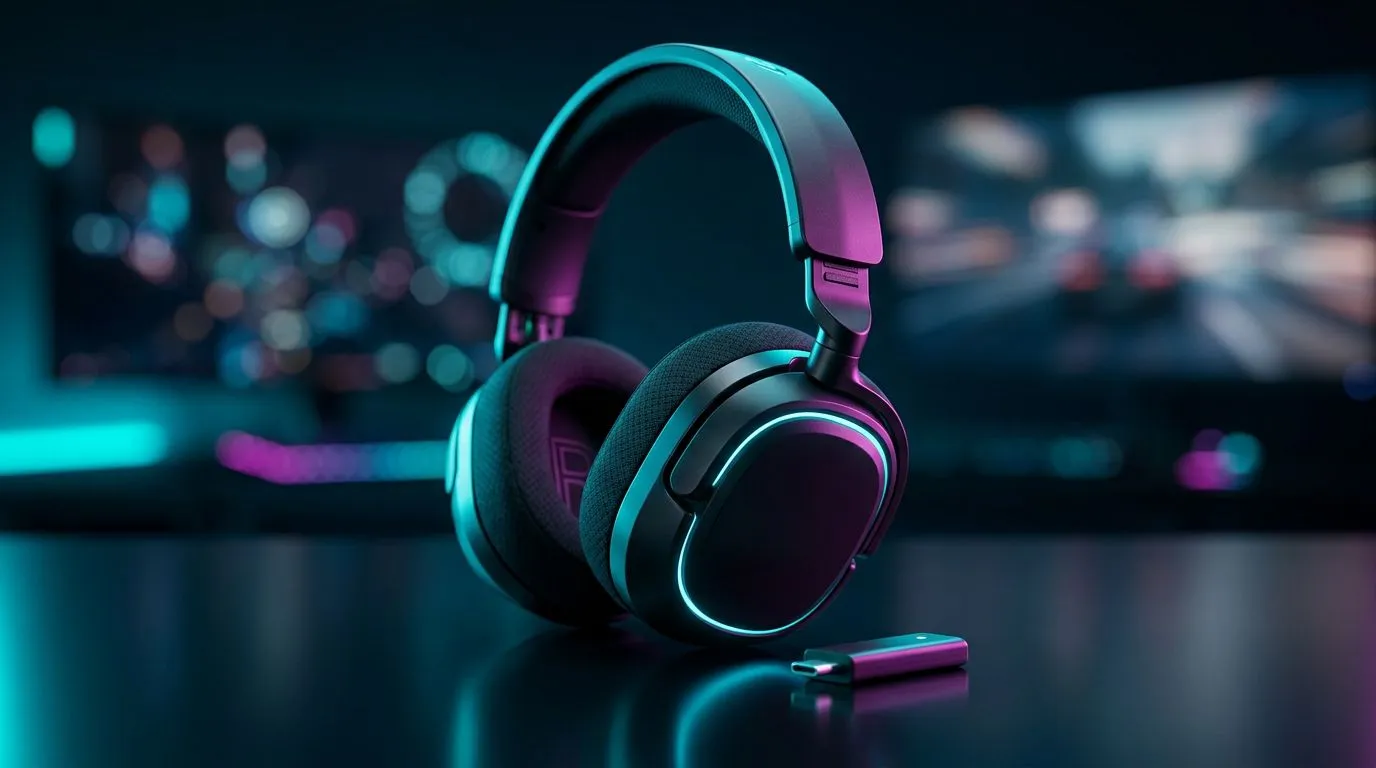
Wireless range for gaming — why freedom of movement matters
If your headset or controller tugs at the back of your chair mid‑clutch, you know the pain. Wireless Range for Gaming shifts how we play — from cramped desks to couch‑corner strats. In South Africa, where living rooms double as LAN arenas, the right wireless reach can mean fewer dropouts, cleaner comms, and real advantage. Read on for practical tips and pro buys. 🎧✨
How wireless range changes gameplay and comfort
Latency, packet reliability and signal strength all shape competitive play. A reliable wireless connection gives you freedom to pass controllers, stand for stream setups, or reposition speakers without losing audio sync. That matters in FPS, racing sims and co‑op sessions where sound cues are critical. If you pick a headset with a dedicated USB dongle, you often get better range and lower latency than generic Bluetooth adaptors — Evetech’s product pages explain compatibility options clearly. Check a focused product like the Razer Barracuda X Chroma wireless headset for specs and compatibility on Evetech.https://www.evetech.co.za/razer-barracuda-x-chroma-wireless-headset-phantom-white/best-deal/24367
Practical tips to squeeze more range from your kit 🔧
- Keep the wireless dongle in front of you; line of sight beats metal cabinets.
- Avoid placing routers and dongles next to microwaves or cordless phones.
- For headsets, prefer models with low‑latency 2.4GHz dongles over basic Bluetooth for competitive play. Evetech’s Razer headsets range shows options built for gaming performance.https://www.evetech.co.za/PC-Components/razer-headphones-headsets-105
Range Hack ✨
Position a USB extension for your dongle on your desk rather than plugging it into the PC’s rear I O. It may sound small, but moving the receiver just 20–30cm can improve line‑of‑sight and cut interference from the chassis or nearby drives.
Choosing the right wireless tech for your setup
Decide what matters most: absolute low latency, battery life, or mobility. For living room setups and streamers, a headset with wider effective range and solid battery life is ideal. For tournament play, prioritise ultra‑low latency over absolute range. Browse headphones and headsets category pages to compare form factors, wired fallback options and support in ZAR.https://www.evetech.co.za/components/headphone-headsets-100
- Look for a wireless solution that lets you switch to wired mode. It protects you during battery drain and lan‑shifts.
- Test in your actual room. Thick walls, other Wi‑Fi devices and metal furniture affect performance more than specs on paper.
Micro‑story: a Cape Town duo who swapped to wireless
I spoke to two Cape Town players who swapped a shared living‑room rig to 2.4GHz wireless headsets. Their move cut cable tangles and made couch‑side streaming natural. They noticed fewer mic dropouts during scrims and loved passing the controller without unplugging anything. Small comfort upgrades added up to better focus in matches.
Final checklist before you buy
- Confirm low‑latency mode and dongle type.
- Check battery life for your session lengths.
- Make sure product pages list compatibility and warranty for South Africa. Evetech’s product and category pages above are a good place to start.
Ready to Find Your Perfect Match?
The Mac vs Windows debate is complex, but for maximum power, choice, and value in South Africa, Windows is hard to beat. Explore our massive range of laptop specials and find the perfect machine to conquer your world.