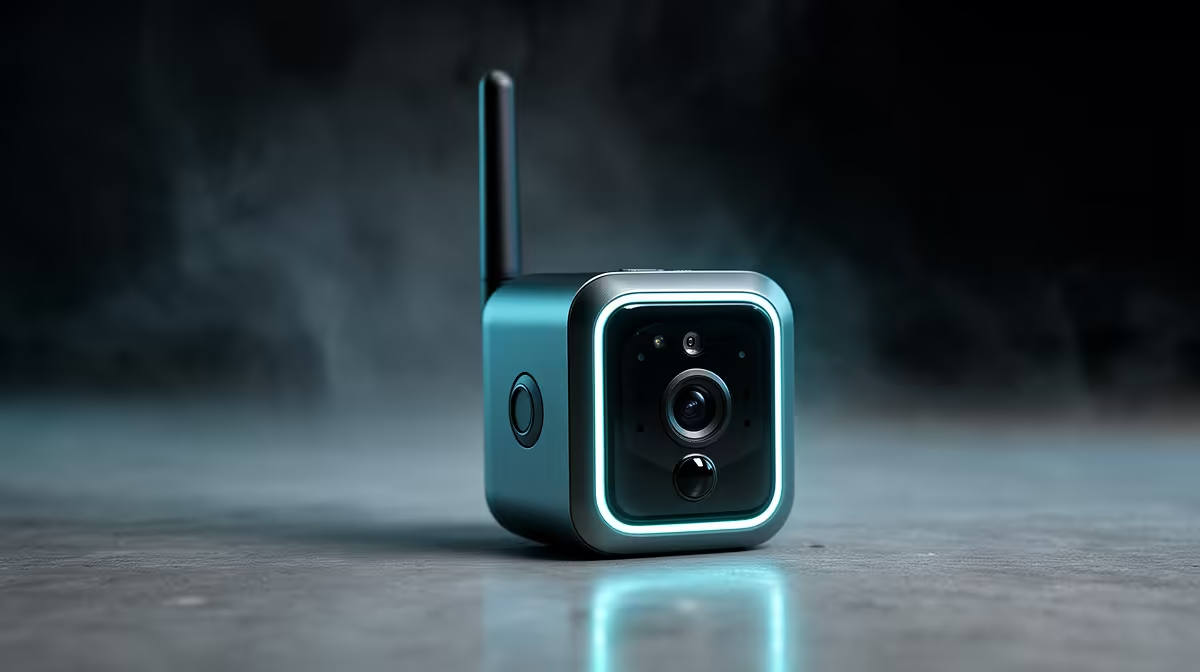
The TP-Link Tapo C212 indoor Wi-Fi camera at R451 is the verified wireless security camera reference for a capped-data household. The best fit depends on whether it can limit remote viewing and uploads through supported event, quality and storage settings. The factpacks do not quantify its data consumption.
Estimate viewing before choosing hardware
List how often live video will be opened remotely, how many people receive alerts and whether continuous off-site storage is required. A short event check uses a different amount of data from leaving a high-resolution live view open. Review the internet account’s monthly usage rather than guessing.
Confirm current camera resolution options, app controls, storage choices, notification settings, firmware support, phone compatibility and warranty. Verify any subscription terms directly before activation. The C212 is an indoor reference and should not be exposed outside without documented protection.
Place the camera only where household permission and privacy expectations are clear. Use a unique account password, multifactor authentication if available and limited viewer access. Test one alert on mobile data, then check the provider usage meter. Keep a response plan for times when the cap is exhausted or the connection fails.
Choose settings from measured daily use. Local or event-focused operation may reduce traffic if the documented product features support it, while constant remote viewing can make any camera unsuitable for a tight cap.
Monitoring within a data cap? > Compare Evetech cameras by verified storage, alert and quality controls.