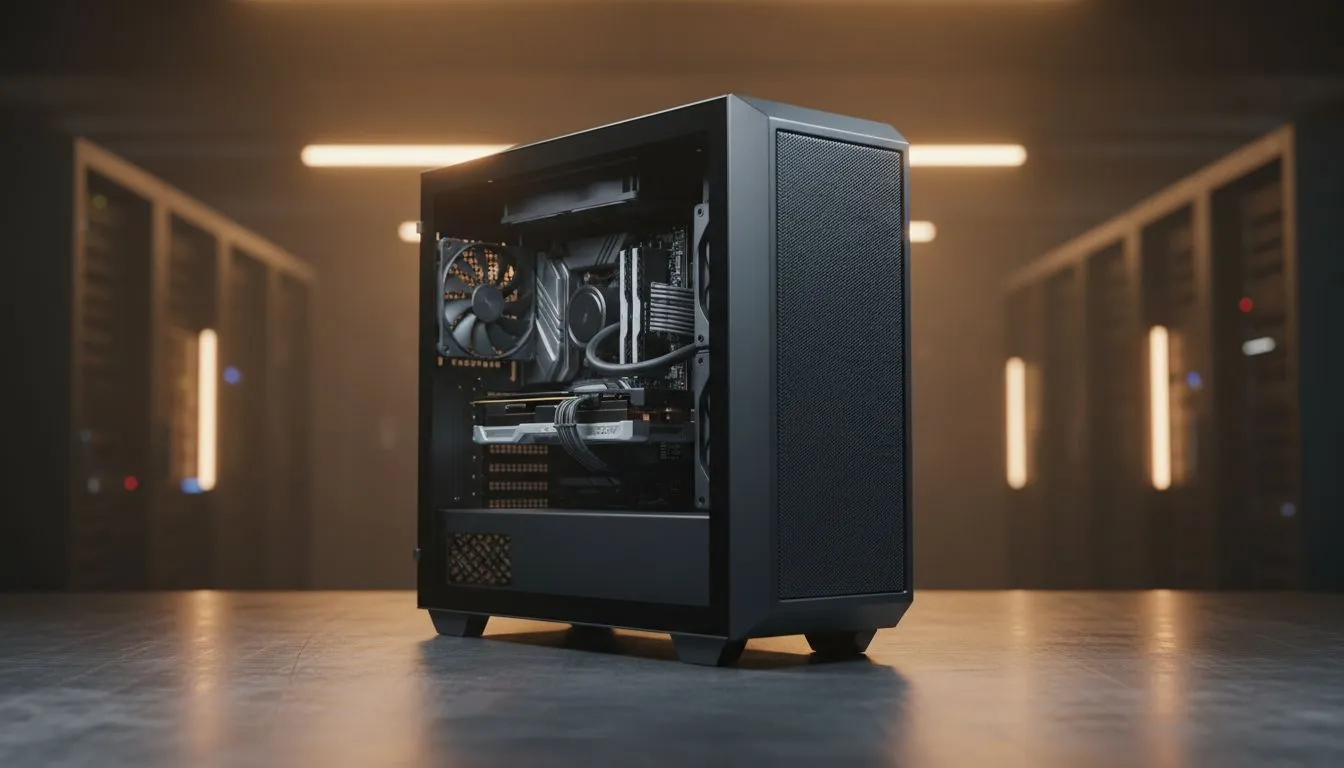
So, you're staring at a timeline filled with 4K footage, your PC is starting to sound like a jet engine, and the dreaded render bar is barely moving. It’s a classic South African creator dilemma. You wonder if the gaming rig you love for Apex Legends is truly up to the task, or if you should have invested in a dedicated workstation. Let's settle the workstation vs gaming PC for video editing debate once and for all.
The Core Difference: Fun vs. Function
At first glance, a high-end gaming PC and a workstation look similar. They both have powerful processors, tons of RAM, and beefy graphics cards. But their design philosophies are worlds apart.
A gaming PC is a sprinter, optimised for short bursts of extreme performance to deliver the highest possible frames per second (FPS). A workstation, on the other hand, is a marathon runner. It’s built for stability, reliability, and sustained performance over long, gruelling tasks like rendering video for hours on end. This core difference influences every component choice.
Component Breakdown: What Really Matters for Video Editing?
Understanding the workstation vs gaming PC for video editing argument comes down to the hardware. While both can edit video, their components are optimised for very different goals. Let's break it down.
CPU: More Cores for the Win
Gaming typically benefits from high clock speeds on a few cores. Video editing, especially rendering and encoding, is a massively parallel task—it loves having more cores and threads. A CPU like an Intel Core i9 or AMD Ryzen 9 is fantastic for both, but workstation-grade CPUs (like Intel Xeon or AMD Threadripper) can offer an even higher core count, which dramatically cuts down render times on complex projects. 🚀
GPU: Gaming Muscle vs. Professional Stability
This is one of the biggest differentiators. Gaming PCs are packed with powerful NVIDIA GeForce cards designed to pump out frames. Workstations often use NVIDIA RTX Ada Generation (formerly Quadro) or AMD Radeon PRO cards.
While a GeForce RTX 4080 might have more raw power than a similarly priced professional card, the pro card has one huge advantage: certified drivers. These drivers are rigorously tested for stability and performance in professional applications like Adobe Premiere Pro, DaVinci Resolve, and Blender. This means fewer crashes, less weird visual glitches, and a smoother workflow when your deadline is looming.
Get the Best of Both Worlds ⚡
Did you know you can install NVIDIA's Studio Drivers on a GeForce graphics card? While they don't offer the same level of certification as a true workstation GPU, they are optimised for creative apps and provide a significant stability boost over the standard Game Ready drivers. It's a fantastic free upgrade for any creator using a gaming PC for video editing.
RAM: It's Not Just About Size
Both setups need plenty of RAM (32GB is a great starting point for 4K editing). However, workstations often use Error-Correcting Code (ECC) RAM. ECC RAM automatically detects and corrects memory errors on the fly. For a gamer, a tiny memory error might cause a momentary glitch. For a video editor on a 10-hour render, that same error could corrupt the entire file, forcing you to start over. ECC is your safety net.
The Verdict: Which Machine is Right for You?
So, after comparing a workstation vs a gaming PC for video editing, which one should you get? The answer depends entirely on your workflow and budget.
Choose a Gaming PC if...
You're a YouTuber, a streamer, a hobbyist, or a professional working primarily with 1080p or simple 4K projects. The price-to-performance ratio is simply unbeatable. You get a machine that excels at creative work and lets you dominate in your favourite games after hours. The flexibility is a massive plus, and for most creators, it’s more than enough power. Check out our incredible gaming PC deals to see just how much power you can get for your money. ✨
Choose a Workstation if...
You're a full-time video editor, 3D artist, or VFX professional where every minute of downtime costs you money. You work with 6K/8K RAW files, complex colour grades, and multi-layered effects. For you, the stability offered by certified drivers and ECC RAM isn't a luxury; it's a necessity. The investment in one of our custom-built workstation PCs pays for itself in reliability and peace of mind. 🔧
Ultimately, the best PC for video editing is the one that fits your specific needs and helps you create without frustration.
Ready to Build Your Ultimate Editing Machine?
Whether you need a powerful gaming rig that doubles as a creative powerhouse or a dedicated workstation for professional projects, the choice is yours. For the best performance, customisation, and value in South Africa, we've got you covered. Explore our massive range of custom PCs and find the perfect machine to bring your vision to life.