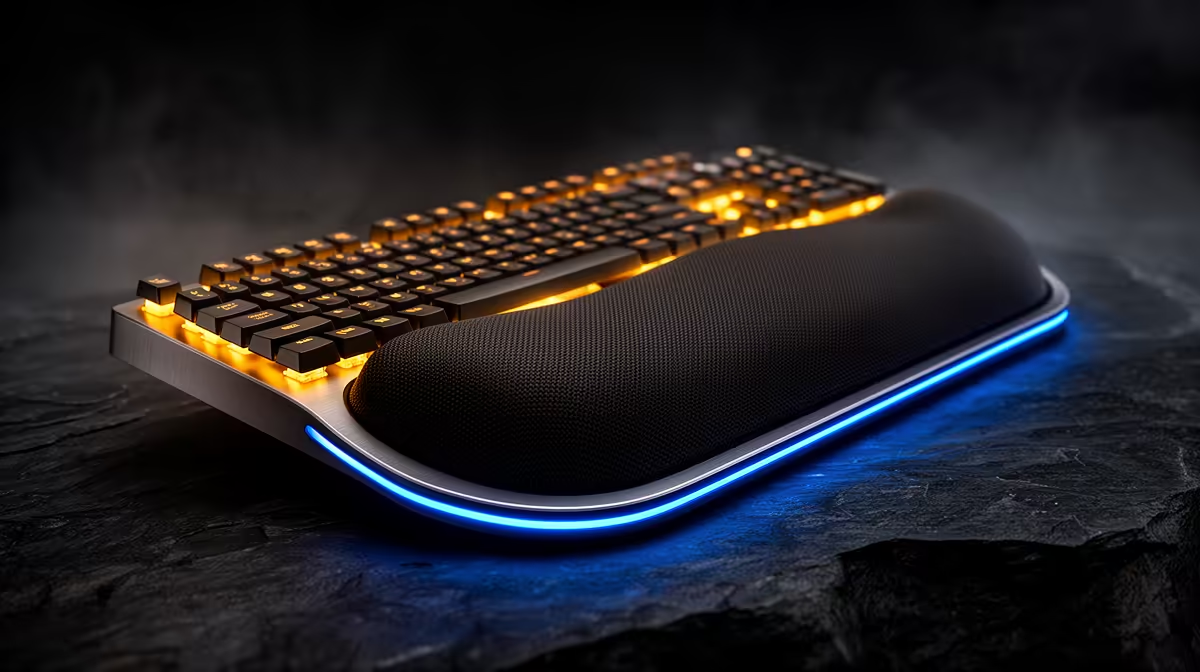
A wrist rest for simultaneous streaming and gaming should be chosen by keyboard height, mouse movement and desk position, not the total PC budget. The supplied factpacks do not verify a wrist rest, so dimensions, material and current price need a live check. Most of the setup allowance belongs to performance, audio and network reliability.
Observe the full streaming session
Run a normal game, chat and scene-control session. Note whether pressure appears at the keyboard, mouse or controller. Bring input devices close enough to keep shoulders relaxed and set the chair so elbows align with the desk. A rest should support the palm heel during pauses without bending the wrist upward during play.
Measure keyboard width and required mouse travel. A long pad can interfere with low-sensitivity aiming, while soft gel may compress unevenly. Choose a washable, non-slip material and monitor the microphone while moving across it. Desk thumps or hard seams can enter captured audio.
The HyperX SoloCast 2 microphone at R690 and NearStream V08AF 4K webcam at R678 are verified streaming references. They matter only after the PC holds the game and encoder target. Test a folded towel briefly to estimate height, then buy a proper rest if comfort improves. Persistent pain deserves professional assessment rather than another accessory.
Building a comfortable stream desk? > Compare gaming PCs, webcams and microphones with Evetech, then fit ergonomics to the measured workspace.