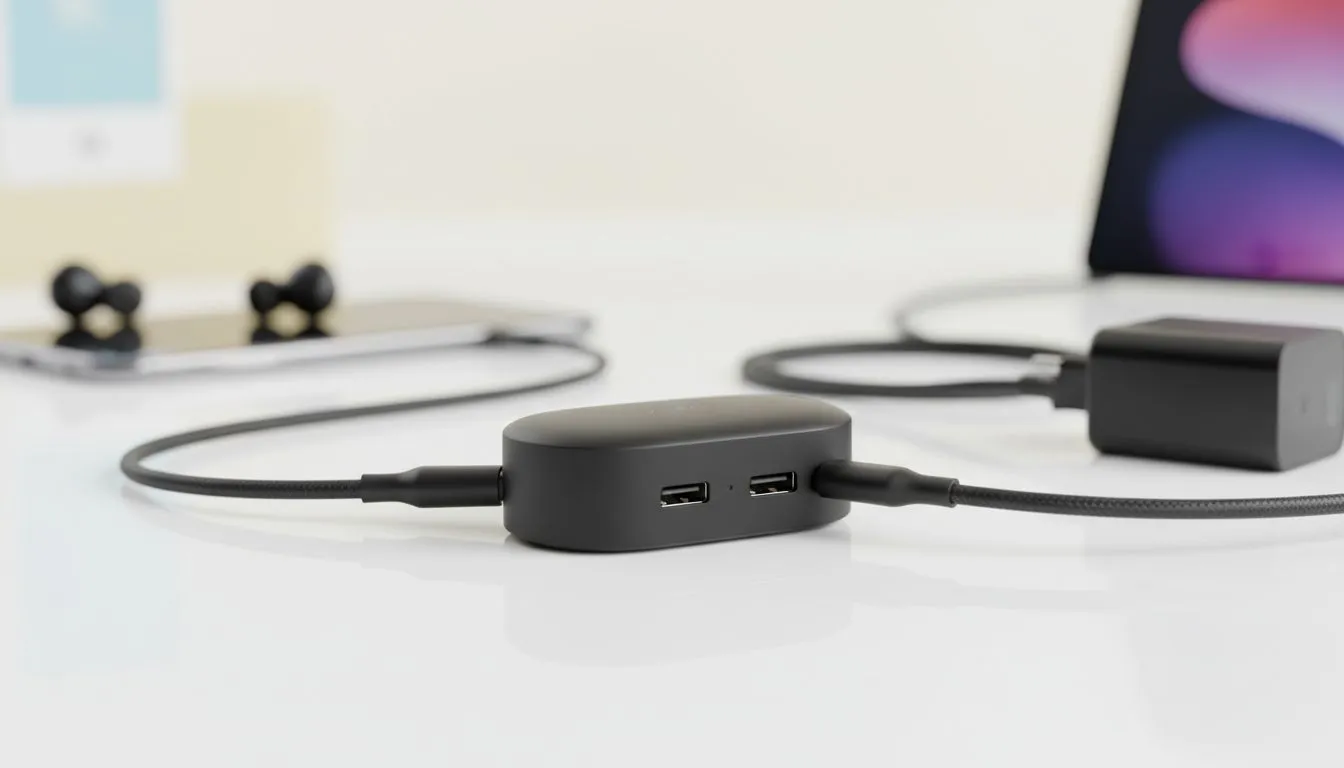
Imagine you are halfway through an epic movie on a virtual 130-inch screen, and your phone dies. It is frustrating. Especially in South Africa, where we plan our digital lives around power availability. Understanding XREAL Hub compatibility: Every Device That Supports Charge & Play is the key to uninterrupted immersion. No more choosing between a charged phone and your favourite AR experience... you can finally have both.
Why XREAL Hub Compatibility Matters for South Africans
The XREAL Hub is designed to solve the single-port dilemma. Most modern devices prioritise a slim profile, leaving you with just one USB-C port for both charging and data. When you explore the latest range of AR glasses, you will quickly realise that high-performance visuals drain batteries fast. The Hub allows you to bypass this limitation by splitting the connection... keeping your device topped up while you play. 🚀
Handheld Gaming Consoles: The Ultimate Charge & Play List
Portable consoles have seen a massive surge in popularity locally. If you own an ASUS ROG Ally, Steam Deck, or Lenovo Legion Go, the XREAL Hub is an essential upgrade. These devices often pull 30W or more during intense gaming sessions. Without the Hub, your session might last only 90 minutes. With it, you can stay plugged into the wall or a high-capacity power bank. Check our dedicated AR glasses section to find the right companion for your handheld gaming setup. 🔧
Smartphones and Tablets
Support for the XREAL Hub relies on DisplayPort Alt Mode. This includes a wide variety of modern flagships:
- iPhone 15 and 16 Series (all models)
- Samsung Galaxy S21 through S24 Ultra
- iPad Pro and iPad Air (USB-C models)
- Various flagship Android devices from Sony and Xiaomi
Power Supply Matters ⚡
When using the XREAL Hub, ensure your wall charger provides at least 45W of power. Most standard phone bricks won't cut it. A higher-wattage PD charger ensures both your host device and the glasses receive stable current without overheating the hub.
Technical Requirements for Charge & Play
Compatibility isn't just about the plug fitting the hole. Your device must support video output over USB-C. If you are looking for premium AR glasses that work seamlessly with this setup, always verify your device's specs first. In South Africa, where we often deal with power constraints, having a setup that can run off a R900 power bank while delivering a cinema-grade image is a massive advantage. ✨
Laptops and Productivity
For those using AR glasses for work, the XREAL Hub allows your MacBook or Windows laptop to stay charged while you use the glasses as a second monitor. This is perfect for coffee shop sessions where plug points are limited. It turns a cramped workspace into a multi-screen environment without needing a desk full of cables... a true win for local digital nomads.
Ready to Power Up Your AR Experience?
Don't let a low battery cut your immersion short. Whether you are gaming on the go or building a portable workstation, the right gear makes all the difference. Explore our massive range of AR glasses and accessories and find the perfect setup to stay charged and ready for anything.