



PCIe 5.0 vs PCIe 4.0 for Video editing in 4k in SA
PCIe 5.0 vs PCIe 4.0 for video editing in 4k is mainly about fit, features, compatibility, cost, and upgrade path, not one automatic winner. SA buyers should match the choice to the setup.
Read moreA R5,000 YouTube Shorts kit puts most of the budget into a USB microphone, since vertical audio quality matters more than a fancy camera. Evetech stocks entry-level USB mics and simple lighting that suit an SA creator working from home.
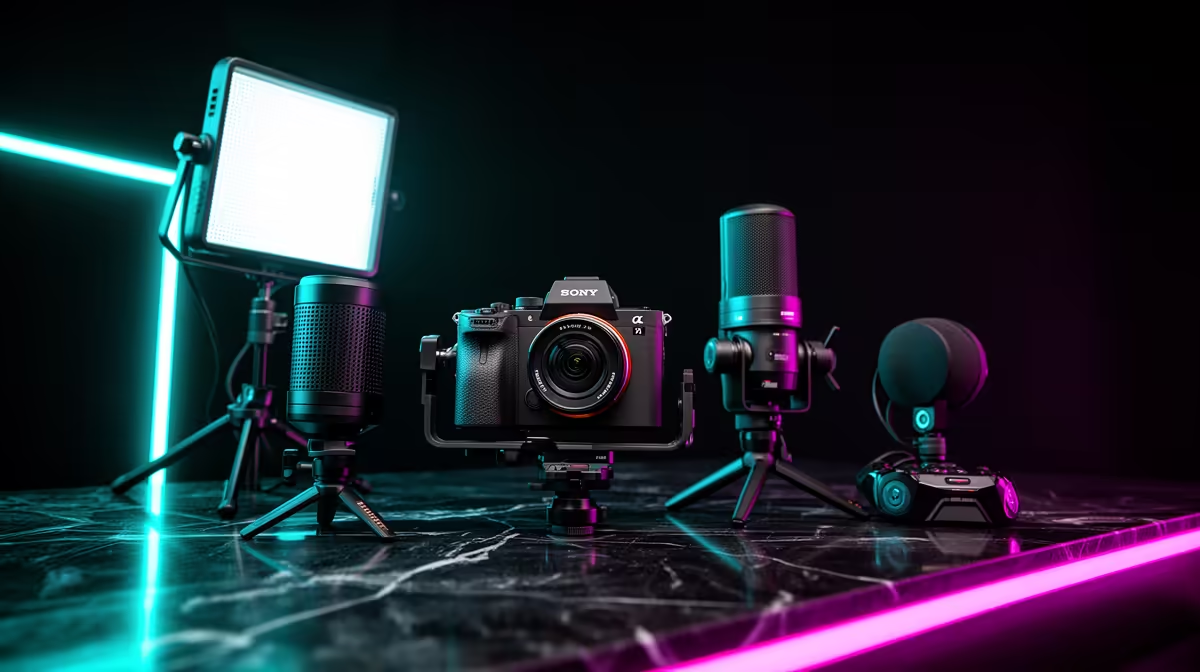
A R5,000 YouTube Shorts kit can put most of the budget into clean speech, but the right microphone depends on how you make the video. A USB desk mic suits voiceovers and fixed talking-head clips. A phone-compatible lav suits movement. Keep your current phone or webcam, then spend what remains on one light and a stable vertical mount.
For home production, choose a USB microphone with a suitable pattern, direct monitoring where useful and a stand that gets it close. Record voiceover after the picture when a visible desk mic would spoil the vertical frame. Use the existing camera under soft light. Reserve enough of the R5,000 envelope for mounting, cables and a backup copy of the project.
There are two clean routes. Speak to camera while filming, or record narration after editing the picture. Live speech preserves energy and lip sync. Voiceover gives you a quiet room, close microphone and a second take.
A USB microphone is strongest at a desk. It connects to the computer for recording and can handle voiceover, live streaming and longer videos. It is awkward for a walking phone shot unless your device and application support the USB path and cable management.
A lav or compact wireless mic follows the speaker. It is better for demonstrations and movement. It needs exact phone compatibility and good clothing placement.
Choose the production method before the product. The title's USB priority fits a creator working from home, not every vertical shoot.
For voiceover, place the mic near the mouth and slightly off-axis. Set gain so excited words leave headroom. Turn its least-sensitive direction toward the PC or room noise where the polar pattern allows.
For talking-head video, frame the mic outside the vertical crop or make it an intentional part of the shot. A boom arm can enter from above or the side. Check that it does not cast a shadow on the face.
Use the streaming essentials page to compare USB microphones, compact mics and mounting. Open the exact named product and its connection; the broad range includes accessories that cannot define the microphone budget.
Vertical content is often heard through a phone speaker. Echo and low speech level make words disappear there. Record in a furnished room, close curtains and move away from bare corners. Turn off a fan for the take only when the room and equipment remain safe and comfortable.
Make a ten-second sample and play it through the phone at modest volume. Listen for consonants and background hum. Add gentle noise suppression after physical placement. Aggressive processing can create watery speech.
Captions improve accessibility and comprehension, but they do not excuse unclear sound. Review automatic captions because names and South African terms may be transcribed incorrectly.
A phone camera is enough for most Shorts when the lens is clean, focus holds and the light is controlled. Record vertically at a resolution that leaves crop room without exhausting storage.
A webcam can suit a fixed desktop Short. Compare options in the webcam catalogue only when the current camera cannot focus, frame or expose the scene. A 4K label has little value when the final vertical crop and platform compression remove the detail.
Use the rear phone camera for stronger image quality where you can monitor framing. Use the front camera when eye contact and fast setup matter. Test both through the final upload workflow.
One diffused panel above eye level and off to the side can shape the face. A ring light fits around the phone but creates flat frontal light. Use whichever can be placed safely in the room and dimmed below clipping.
Vertical framing shows more ceiling and floor than a tight horizontal crop. Check that stands, cables and a bright source do not enter the top or bottom. Move the subject away from the background to create depth.
Lock exposure and white balance where supported. Test flicker at the recording frame rate. Mixed daylight and room bulbs can produce uneven skin colour.
A tripod or arm must hold portrait orientation without sagging. Check clamp width with the phone case fitted. Place the lens near eye level and keep the mount outside a walking route.
For overhead product shots, use a rated horizontal arm and counterweight arrangement. A normal selfie stick extended over a desk may tip. Protect the phone and the object below it.
Mark the stand position on the desk or floor so repeated episodes match. Repeatability saves more time than another camera mode.
For voiceover-heavy Shorts, give the microphone, stand and room control the largest share. Use the existing phone and a modest light. For movement-heavy Shorts, move part of that allocation to a phone mic and secure portable mount.
Treat R5,000 as a basket boundary. Quote named current products only and date supported prices as of July 2026. A USB adaptor or pop filter can be the cheapest item in a microphone category, so no bare minimum belongs in the plan.
Leave a small margin for a cable only after measuring. Do not fill it with a mixer, capture card or background gadget. Those products serve other workflows.
Keep speech near a consistent level and music below it. Check the mix on phone speakers, headphones and at low volume. Avoid heavy bass that disappears on a small speaker.
Place captions and key text inside the safe centre area. YouTube's interface can cover edges and the lower frame. Preview the Short on a phone before publishing.
Open with the useful moment rather than a long channel introduction. Cut silence while keeping speech natural. A clean sixty-second idea can outperform a heavily equipped room with no pace.
Keep original video, voiceover and project files until the published export is checked. Copy them to separate storage. Phone storage can fill during high-resolution takes, so verify free space before a series.
Name takes by subject and date. Keep the working microphone and camera settings with the project. That creates a repeatable kit instead of rebuilding audio each week.
Yes for home voiceover and fixed talking-head work. Movement may call for a phone-compatible lav or wireless system.
No. Use the current phone or webcam until controlled light and focus still fail the required shot.
No. Protect audio first, then keep room for one light and safe vertical mounting around a camera you own.
Build the R5,000 Shorts kit around your recording method, protecting close speech and a repeatable vertical frame before replacing the camera.
Yes for home voiceover and fixed talking-head work. Movement may call for a phone-compatible lav or wireless system.
No. Use the current phone or webcam until controlled light and focus still fail the required shot.
No. Protect audio first, then keep room for one light and safe vertical mounting around a camera you own.
PCIe 5.0 vs PCIe 4.0 for video editing in 4k is mainly about fit, features, compatibility, cost, and upgrade path, not one automatic winner. SA buyers should match the choice to the setup.
Read more
Wi-Fi 7 vs Wi-Fi 6e for competitive esports comes down to router support, latency goals, device compatibility, and coverage. SA buyers should match the choice to the real network setup.
Read more
ATX 3.1 vs ATX 3.0 for mMO and live-service games buyers - what changes is mostly about compatibility, budget, upgrade path, and setup fit. SA buyers should check device support and real needs before expecting a clear win from either option.
Read more
LGA 1851 vs LGA 1700 can affect Twitch and YouTube streaming when gaming and encoding share CPU resources. For SA creators, the real-world difference depends on encoder choice, memory support, motherboard cost, thermals, and upgrade plans.
Read more
X870E vs X670E for aaa single-player gaming is mainly about fit, features, compatibility, cost, and upgrade path, not one automatic winner. SA buyers should match the choice to the setup.
Read more
Hall Effect switches vs Mechanical switches for mMO and live-service games is mostly about compatibility, budget, upgrade path, and setup fit. SA buyers should check device support and real needs before expecting a clear win from either option.
Read more
A fake 113GB GTA VI ISO reportedly used empty padding around a small malware payload. SA gamers should delete unofficial builds, keep Windows security active and wait for official channels.

Wi-Fi 6E vs Wi-Fi 6 matters for 4K video editing when files move across a network. The real-world difference between Wi-Fi 6E and Wi-Fi 6 for video editing in 4K depends on NAS access, cloud uploads, router range, and SA creator workflows.

The difference between PCIe 5.0 and PCIe 4.0 for SA gamers is mostly bandwidth headroom. Compare GPU slot needs, NVMe speed, motherboard support, and upgrade timing before paying extra for a newer platform.

Gaming PC stuck pixel checks in South Africa should confirm the monitor fault first. Use colour tests, screenshot comparison, cable swaps, display menu checks, and clear photos before deciding on support.

Shokz OpenFit Air 2 earbuds weigh 7.2g each and use a redesigned dual-driver open-ear layout. SA buyers should choose them for comfort and awareness, not maximum isolation.

AMD's current driver now lists a Radeon RX 9050 4GB, while product coverage details a narrowed memory system. SA buyers should weigh the low VRAM ceiling against current local Radeon options.

Samsung Display has demonstrated a 16-inch 2.5K OLED laptop panel running at 300Hz. SA buyers should wait for a named notebook, full panel specifications and a local price before planning an upgrade.

Microsoft says some Windows 11 game crashes after recent updates are linked to RGB-related drivers. Affected SA gamers should confirm the update and driver before using the published registry workaround.

RTX 5090 on a 650W PSU is a tight pairing with very limited headroom. For SA gaming PCs, focus on total system draw, PSU quality, connector support, CPU choice, and avoid OC plans unless the full build is carefully power-limited.
PCIe 5.0 vs PCIe 4.0 for video editing in 4k is mainly about fit, features, compatibility, cost, and upgrade path, not one automatic winner. SA buyers should match the choice to the setup.

850W PSU safety for RTX 5090 is plausible with a quality unit and balanced parts. In SA, confirm connector support, CPU power draw, case airflow, PSU age, and spare capacity before building around 850W.
Wi-Fi 7 vs Wi-Fi 6e for competitive esports comes down to router support, latency goals, device compatibility, and coverage. SA buyers should match the choice to the real network setup.