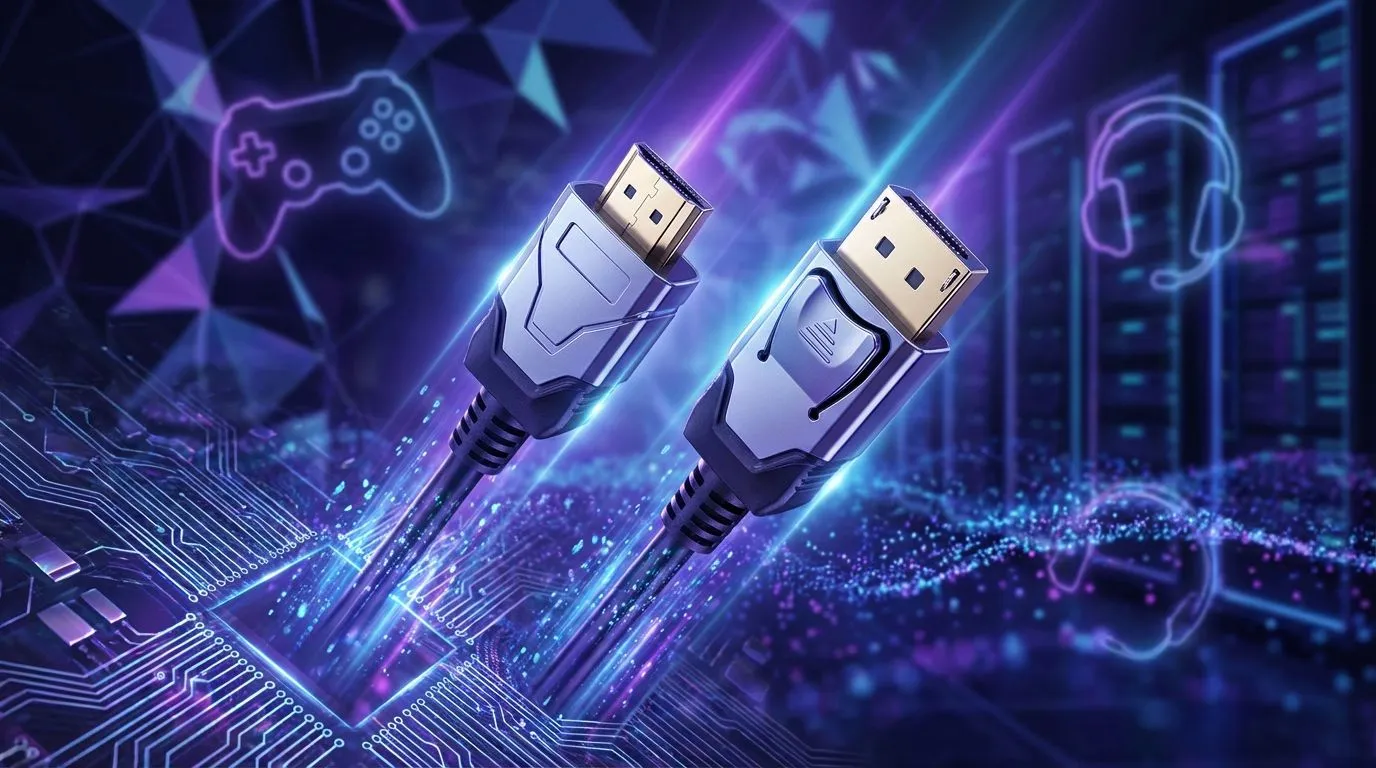
You’ve just unboxed a shiny new 180Hz PC monitor, ready for that buttery-smooth gameplay in Warzone or Valorant. You plug it in, but something feels… off. Is your cable holding you back? It's a classic problem, and the choice between HDMI vs DisplayPort for 180Hz gaming is more crucial than you might think. Let’s settle the debate for South African gamers once and for all. 🚀
Understanding the Core Difference: HDMI vs DisplayPort
Before we dive into the 180Hz showdown, let's get the basics straight. Both HDMI (High-Definition Multimedia Interface) and DisplayPort are digital standards for transmitting high-quality audio and video from your graphics card to your screen.
- HDMI: You’ll find it everywhere—on TVs, consoles, and PCs. It's the universal standard, designed for home entertainment.
- DisplayPort: Developed with computers in mind, it often offers higher bandwidth and features tailored specifically for PC gaming, like better support for multiple monitors from a single port (Multi-Stream Transport).
For general use, both are excellent. But when you’re pushing for high refresh rates, the devil is in the details.
The 180Hz Challenge: Which Cable Truly Delivers?
This is the heart of the HDMI vs DisplayPort 180Hz debate. To achieve that fluid 180 frames per second, your cable needs enough bandwidth to carry the signal without compromise. The version of the cable is what really matters here.
HDMI's High-Refresh Capabilities
Modern HDMI 2.0 can technically handle 180Hz at 1080p resolution. However, it starts to struggle at 1440p, often capping out closer to 144Hz. While HDMI 2.1 has more than enough bandwidth for 180Hz at even higher resolutions, it's still not standard on all graphics cards and monitors. Most of the time, if your monitor has both ports, the DisplayPort option will be the superior one for high-refresh-rate PC gaming.
DisplayPort: The Gamer's Choice 🏆
DisplayPort was built for this. A DisplayPort 1.4 cable, which is the common standard on modern gaming hardware, has ample bandwidth to run 180Hz at both 1080p and 1440p with ease, often with headroom for even higher refresh rates or resolutions. This makes it the clear winner and the best cable for high refresh gaming on PC. You can browse all our gaming monitors to see which ones come equipped with the latest DisplayPort technology.
Check Your Cable Version! 🔧
Not all cables are created equal. For 180Hz at 1440p, ensure you're using a VESA-certified DisplayPort 1.4 cable. An older 1.2 cable might limit your refresh rate or disable features like HDR. The cable that comes with your monitor is usually the correct one, but if you're buying a replacement, always check the spec!
Beyond Refresh Rate: G-Sync, FreeSync, and More
Another huge win for DisplayPort is its native support for both NVIDIA G-Sync and AMD FreeSync. While some newer monitors support FreeSync over HDMI, G-Sync compatibility is far more reliable over DisplayPort. This adaptive sync technology eliminates screen tearing by matching your monitor's refresh rate to your GPU's frame output—an essential feature for competitive gamers seeking the smoothest experience, especially on beautiful and immersive curved monitors.
While we're focused on 180Hz, it's worth noting that as you move to even higher-resolution 4K monitors, DisplayPort's bandwidth advantage becomes even more critical. Even a secondary screen, like one of our handy portable monitors, can benefit from the right connection to ensure a stable picture.
The Final Verdict for Your 180Hz Setup
So, when it comes to HDMI vs DisplayPort for 180Hz PC gaming, the answer is clear.
For PC gamers, DisplayPort 1.4 is the undisputed champion. It offers the most reliable path to achieving 180Hz at popular resolutions like 1080p and 1440p, along with superior support for crucial features like G-Sync and FreeSync.
While HDMI is a fantastic, versatile connector, it's best suited for consoles, TVs, or as a secondary option. To unlock the full potential of your high-refresh-rate gaming monitor, always reach for the DisplayPort cable first. Make sure you have the right gear for the job by checking out our range of quality cables and monitor accessories.
Ready to See the Difference?
The cable is crucial, but it's nothing without the right screen. To truly experience fluid, high-refresh-rate gaming, you need a panel that can keep up. Explore our massive range of PC monitors and find the perfect display to dominate the competition.