Stream Phone to PC Soundbar: Easy Connection Guide
Learn how to stream phone to PC soundbar setups effortlessly. Unlock superior audio for your favorite music and podcasts without messy cables. 🎵 We cover Bluetooth, Wi-Fi casting, and Spotify Connect methods for a seamless listening experience. 📱
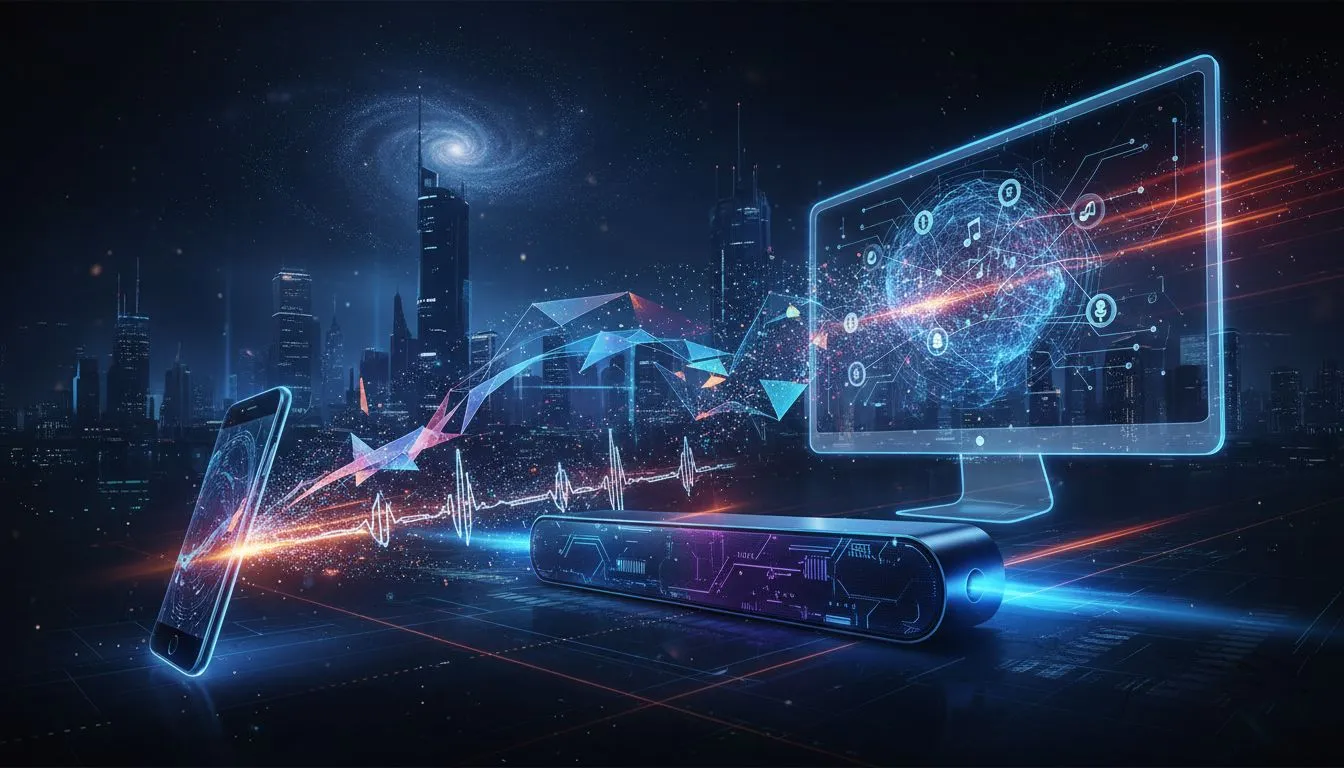
Your PC soundbar delivers epic sound for gaming, but your phone’s speakers? Not so much. You’ve got a killer new playlist or podcast you want to share, but crowding around a tiny phone speaker just kills the vibe. What if you could easily stream your phone's audio directly to your PC soundbar? Good news… you can. This guide will show you how to connect your phone to your PC speakers and unleash that awesome sound. 🎧

MONKA ZILLA STEREO SOUND WIRED GAMING SPEAKER / USB + 3.5mm Audio Jack / 7 Color Backlight(Rainbow) / SG-500

HP DHS-4200 Wired LED Computer Speaker, 2x 3W Rated Power, 3.5mm Jack Audio & USB Power Supply, 52mm Speaker Size, Bright LED, Black | DHS-4200

Promate Portable Bluetooth Speaker, High-Definition True Wireless Speaker and Headphone Stand with USB-C and Dual USB-A Hub, Colorful RGB Lighting, Ergonomic Futuristic Design, Fast Charging / Alpha-X

MARVO SG-286 RGB Gaming Speakers / USB Bluetooth RGB Lighting Soundbar / Frequency Range: 60Hz-20KHz / Easily Accessible Volume Knob / SG-286

Logitech Multimedia Speakers Z150 with Stereo Sound for Multiple Devices, Black / 980-000814

Monster Superstar S110 Wireless Bluetooth Speaker - Black / Portable Bluetooth Speakers 5.0 with TWS Pairing for 360° Louder Stereo Sound, Built-in Mic, Portable Wireless Speaker for Home or Indoor Use, IPX5 Water Resistance Wireless Speaker / MS11901
Why Bother Streaming to Your PC Soundbar?
Let’s be honest, your phone's speakers are designed for convenience, not quality. When you stream phone audio to a proper PC soundbar, you're instantly upgrading your listening experience. It’s perfect for sharing music during a braai, listening to a podcast while you work, or just filling the room with high-quality sound without being tethered to your desk. A good set of PC speakers turns your computer into a central entertainment hub.
The Quickest Way: Connect Your Phone via Bluetooth ��
For most modern setups, Bluetooth is the simplest way to get your phone's audio playing through your PC soundbar. If your PC has Bluetooth, you can be connected in under a minute. Here’s how to get this wireless stream going.
Step 1: Activate Bluetooth on Your Windows PC
First, make sure your PC is ready to receive the signal.
- Go to
Settings>Devices>Bluetooth & other devices. - Toggle the Bluetooth switch to
On. - Click
Add Bluetooth or other deviceand then selectBluetooth. Your PC will now start searching for nearby devices.

MARVO SG-269 2.0 Stereo LED Gaming Speakers / 3.5mm Audio Jack / Wired Audio Mode And Wireless Mode / 14-Color Lighting With Rainbow Effects / Volume Control / 2x 3W Speakers / SG-269

MONKA ZILLA STEREO SOUND WIRED GAMING SPEAKER / USB + 3.5mm Audio Jack / 7 Color Backlight(Rainbow) / SG-500

Promate 3-in-1 Cloud Design Bluetooth Speaker with LED Nightlight / Qi Charger / 10W Wireless Speaker / Auto-Time Sync / Touch Control Brightnes / HOMECLOUD.UNI

Promate Bluetooth Speaker, 10W True Wireless Portable HD Speaker with RGB Lights, Bluetooth v5.3, Long Playtime, Quick Music Navigation, Water-Resistance, USB Port and TF Card Slot for iPhone / LumiBar

HP DHS-4200 Wired LED Computer Speaker, 2x 3W Rated Power, 3.5mm Jack Audio & USB Power Supply, 52mm Speaker Size, Bright LED, Black | DHS-4200

Promate Delta-X Futuristic True Wireless Speaker – 20W Sound, Audio-Reactive Lights, Long Battery Life – Portable Bluetooth Speaker for Party, Music & Outdoor Use / Delta-X.White
Step 2: Pair Your Phone
Now, grab your phone.
- Open your phone’s Bluetooth settings.
- Make sure it’s visible and searching for new devices.
- You should see your PC’s name appear in the list of available devices. Tap on it to pair. You might need to confirm a PIN on both devices, but often it connects automatically.
Once paired, your PC will act as a Bluetooth speaker. Any audio you play on your phone will now come through your awesome PC soundbar! It's an ideal solution for anyone with a clean, cable-free desk featuring great wireless speakers.
Audio Quality Pro Tip ✨
For the best possible wireless sound, check if both your phone and PC support codecs like aptX or LDAC. These advanced Bluetooth codecs transmit audio at a much higher quality than the standard SBC codec, giving you clearer, richer sound that’s closer to a wired connection.
Other Ways to Stream Phone Audio to PC Speakers
No Bluetooth? No problem. You still have solid options for a reliable phone-to-PC speaker connection. These methods are just as effective, especially if you want a zero-latency connection for watching videos.
The Old-School Classic: The AUX Cable
If your PC has a blue "Line-In" port on its motherboard or sound card, you're in luck. This method offers a rock-solid, lag-free connection.
- You'll need a 3.5mm male-to-male AUX cable.
- Plug one end into your phone's headphone jack (or a USB-C/Lightning adapter).
- Plug the other end into the
Line-Inport on your PC (not the headphone or microphone port!). - In your Windows Sound settings, make sure the Line-In device is enabled and not muted. This is a fantastic, reliable option, especially for dedicated wired speaker setups.

MARVO SG-118 2.0 Stereo LED Gaming Speakers / 3.5mm Audio Jack / 14-Color Lighting With Rainbow Effects / Volume Control / 2x 3W Speakers / SG-118

Promate Magnetic Bluetooth Speaker, 3W TWS Small Bluetooth Speaker with HD Sound, 40mm Dynamic Drivers, Long-Lasting 12H Playtime, and Bluetooth V5.3 for Magsafe Compatible Devices / PUNCH.PINK

Monster Superstar S310 Wireless Bluetooth Speaker - Black / Portable Bluetooth Speakers 5.0 with TWS Pairing Deliver Rich Bass, Dynamic Stereo Sound, Built-in Mic, Wireless Speakers for Home or Outdoor Use, IPX5 Water Resistance Wireless speaker / MS11902

Promate Magnetic Bluetooth Speaker, 3W TWS Small Bluetooth Speaker with HD Sound, 40mm Dynamic Drivers, Long-Lasting 12H Playtime, and Bluetooth V5.3 for Magsafe Compatible Devices / PUNCH.BLACK

Promate Bluetooth Speaker, 5W True Wireless IPX4 Water Resistant Portable Speaker, HD Sound, Long 24H Playtime, USB Flash Port, AUX, TF Card Slot for iPhone 15, iPad Air, Galaxy S23 / MOOD.BLACK

Razer Leviathan V2 X: PC Soundbar with Full-Range Drivers / Compact Design / Chroma RGB / USB Type C Power and Audio Delivery / Bluetooth 5.0 / Supports PC, Laptop, Smartphones, Tablets & Nintendo Switch / RZ05-04280100-R3M1
Using Wi-Fi Streaming Apps
Several apps allow you to stream your phone's audio to your PC over your local Wi-Fi network. Apps like AudioRelay work on both Android and iOS. While it requires a small app installation on both your phone and PC, it's a powerful wireless alternative if Bluetooth isn't cutting it.
Choosing the Right Sound System for the Job 🚀
The quality of your stream is only as good as the speakers playing it. If you're looking to upgrade, consider what you need. A simple 2.0 speaker setup is great for clear stereo sound in a small space. For that extra bass rumble in games and music, a 2.1 system with a dedicated subwoofer is a must. Brands like Promate offer excellent value and performance for South African buyers.
Ready for a Sound Upgrade? Don't let weak speakers kill the vibe. A quality soundbar or speaker set transforms your PC into a true entertainment powerhouse. Explore our massive range of PC speakers and find the perfect audio solution to make your music and games boom.

Yes, most modern PC soundbars feature Bluetooth. Enable pairing mode on the bar, search for devices on your phone, and connect to stream phone to PC soundbar audio.
Open Spotify on your phone and PC. Tap the 'Devices' icon on your mobile app and select your PC or Wi-Fi-enabled soundbar to cast music instantly.
Generally, yes. Wi-Fi streaming offers higher bandwidth and range than Bluetooth, providing uncompressed audio quality for audiophiles.
Ensure the soundbar is in 'Pairing Mode' and not currently connected to the PC via Bluetooth. Forget the device on your phone and retry the connection.
Absolutely. You can use standard Bluetooth pairing to stream podcasts from an iPhone to almost any PC soundbar, regardless of brand.
No, cables are optional. Wireless methods like Bluetooth 5.0 allow you to stream phone to PC soundbar setups with high quality and zero cable clutter.