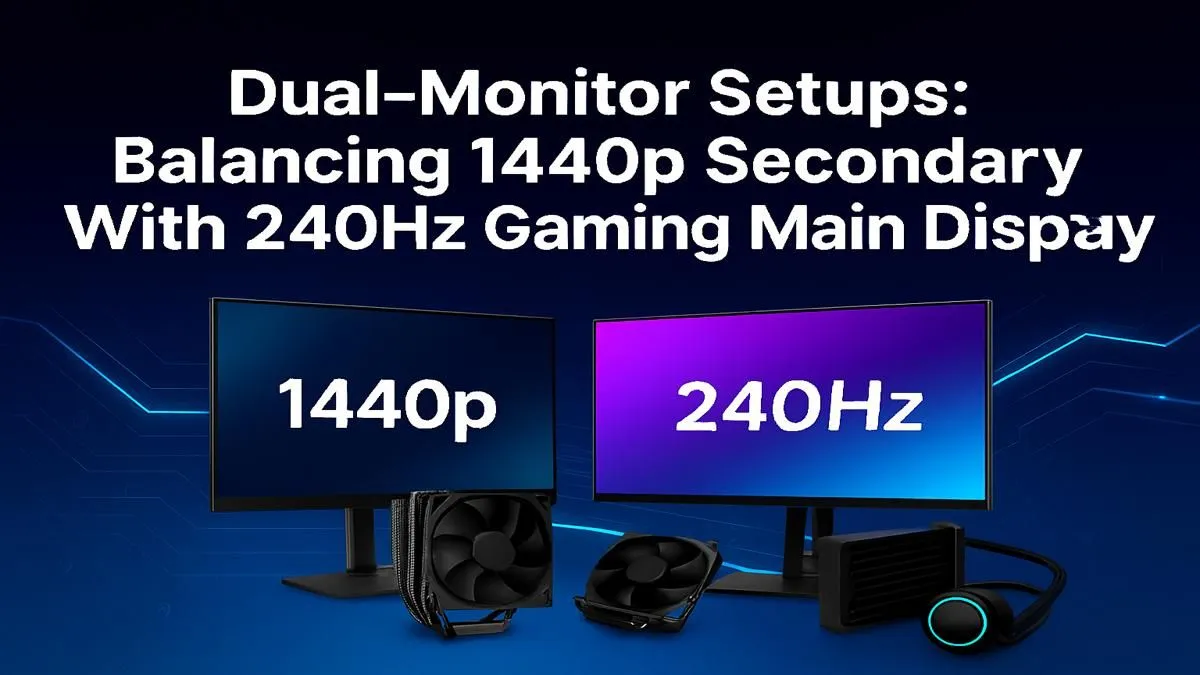
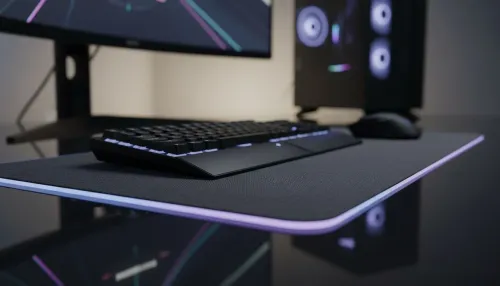
Tired of choosing between crisp visuals and buttery-smooth frames? Here in SA, we know the struggle. A 240Hz 1440p dual monitor setup isn't just a dream; it's the new standard for serious gamers wanting zero compromise. It’s about seeing your enemy in Warzone with perfect clarity while your Discord squad is visible on the side. Let's get your battlestation sorted, from the hardware to the settings. 🚀
Nailing the Practical Setup
Unboxing your new screens is just the beginning. A clean and optimised setup is what separates a good battlestation from a great one.
Positioning and Ergonomics
Your main gaming monitor should be directly in front of you, with the top of the screen at or slightly below eye level. The second monitor can sit to the side, angled slightly inward. For a truly professional look and maximum desk space, consider a dual-monitor VESA arm. This allows for precise height and angle adjustments. For an even more connected feel, many gamers find that immersive curved gaming monitors create a seamless, panoramic view.
Pro Tip: Use the Right Cable
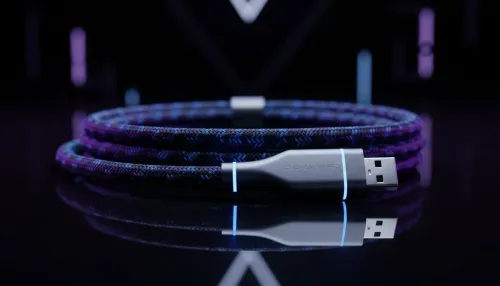
Don't let your cable bottleneck your performance! To get the full 1440p resolution at 240Hz, you must use a DisplayPort 1.4 cable. While HDMI 2.1 can support it, DisplayPort is generally the more reliable choice for high-refresh-rate PC gaming.
Windows & Driver Configuration ✨
Once everything is plugged in, you need to tell Windows what to do.
- Right-click your desktop and go to "Display settings".
- Scroll down to "Advanced display settings".
- Select your 240Hz gaming monitor from the dropdown menu.
- Under "Choose a refresh rate", make sure you select the highest available value (e.g., 239.98Hz or 240Hz).
- Repeat for the second monitor if it's also high-refresh-rate.
Finally, open your NVIDIA Control Panel or AMD Software: Adrenalin Edition to confirm the settings have been applied correctly. This final check ensures you're getting every single hertz you paid for.
Build Your Ultimate Game Desk
Stop dreaming and start dominating. A perfectly configured dual monitor setup gives you the competitive edge and multitasking power you deserve. Explore our full range of gaming monitors and find the perfect screens for your rig today.