Dropping into Fragment or Storm Point with stuttering frames is a recipe for a quick trip back to the lobby. For South African gamers trying to climb the ranked ladder, every millisecond counts. Apex Legends DLSS settings are the secret weapon for maintaining high refresh rates without sacrificing that crisp visual clarity needed to spot a sneaky Octane from across the map.
Maximising Performance with Apex Legends DLSS
In the fast-paced environment of the Outlands, frame rate is king. By 2026, Deep Learning Super Sampling has evolved to provide nearly indistinguishable image quality compared to native resolution. If you are running one of the latest Nvidia graphics cards, enabling DLSS is the most efficient way to maintain a steady 144Hz or 240Hz... even during intense final ring firefights filled with Bangalore ultimates and Gibraltar domes.
For those using high-refresh monitors, setting DLSS to 'Quality' mode at 1440p provides a significant boost while keeping the edges of distant targets sharp. This ensures you can still identify legends at a distance without the 'shimmer' often associated with lower-quality upscaling methods.
Choosing the Best Upscaling Settings for Your Rig
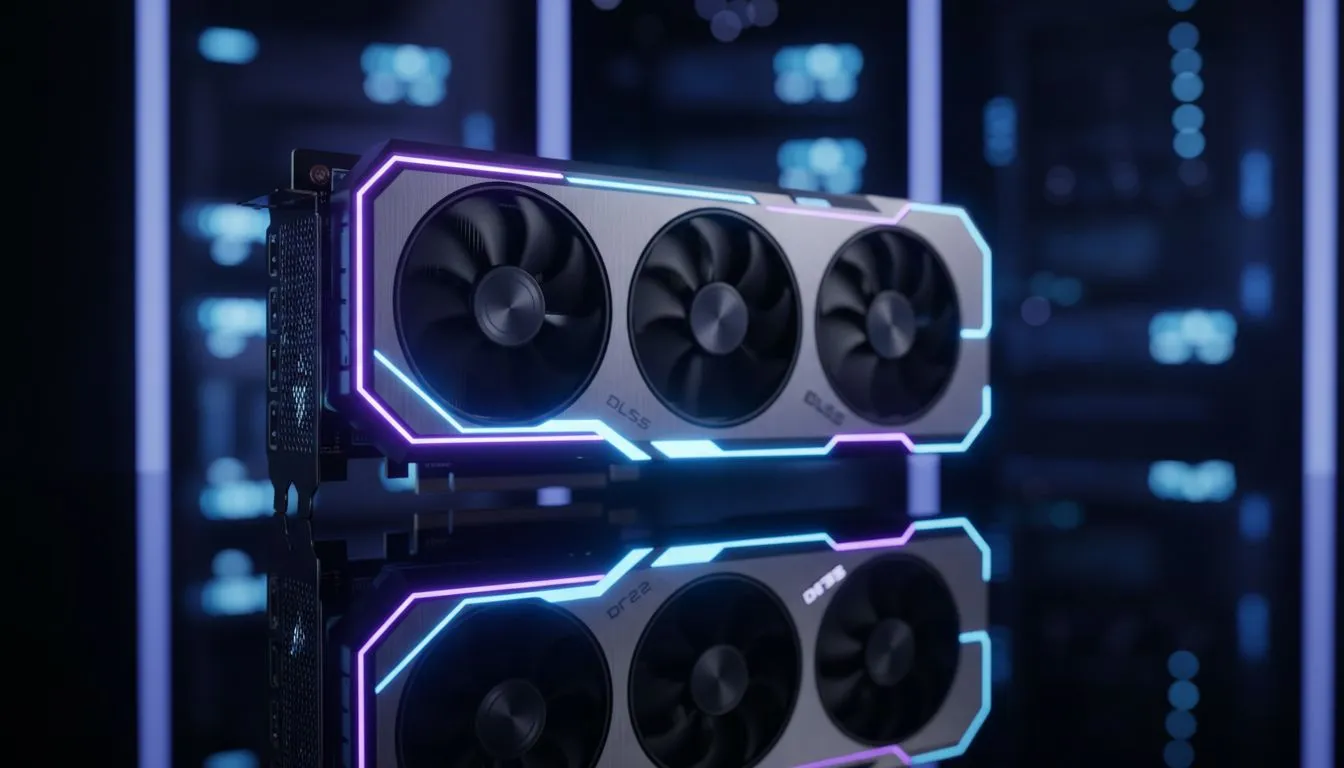
Hardware choice plays a massive role in how these AI features perform. Many local competitive players opt for the MSI GeForce RTX series because of their superior thermal management... which is essential during our hot South African summers. When you have the thermal headroom, you can push your clock speeds higher, allowing DLSS to work even more effectively.
Apex Latency Tip ⚡
Pair your DLSS settings with Nvidia Reflex set to 'On + Boost'. This reduces system latency significantly... ensuring your shots register the moment you click, which is vital when playing on international servers from SA where every bit of responsiveness helps offset the ping.
Exploring FSR and XeSS Alternatives
Not everyone is on Team Green, and fortunately, Respawn has continued to optimise the game for all hardware. If you are rocking one of the powerful AMD Radeon graphics cards, you can utilise FidelityFX Super Resolution (FSR). While it functions differently than DLSS, the performance gains in ZAR-per-frame terms are impressive for budget-conscious builders.
Even Intel Arc graphics cards have become a viable choice for mid-range gaming in 2026, offering XeSS support that rivals DLSS in visual stability. For the professional crowd who might use their machines for more than just gaming, certain workstation graphics cards also support these upscaling technologies... allowing for a smooth transition from 3D rendering to a quick ranked session with the squad.
Final Verdict for 2026
The best upscaling settings for Apex Legends depend on your resolution. At 1080p, stick to DLSS 'Quality' to avoid any blur. At 4K, you can comfortably move to 'Balanced' or even 'Performance' to keep your frame times low. By leveraging these AI-driven tools, you ensure that your hardware isn't the reason you missed that crucial Kraber shot 🚀.
Ready to Find Your Perfect Match?
The Apex Legends DLSS debate is simple: if you want the best frames and clarity in South Africa, the right GPU makes all the difference. Explore our massive range of graphics card specials and find the perfect machine to conquer the Outlands.