


Dropping into Erangel with a stuttering frame rate is a quick way back to the lobby. If you play on a standard rig, finding the best settings for PUBG on a mid-range PC in SA can feel like dodging a red zone. You want smooth gameplay without making the environment look like a potato. Let us tweak those graphics so you can finally secure that chicken dinner. 🍗
Why Mid-Range PC Settings Matter in SA
PUBG is notoriously hungry for hardware resources. If your system is a few years old, you might struggle to maintain a stable 60 frames per second. Upgrading is a brilliant option if you spot the best gaming PC deals online... but optimising your current setup costs zero ZAR. The ultimate goal is to maximise enemy visibility while keeping your framerate stable.
South African gamers already deal with higher ping when connecting to European servers. You cannot afford to let local hardware stuttering add to your reaction time.
Essential Graphics Tweaks for Competitive Play
Start by setting your display mode to exclusive Fullscreen. Windowed modes introduce nasty input lag... which is fatal in a sniper duel. Next, drop your overall graphics quality to Low. You can then individually bump up specific visual settings.
Anti-Aliasing should sit on Medium. This smooths out jagged edges without frying your GPU. If you recently invested in a modern pre-built PC, you might safely push this to High.
Textures are crucial for spotting enemies against the terrain. Set your Textures to Medium so the world retains its colour and depth. If you are running older graphics cards with limited VRAM, keep it on Low. This prevents massive stuttering during intense combat.
Visibility Pro Tip ⚡
Always set your Foliage and Shadows to Very Low. This removes unnecessary grass and dark spots where enemies love to hide. It gives you a massive competitive advantage while boosting your frame rate significantly.
Advanced Options for Smooth Framerates
Turn off V-Sync and Motion Blur immediately. V-Sync creates noticeable input delay, and Motion Blur makes it much harder to spot moving targets when you spin around. Keep your Render Scale locked at 100. Dropping it makes the game blurry, while raising it destroys your performance.
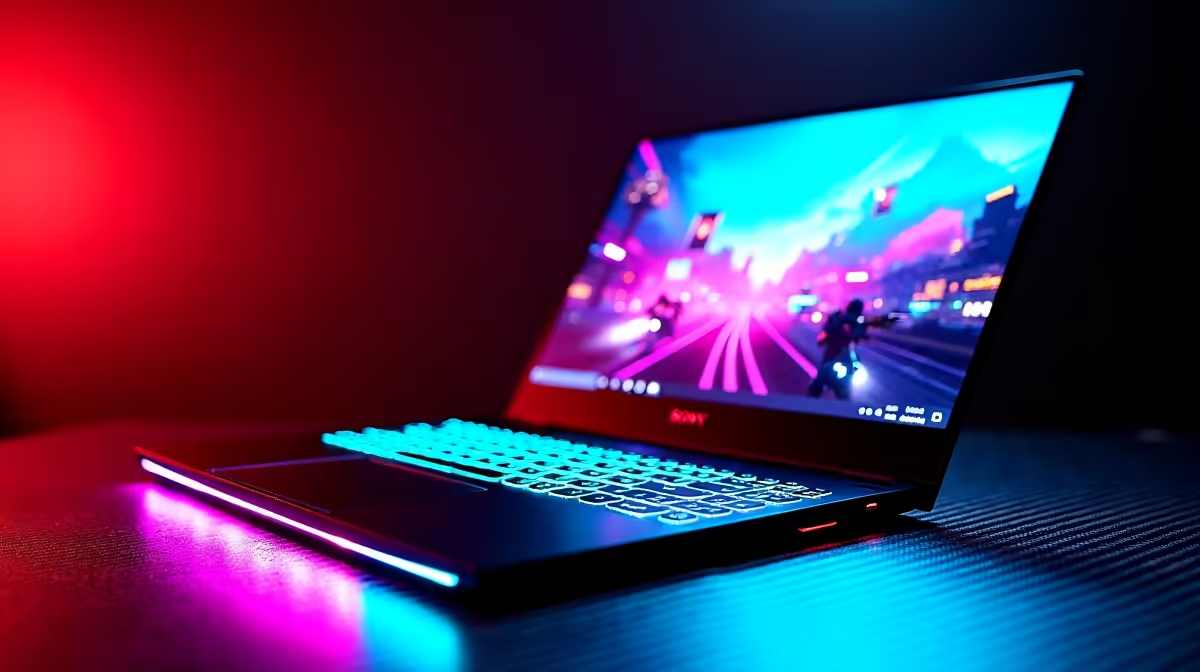
Playing on a portable machine? Many local players use gaming laptops to survive our infamous load-shedding schedules. Just make sure your power management is set to Maximum Performance in Windows.
If your laptop cooling pad is struggling, you might want to browse some local tech specials to keep your temperatures down. High heat leads directly to thermal throttling... which absolutely ruins your frame rate right when you need it most. 🚀
Network Optimisation for Local Players
Finding the best settings for PUBG on a mid-range PC in SA is not just about graphics. Network stability plays a massive role in how smooth your game feels. Always use a wired Ethernet connection instead of Wi-Fi. It reduces jitter and keeps your connection stable.
Ready to Dominate the Battlegrounds? Sometimes tweaking settings is not quite enough to secure that chicken dinner. If you are tired of dropping frames in the final circle, it might be time for an upgrade. Explore our massive range of PC deals and find the perfect machine to conquer your world.











