That nagging pain in your neck after a marathon Apex Legends session? The lower back ache that kicks in mid-raid? It’s not just a sign of getting old, boet. It's your body screaming for better ergonomics. Proper gaming monitor height adjustment isn't a luxury for pro players; it's the single most important, and often overlooked, part of a high-performance gaming setup. Getting it right can transform your comfort, focus, and ultimately, your K/D ratio.
Why Gaming Monitor Height Adjustment is a Big Deal
Let's be real. You've spent a fortune on your GPU and CPU, but if your monitor is at the wrong height, you're actively sabotaging your own performance. An incorrect setup forces you to slouch or crane your neck, leading to muscle strain, fatigue, and headaches. This isn't just about long-term health... it's about in-the-moment focus. ⚡
When your body is comfortable, your mind is free to concentrate on what matters: landing that headshot, timing that ability perfectly, and clutching the win for your squad. Proper gaming monitor height adjustment ensures blood flows properly, reduces physical distractions, and allows you to stay locked in for longer. Even the most stunning high-resolution 4K or 5K displays won't help you win if you're too busy fighting a stiff neck.
The Perfect Height: A Simple 3-Step Guide
Finding the ergonomic sweet spot is easier than you think. You don't need fancy tools, just a few seconds to check your posture. Here’s how to nail your monitor height.
Step 1: Align Your Eye Level
Sit comfortably in your chair with your back straight and feet flat on the floor. Look straight ahead. The very top edge of your monitor's screen should be at or just slightly below your eye level. If you have to tilt your head up or down to see the centre of the screen, it's wrong. This is the golden rule of monitor height adjustment.
Step 2: Check Your Distance
You shouldn't be able to smooch your screen. A good rule of thumb is to sit an arm's length away from your monitor. Extend your arm straight out—your fingertips should just about touch the screen. This prevents eye strain without forcing you to lean in.
Step 3: Add a Slight Tilt
For optimal viewing, your monitor should be tilted back very slightly, around 10-20 degrees. This angle ensures that when you're looking at the centre of the screen, your line of sight is perpendicular to the surface, reducing glare and distortion.
Quick Posture Check ⚡
Can't remember the rules? Use the '20-20-20' trick. Every 20 minutes, look at something 20 feet (about 6 metres) away for 20 seconds. It helps reduce eye strain. While you're at it, do a quick shoulder roll and check you haven't slumped forward. Your future self will thank you!
What If My Monitor Isn't Adjustable?
So, you've realised your current screen is stuck at a terrible height. No stress, you've got options. The classic (and free) solution is a sturdy stack of textbooks. It's not pretty, but it works in a pinch.
For a more permanent and professional fix, a VESA mount is your best friend. A dedicated monitor arm gives you incredible flexibility, allowing you to easily adjust height, distance, and tilt on the fly. You can find a huge variety of monitor arms and accessories that can turn any static display into an ergonomic powerhouse. 🔧
Upgrading Your View: Features to Look For
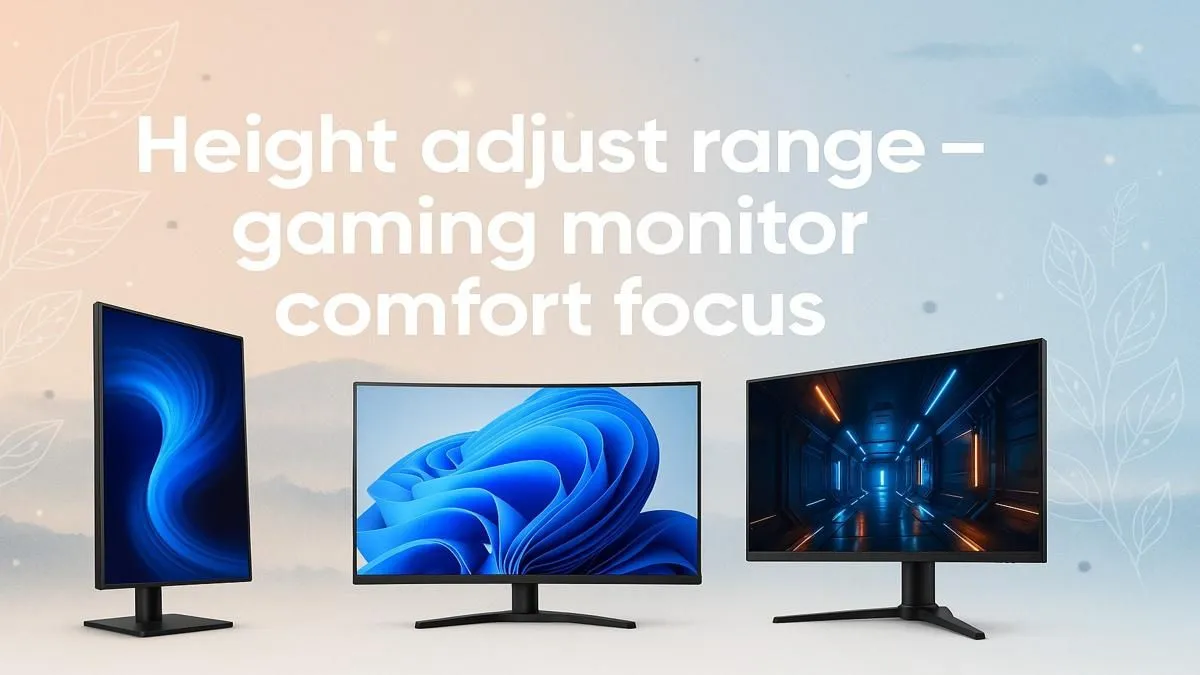
If you’re considering an upgrade, make ergonomics a top priority. Many modern displays, from immersive curved gaming monitors to handy portable monitors for multi-screen setups, now come with fully adjustable stands.
Look for stands that offer:
- Height Adjustment: The most critical feature.
- Tilt: For angling the screen up or down.
- Swivel: For turning the screen left or right.
- Pivot: For rotating the screen 90 degrees into portrait mode (great for coding or reading chat).
Investing in a monitor with these features built-in simplifies your setup and guarantees you can always find the perfect position. When you're ready to level up, you can browse all our gaming monitors to find a model that ticks all the boxes. Finding the right ergonomic setup doesn't have to break the bank either, especially with the great monitor deals available right here in South Africa. After all, the best PC monitors are the ones that work for you.
Ready to Elevate Your Game?
Stop letting a bad setup hold you back. The right ergonomic monitor is the foundation of comfort and victory. Explore our massive range of PC monitors and find the perfect screen to conquer your world.