


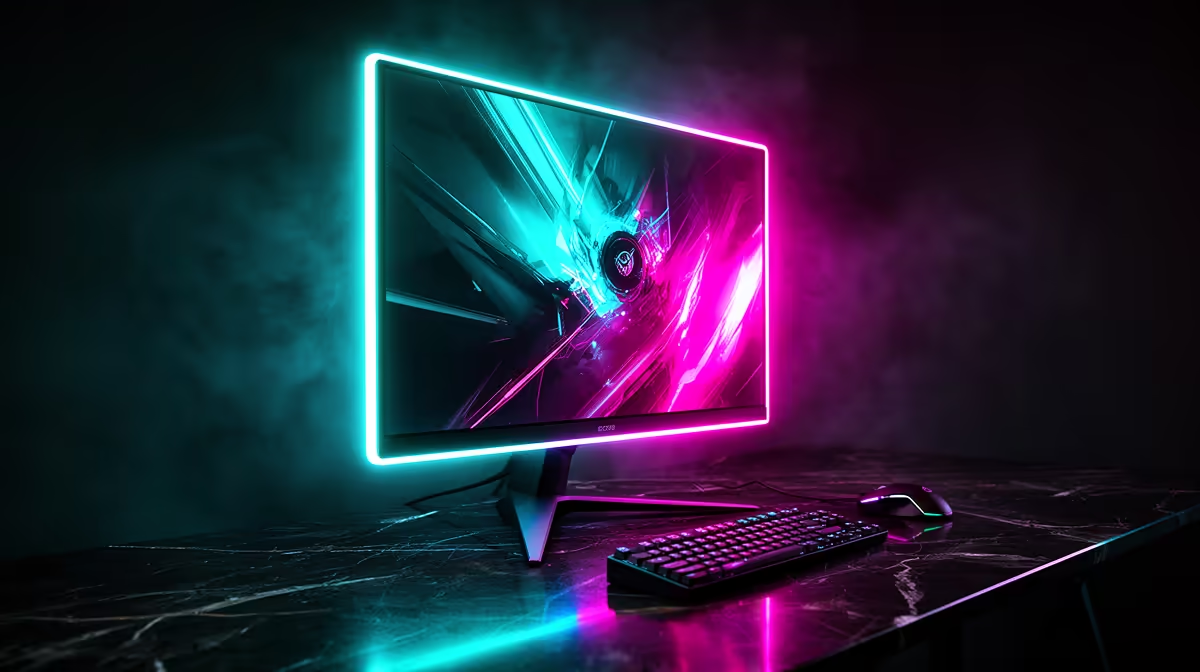
Howzit, fellow gamer! Staring at your desk and feeling like something’s... missing? You’ve got the rig, the RGB keyboard, but your screen setup feels a bit vanilla. A truly epic battlestation isn't just about raw power; it's about the view. A killer gaming monitor setup transforms your space from just a desk into a command centre. Let's explore some lekker ideas to level up your display game and build the setup you deserve. ✨
The Foundation: Single Monitor Simplicity
Don't underestimate the power of one perfect screen. A single-monitor gaming setup offers a clean, focused experience, especially when you go for quality over quantity. It's a minimalist approach that puts all your PC's graphical power into one glorious display, ensuring maximum frame rates and zero bezel distraction. This is the ideal starting point for building an incredible battlestation.
The Immersive Curve: Ultrawide Setups
For pure, cinematic immersion, nothing beats an ultrawide. The 21:9 or 32:9 aspect ratio fills your peripheral vision, making games like Cyberpunk 2077 or Forza Horizon feel incredibly expansive. You see more of the game world, which can even give you a competitive edge. Plus, the sheer screen real estate is brilliant for productivity. If you want to feel like you're in the game, check out Evetech's range of gorgeous curved monitors.
The Pixel-Perfect Powerhouse: 4K & 5K Gaming
If visual fidelity is your main goal, a high-resolution display is the answer. A 4K monitor setup for gaming delivers breathtaking clarity and detail, making lush environments in games like Baldur's Gate 3 pop with unbelievable texture and colour. This path requires a powerful GPU to drive all those pixels at a smooth frame rate, but the visual payoff is absolutely worth it for story-driven, single-player adventures. Dive into the detail with these stunning 4K and 5K monitors.
Double The Action: Dual Monitor Gaming Setups
This is arguably the most popular and practical gaming monitor setup for multitaskers. Having two screens gives you the freedom to game on your primary display while keeping Discord, a walkthrough, or your stream chat open on the secondary one. No more Alt-Tabbing out of a crucial moment!
Here are a few popular dual-monitor configurations:
- Classic Side-by-Side: Two identical monitors placed horizontally. Great for a seamless, wide desktop.
- The Main + Wingman: A primary landscape gaming monitor paired with a secondary monitor in portrait (vertical) orientation. This is amazing for reading long web pages, coding, or managing a scrolling feed like Twitch chat.
- The Stack: One monitor placed directly above the other using a dual monitor arm. This saves horizontal desk space and can be more ergonomic for some users. For the secondary screen, you could use a smaller panel or even a compact portable monitor for stats and chats.
Productivity Pro Tip ⚡
On Windows, use the PowerToys FancyZones utility to create custom snap layouts for your windows. It's a lifesaver for managing multiple apps on an ultrawide or dual monitor setup, letting you perfectly organise your game, Discord, and browser with a single keystroke.
The Command Centre: Triple Monitor & Beyond 🚀
Ready to go all in? A triple monitor setup is the pinnacle of immersion, especially for simulation fans. Imagine flanking your main view in Microsoft Flight Simulator or Assetto Corsa Competizione with dedicated side-view monitors. It creates a cockpit-like experience that a single screen just can't replicate.
This ultimate monitor setup for gaming does come with a catch: it demands serious GPU horsepower to run three displays at once. You'll also need a large desk and a robust mounting solution. For the best experience, it's crucial to use three identical panels to ensure consistent colour and height. A matching set of gaming monitors is the key to a seamless, panoramic view.
Ergonomics & Aesthetics: Fine-Tuning Your Setup 🔧
A great gaming monitor setup isn't just about the screens; it's about how you arrange them. Proper ergonomics can prevent neck strain and fatigue during those long gaming sessions.
- Positioning: The top of your main monitor should be at or slightly below eye level. You shouldn't have to crane your neck up or down.
- Monitor Arms: Ditching the stock stands for a monitor arm is a huge upgrade. It frees up desk space, provides far greater adjustability (height, tilt, rotation), and makes cable management much cleaner. Investing in high-quality monitor arms and stands is one of the best upgrades you can make to your battlestation.
- Lighting: Consider adding a bias lighting strip behind your monitor to reduce eye strain in a dark room. And of course, a bit of RGB never hurt anyone!
Choosing Your Weapon: Key Monitor Specs
When you're ready to pull the trigger, the specs can seem daunting. But for gaming, you should prioritise three things:
- Refresh Rate (Hz): Higher is better. 144Hz is the sweet spot for smooth, responsive gameplay, while 240Hz+ is for competitive esports pros.
- Response Time (ms): Lower is better. A 1ms response time minimises motion blur and ghosting, keeping the action sharp and clear.
- Resolution: 1080p is the standard, 1440p (QHD) offers a fantastic balance of performance and visual quality, and 4K is for pure eye candy.
Feeling informed? It's time to browse our full range of PC monitors and find the perfect panel to kickstart your new setup.
Ready to Build Your Dream Battlestation? Your monitor setup is the window to your gaming world. From an immersive ultrawide to a practical dual-screen command centre, the right display transforms your entire experience. Explore our massive range of gaming monitors and find the perfect screen to conquer your world.










