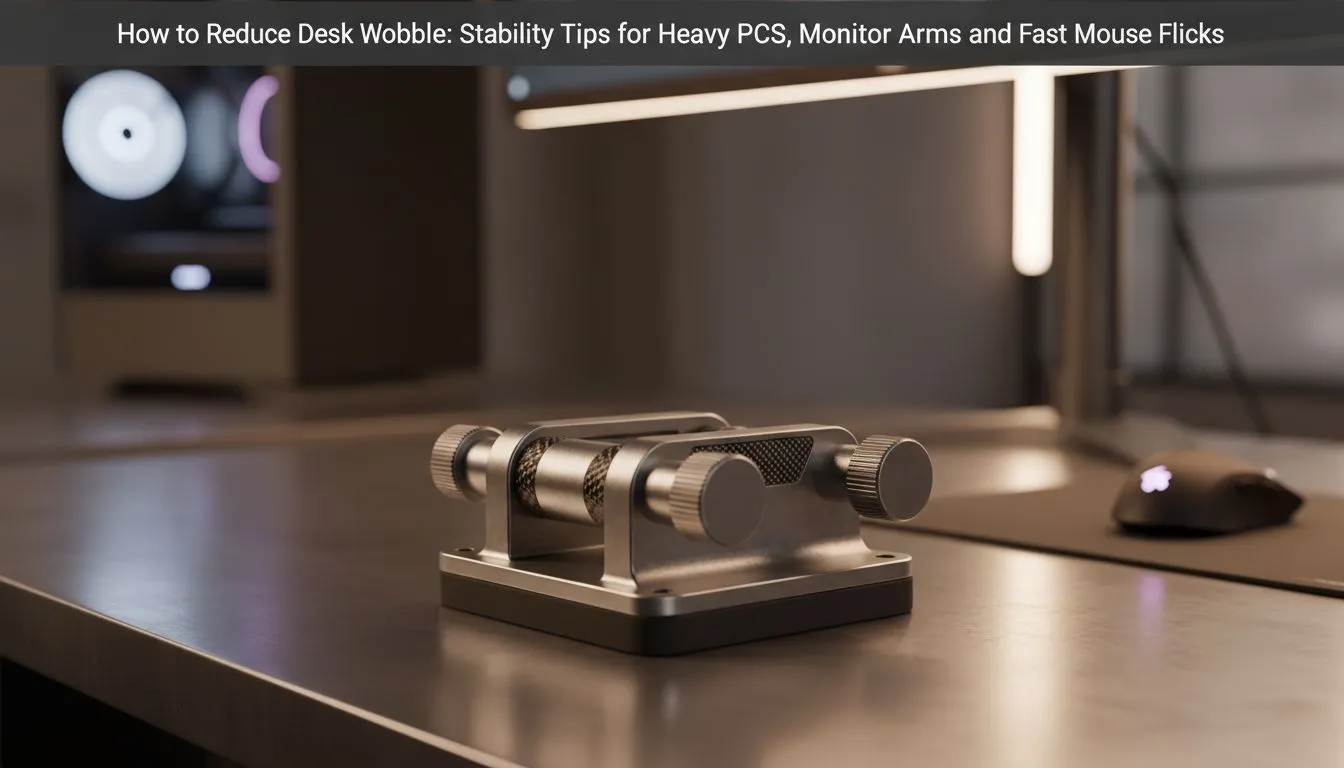
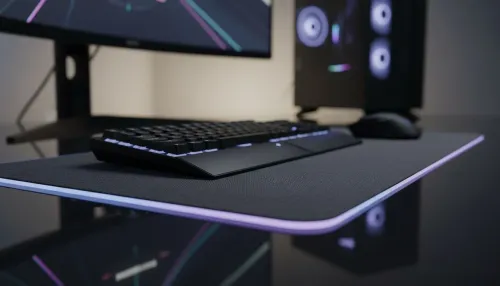
There is nothing worse than a clutch moment in Valorant or Apex Legends ruined by a shaky monitor. You swipe for a headshot, and your whole setup vibrates like a taxi on a gravel road. If you want to reduce desk wobble, you need more than just a flat surface. You need a foundation that handles heavy PCs and fast mouse flicks without breaking a sweat. 🔧
Stability Tips for Better Aim
The first step to a rock-solid setup is checking your flooring. South African homes often have tiles or uneven carpets. If your desk legs aren't perfectly level, every movement will cause a distracting sway. Most modern options in our gaming desk selection include adjustable feet. You should unscrew these individually until the frame is perfectly flush with the ground.
The Tightening Ritual 🔧
Every few months, grab an Allen key and check the bolts on your desk. Vibrations from typing and intense mouse movements naturally loosen hardware over time. A quick five-minute tighten can instantly restore that "out-of-the-box" stability without spending a cent.
Proper Placement for Heavy PCs
Where you place your tower matters. Many gamers put their heavy PCs on one far end of the desk. This creates an uneven weight distribution that encourages tilting. If your desk has a T-leg or K-leg design, try to keep the heaviest components closer to the support beams. High-quality AutoFull gaming desks are designed with reinforced steel frames to handle this weight, but balance is still key for long-term durability.
Managing Fast Mouse Flicks
High-intensity gaming requires low-sensitivity mouse movements. This often leads to aggressive, fast mouse flicks that can rattle a flimsy desk. If you find your monitor wobbling during every flick, consider the thickness of your desk top. Thicker MDF or solid wood surfaces absorb energy better than thin plastic. Arozzi's professional range offers ultra-wide surfaces that spread the force of your movements across a larger area. This significantly dampens the vibration before it reaches your screen. ⚡
Minimising Wall Gap Sway
A secret trick to reduce desk wobble is the "wall contact" method. If your desk is slightly away from the wall, it has room to move. By pushing the desk flush against the wall... or using small rubber spacers... you create an extra point of friction. This prevents the frame from swaying back and forth during a heated match. Brands like Nitro gaming desks often feature cable management cutouts that allow you to push the desk right against the wall without pinching your wires. 🚀
Spending R2,000 on a premium mouse only to have your desk shake is a waste of talent. Take the time to level your feet... tighten your bolts... and balance your gear. Your aim will thank you for it. ✨
Ready to Build a Rock-Solid Setup?
A stable surface is the foundation of every pro-tier gaming station. Don't let a shaky desk ruin your accuracy or risk your expensive hardware. Explore our massive range of gaming desks and find the perfect machine to conquer your world.