


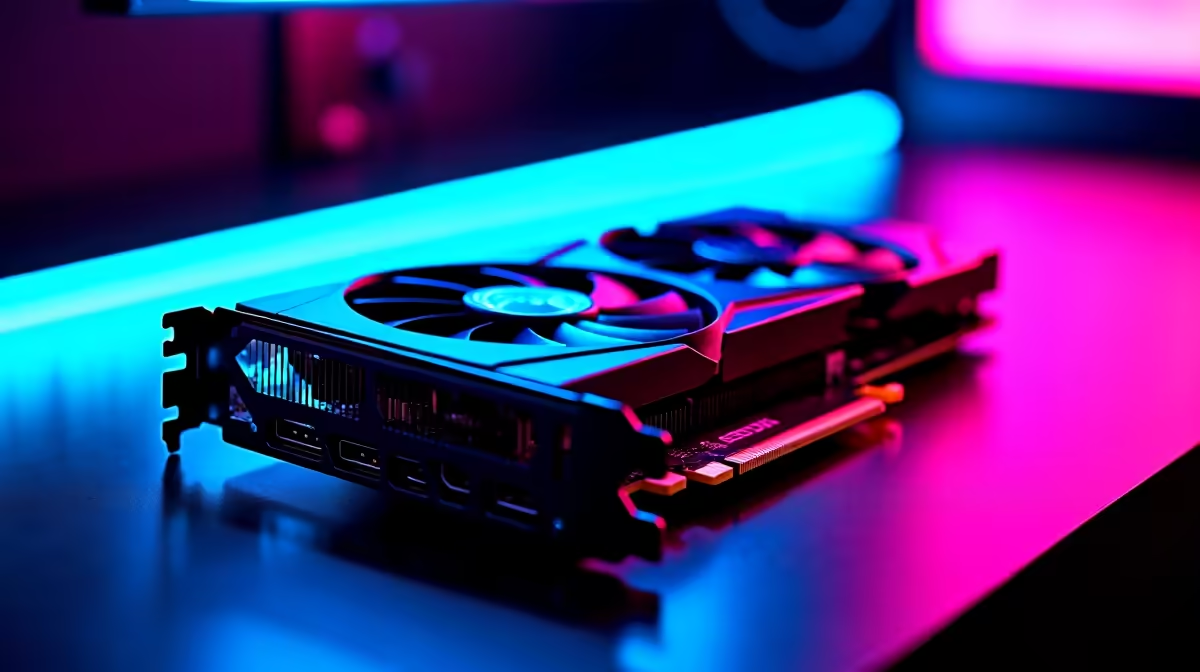
Every South African gamer knows the frustration. You are holding a tight angle in Valorant... and a sudden frame drop ruins the play. The Nvidia GeForce RTX 4060 is a highly capable 1080p card. But what happens when you push the RTX 4060 lowest settings for max FPS? Let us explore how to optimise your setup for maximum competitive performance.
Why Drop Your Settings? 🚀
Dropping your graphics settings does more than just boost your frame counter. It drastically reduces input lag and makes your gameplay incredibly smooth. When you lower details like shadows and volumetric lighting, your GPU works less on rendering pretty environments. Instead, it focuses purely on pushing frames to your monitor as fast as possible. This is the secret to professional-level responsiveness.
If your current graphics processor is struggling to keep up with modern titles, it might be time for a swop. Exploring our massive range of graphics cards is the perfect first step to high-refresh-rate gaming.
The Performance Impact on Your CPU
Here is a crucial detail many gamers miss. When you use the RTX 4060 lowest settings for max FPS, you shift the workload. Your GPU finishes tasks so quickly that your CPU must work harder to keep pace. If your processor is older, you will quickly create a system bottleneck. Your graphics card will end up waiting for CPU instructions.
Pairing your 40-series card with a modern processor is vital for competitive titles. You can easily find perfectly balanced systems by browsing our best gaming PC deals. A strong CPU ensures those high frame rates stay stable during intense firefights.
Nvidia Reflex Tip ⚡
Always enable Nvidia Reflex Low Latency in your game menus. When you push for maximum frames, Reflex ensures your mouse clicks register instantly... giving you a massive competitive advantage in fast-paced shooters.
Recommended Tweaks for Competitive Gamers 🔧
You do not have to make your game look terrible to get good performance. Keep your texture quality on medium or high. The RTX 4060 has 8GB of VRAM... which is plenty for crisp 1080p textures. Turn off anti-aliasing, ambient occlusion, and motion blur. These settings consume heavy resources and can actually make enemies harder to spot in the distance.
Shadows are notorious performance killers in modern gaming. Dropping shadow quality to low instantly frees up vital rendering time. This simple tweak helps you maintain high frames when the on-screen action gets chaotic.
Not keen on building a rig from scratch? We completely understand. Grabbing one of our expertly assembled pre-built PC deals takes the stress out of upgrading. You get guaranteed compatibility and immediate out-of-the-box performance.
If load-shedding forces you to stay mobile, do not worry. This GPU architecture is incredibly power-efficient. It performs brilliantly in portable machines. Check out our premium laptops for sale in South Africa to keep your rank up from anywhere.
Stretching Your ZAR for Better Gear
Achieving the ultimate competitive setup is an investment. High-refresh-rate monitors and premium peripherals help you actually see those extra frames. Upgrading your battle station does not have to cost a fortune. You can easily maximise your budget by keeping a close eye on our daily specials.
Every rand saved is a rand you can put towards a better gaming mouse or mechanical keyboard. By tweaking your visual settings and balancing your hardware, you will dominate the local servers.
Ready to Dominate the Leaderboards? Pushing maximum frames requires the right hardware balance. Whether you need a GPU upgrade or a whole new rig, Evetech has you covered. Explore our RTX 4060 PC range and experience buttery-smooth gameplay today.











